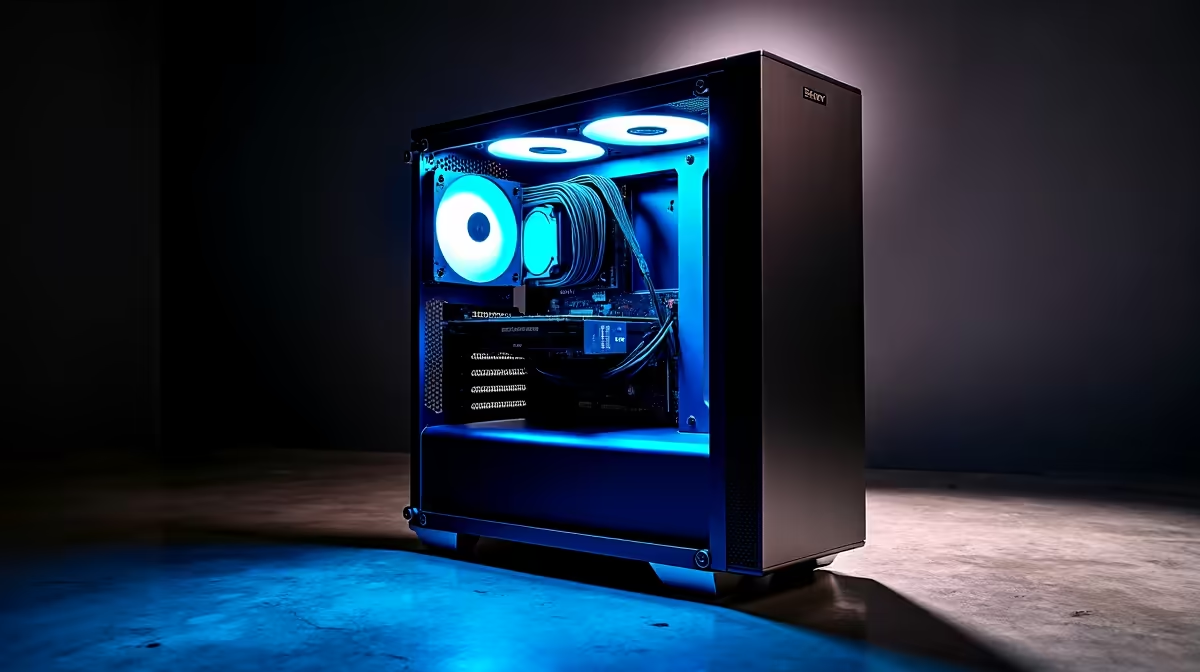
The AI revolution is here, and tools like DeepSeek are changing everything from coding to content creation. But to harness this incredible power, you need the right rig. Forget just gaming... we're talking about a machine that can think. So, what's the play, South Africa? Do you meticulously craft a custom build piece by piece, or grab a powerful pre-built PC and dive straight in? Let's settle the debate and find the best PC for DeepSeek.
What Your PC Needs for DeepSeek AI
Running a powerful Large Language Model (LLM) like DeepSeek isn't like running your favourite game. It has unique demands, and understanding them is key to building or buying the right machine. The absolute king here is GPU VRAM (video memory). Think of it as the workspace for the AI model... the more you have, the larger and more complex the models you can run locally.
For this reason, systems built around NVIDIA GeForce gaming PCs are often the first choice for AI enthusiasts. Their CUDA technology is the industry standard for machine learning frameworks, offering broad support and optimised performance. While the CPU and system RAM are still important for data preparation and overall system responsiveness, the GPU does the heavy lifting.
The Custom Build Route: Maximum Control 🔧
Building your own PC for DeepSeek is the ultimate power move for tinkerers. You get to hand-pick every single component to perfectly suit your AI ambitions.
Key Advantages:
- Component Focus: You can pour your budget into what matters most—like a GPU with 24GB of VRAM—and save money on things like flashy RGB lighting.
- Future-Proofing: Choose a motherboard and power supply that can handle a second GPU later on.
- Deep Satisfaction: There's nothing quite like booting up a machine you built with your own hands.
A powerful CPU is still essential for feeding the GPU data efficiently. Pairing a top-tier graphics card with one of our all-AMD Ryzen PC deals creates a balanced and formidable AI development machine.
Checking Your VRAM 📈
Before running a large model, always check your available GPU memory. On Windows, open Task Manager (Ctrl+Shift+Esc), go to the 'Performance' tab, and select your GPU. The 'Dedicated GPU Memory' is your VRAM. This will help you know if a model will fit before you try to load it and get an out-of-memory error.
The Pre-Built PC Path: Plug-and-Play Power ⚡
Don't have the time or desire to build from scratch? A pre-built PC is your fastest path to running DeepSeek. This isn't about compromise; it's about efficiency.
Why Go Pre-Built?
- Expert Assembly: No need to worry about compatibility issues or thermal paste application. Our pros build and test every machine.
- Unified Warranty: If anything goes wrong, you have one point of contact. It's simple and stress-free.
- Immediate Productivity: Unbox it, plug it in, and start working.
For serious AI work, our range of workstation PCs are specifically configured for sustained, heavy workloads. Alternatively, our wide selection of pre-built PC deals offers fantastic performance right out of the box, perfectly balanced for both work and play.
Finding Your Sweet Spot: Key Component Choices
Whether building or buying, the core components of your DeepSeek PC remain the same.
- Graphics Card (GPU): While NVIDIA holds the crown, don't discount other options. The latest AMD Radeon gaming PCs offer incredible raw performance for your money, and the software ecosystem for AI on AMD is constantly improving. Even Intel ARC gaming PCs are becoming viable alternatives for certain workloads.
- Processor (CPU): A strong multi-core processor is vital. Check out our all-Intel PC deals for CPUs that deliver excellent single-threaded and multi-threaded performance, ensuring your entire system remains snappy.
- Budget: You don't need a R60,000 rig to start. Many budget gaming PCs have enough power to run smaller, optimised models, making them a fantastic entry point into the world of local AI.
Ultimately, the best PC for DeepSeek is one that balances these components for your specific needs and budget. You can find incredible value across our entire range of the best gaming PC deals in South Africa. 🚀
Ready to Build Your AI Powerhouse?
Whether you're a DIY master or need a ready-to-run solution, the perfect machine is waiting. Explore our massive range of PC deals and find the rig to power your next big idea.