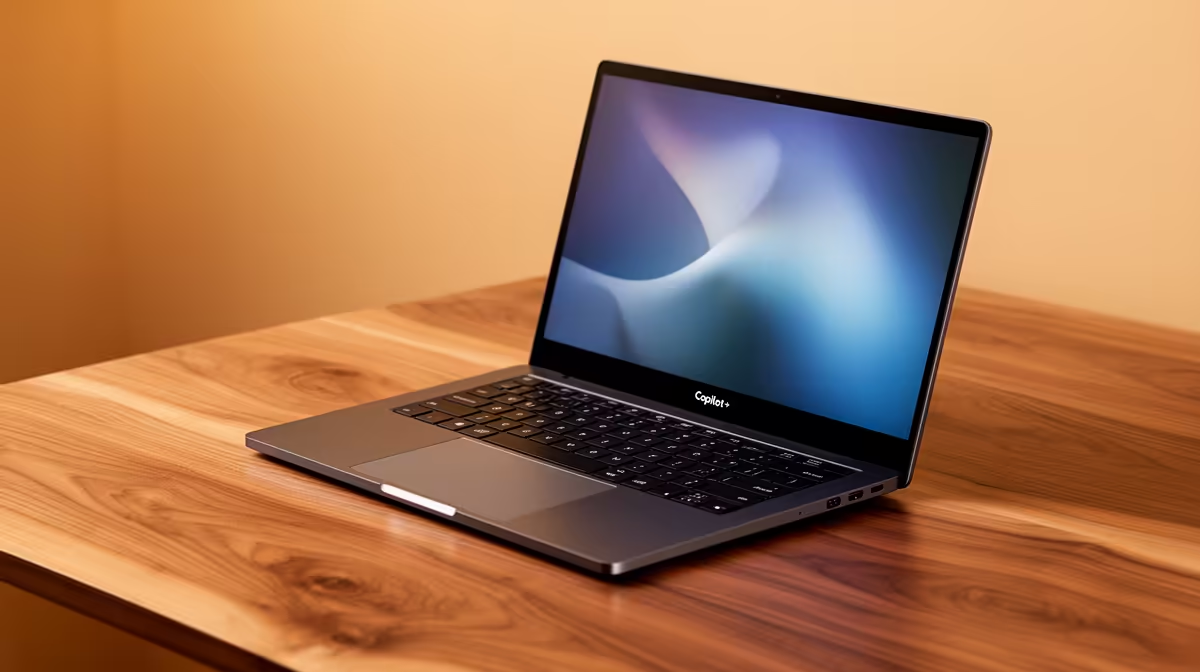
So, you’ve just unboxed a brand-new Copilot+ PC. The sheer speed and on-device AI power are incredible, right? But living in Mzansi means our tech faces unique challenges… from relentless dust to the ever-present threat of an unexpected outage. That’s why mastering Copilot+ Laptop Maintenance in South Africa isn’t just smart; it’s essential to protect your investment and keep that high-performance machine running flawlessly for years to come. Let's get into it.
Why Copilot+ PC Care is Crucial in SA
Your new Copilot+ PC isn't just another laptop; it's a finely tuned piece of hardware with a Neural Processing Unit (NPU) designed for sustained AI tasks. Features like Recall and Cocreator put a unique demand on your system. When you add South African conditions like summer heat and fine dust into the mix, regular maintenance becomes non-negotiable for preventing thermal throttling and ensuring peak performance. These AI laptops are redefined to be smart, and a little care keeps them that way.
Essential Physical Maintenance Tips 🔧
Keeping your hardware in top shape is the first step. It’s easier than you think and makes a massive difference to the longevity and performance of your device.
Taming Dust and Heat
Dust is the enemy of performance. It clogs cooling vents and insulators components, causing them to run hotter and slower.
- Vents & Fans: Once a month, use a can of compressed air to blow dust out of the vents. Use short bursts and hold the can upright to prevent moisture from spraying out.
- Screen & Chassis: Use a soft, dry microfibre cloth for the screen. For the body, a slightly damp cloth is fine, but never spray liquid directly onto the laptop.
- Keyboard: A soft brush or more compressed air can dislodge crumbs and dust from between the keys.
Proper airflow is vital for keeping your machine cool, especially on powerful AMD laptops known for their performance efficiency.
Surge Protection Pro Tip ⚡
an unexpected outage can be brutal on sensitive electronics. Don't plug your expensive Copilot+ laptop directly into the wall. Invest in a good quality surge protector plug or, even better, a small Uninterruptible Power Supply (UPS). It provides a battery buffer against sudden power cuts and voltage spikes, protecting your laptop's battery and internal components from damage.
Digital Housekeeping for Peak AI Performance
A clean digital environment is just as important as a clean physical one. Clutter-free software ensures your NPU and CPU have the resources they need for demanding AI workloads.
Keep Your System Updated
Microsoft and your laptop manufacturer are constantly releasing updates to optimise performance, patch security holes, and improve how Windows interacts with the new Copilot+ hardware.
- Go to
Settings > Windows Update. - Click
Check for updates and install everything, including optional driver updates. A simple update can significantly boost stability and speed. ✨
Optimise Your Storage and Startup
A slow boot or sluggish response can often be traced back to a cluttered drive and too many startup programs.
- Disk Cleanup: Use the built-in Windows Disk Cleanup tool to remove temporary files and system clutter.
- Manage Startup Apps: Press
Ctrl + Shift + Esc to open Task Manager, go to the "Startup" tab, and disable any unnecessary programs from launching when you boot up.
If your old machine is still struggling even after a cleanup, it might be time to see what new technology can offer. Take a look at our current laptop specials for sale in South Africa to see the difference a modern device makes.
Following these simple Copilot+ laptop maintenance steps will ensure your cutting-edge machine delivers the incredible AI-powered experience you paid for, day in and day out.
Ready for the AI Revolution?
Proper maintenance keeps your tech running strong, but sometimes an upgrade is the only answer. For next-level AI power and performance, a Copilot+ PC is the ultimate tool. Explore our massive range of laptop specials and find the perfect machine to conquer your world.