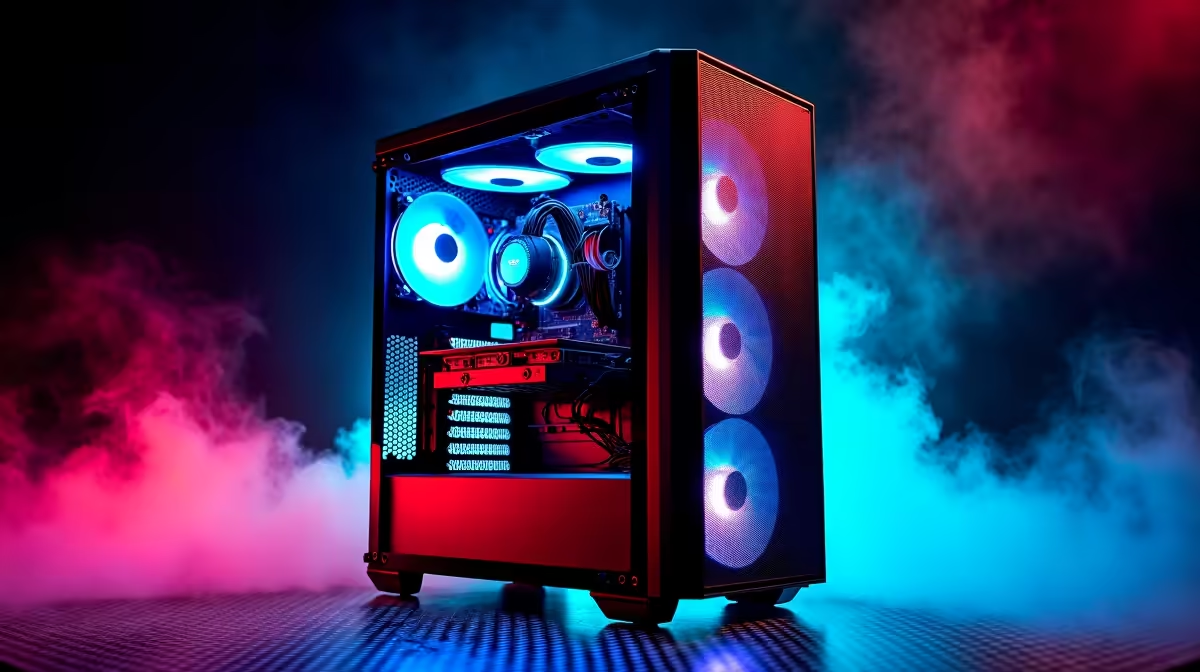
So, you've seen the magic of AI code generation and want to bring that power in-house. Running models like DeepSeek on your own machine is the ultimate move for privacy, speed, and customisation. But let's be real, the big question holding most South Africans back is: "What hardware do I actually need?" Forget confusing jargon. This is your ultimate AI PC guide, breaking down the real-world DeepSeek hardware requirements for your next rig.
Understanding the AI Hardware Demand
Before we dive into specs, let's quickly cover why AI models like DeepSeek are so hungry for power. Think of it like this: these models are massive networks with billions of connections. To generate code or text, your PC has to process information across these connections simultaneously. This requires immense parallel processing power, which is where a powerful Graphics Processing Unit (GPU) becomes the star of the show. ⚡
Your CPU, RAM, and storage are vital, but for AI, the GPU does the heaviest lifting.
Core DeepSeek Hardware Requirements
Getting the right balance of components is key to a smooth experience. You don't want a bottleneck where a slow part holds back your powerful GPU. Here’s the breakdown of the ideal hardware for DeepSeek.
The GPU: Your AI Workhorse
The single most important component for running large language models (LLMs) is the GPU, and more specifically, its video memory (VRAM). The entire AI model needs to be loaded into VRAM to run efficiently. If it doesn't fit, performance drops off a cliff.
- Minimum (Experimenting): 8GB VRAM. You can run smaller models, but you'll hit limits quickly.
- Sweet Spot (Coding & General Use): 12GB - 16GB VRAM. This is a great target for running capable versions of DeepSeek Coder. Many powerful NVIDIA GeForce gaming PCs fall into this category.
- Pro-Level (Fine-tuning & Large Models): 24GB+ VRAM. For serious development, this is where you want to be.
While NVIDIA's CUDA platform has traditionally dominated the AI space, options are expanding. Both AMD Radeon gaming PCs and even the newer Intel Arc gaming PCs are becoming more viable as software support improves.
Check Your VRAM Usage 🔧
On Windows, you can monitor your dedicated GPU memory usage in the Task Manager under the "Performance" tab. For NVIDIA cards, the nvidia-smi command in the terminal gives you a detailed, real-time breakdown. This is brilliant for seeing if VRAM is the bottleneck when your AI model is running slowly.
CPU and System RAM: The Essential Support
While your GPU handles the core AI calculations, the CPU (Central Processing Unit) is responsible for preparing and feeding it data. A slow CPU will leave your expensive GPU waiting around. You don't need the absolute best, but a modern processor with at least 6-8 cores is a solid choice. Check out the latest ranges in our all-Intel PC deals and all-AMD Ryzen PC deals for great value.
For system RAM, 32GB is the new 16GB, especially for AI. It gives you enough breathing room to run the OS, background apps, and the AI model's framework without issues.
Finding Your Perfect AI Rig in South Africa
Now that you know the specs, how do you get them? You've got a few excellent paths, depending on your budget and technical comfort level.
For those who want a system that's ready to go right out of the box, exploring pre-built PC deals is the easiest route. These are tested and come with a full warranty, giving you total peace of mind. ✨
Don't think you need to spend a fortune to get started. Many of today's budget gaming PCs come with GPUs that meet the minimum VRAM requirements for experimenting with DeepSeek. For professionals who need guaranteed performance and reliability for complex AI tasks, purpose-built workstation PCs offer optimised components and stability.
Ultimately, the goal is to get the most powerful GPU you can afford, backed by a balanced system. Browsing the best gaming PC deals is often a great way to find high-end components at a competitive price, perfect for a dual-purpose gaming and AI machine. 🚀
Ready to Build Your AI Powerhouse?
Understanding the DeepSeek hardware requirements is the first step. The next is finding the perfect machine. Whether you're a coder, a creative, or just AI-curious, we've got the rig for you. Explore our incredible range of PC deals and start your local AI journey today.