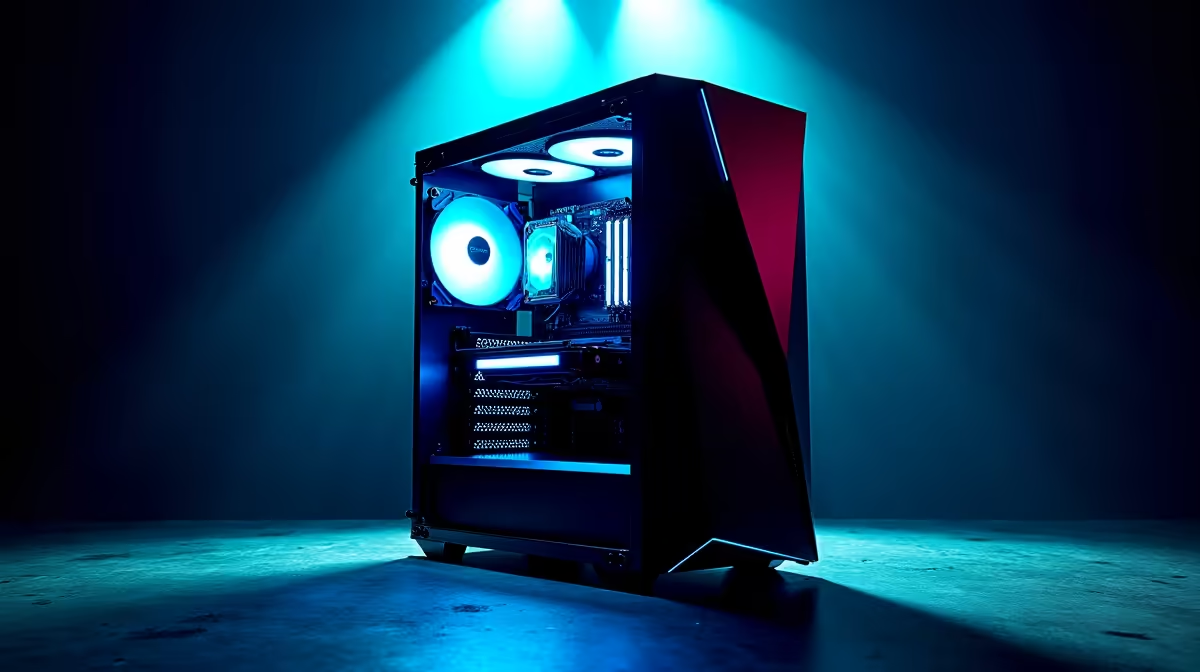
Stuttering frames, input lag, and a PC that feels sluggish… we’ve all been there, especially in the heat of a competitive match. For South African gamers, squeezing every drop of power from your rig is crucial. This isn't just about chasing numbers; it's about smooth, responsive gameplay. Our DeepSeek PC Optimization guide is your advanced manual to unlocking the max performance hidden within your machine, moving beyond the basics into truly effective system tuning. 🚀
The Foundation: Software-Level PC Optimization
Before you even think about cracking open your case, the biggest performance gains are often found right in your operating system. This is the first and most critical step in any effective PC optimization strategy. Think of it as decluttering your digital workspace.
Taming Startup Programs & Background Processes
Every app that launches with Windows eats up precious resources.
- Open Task Manager (Ctrl+Shift+Esc).
- Navigate to the "Startup apps" tab.
- Disable anything you don't need running immediately, like updaters for Spotify, Discord, or game launchers. You can always open them manually.
This simple act frees up RAM and CPU cycles, giving your games more room to breathe.
Essential Driver Updates
Outdated graphics drivers are a primary cause of poor gaming performance. Both NVIDIA and AMD constantly release updates that include specific optimisations for new titles. Keeping them current is non-negotiable for achieving max performance. Ensure you have the latest drivers for your GPU, whether you're running one of our powerful NVIDIA GeForce gaming PCs or a rig powered by Team Red's finest from our selection of AMD Radeon gaming PCs. This is a cornerstone of any solid system optimization routine.
Windows Power Plan Pro Tip ⚡
Navigate to Control Panel > Power Options and ensure you've selected the "High performance" or "Ultimate Performance" plan. This tells Windows to prioritise speed over energy saving, preventing your CPU from throttling down at critical moments. It's a simple switch with a noticeable impact.
Digging Deeper: Advanced System & BIOS Tuning
Once the low-hanging fruit is picked, it's time to get your hands a little dirtier. This phase of DeepSeek PC Optimization involves tweaking settings that directly control your hardware's behaviour.
Unleash Your RAM Speed
Did you know your RAM might not be running at its advertised speed? Motherboards often default to a slower, safer speed. Enabling XMP (for Intel) or EXPO (for AMD) in your PC's BIOS/UEFI is essential. This one-click setting overclocks your memory to its rated potential, providing a significant performance boost in CPU-bound games and applications. It's a fundamental step whether you're optimising one of the latest Intel PC deals or pushing the limits on one of our powerful AMD Ryzen PCs.
A Note on Overclocking
Manually overclocking your CPU and GPU can yield even more performance, but it's an advanced technique that carries risks if done incorrectly. For most users, modern processor boost technologies and GPU software handle this automatically and safely. This advanced guide to PC performance recommends focusing on memory tuning first for the best risk-to-reward ratio.
When Software Isn't Enough: The Hardware Bottleneck 🔧
You can tune a car's engine to perfection, but you can't make a four-cylinder outperform a V8. The same principle applies to your PC. If you've followed every PC optimization step and your system still struggles with modern titles, it's likely time to consider an upgrade.
A slow hard drive, insufficient RAM, or an aging graphics card will always limit your potential for max performance. For example, moving from a traditional HDD to an NVMe SSD is one of the most impactful upgrades you can make, slashing loading times. Today, even many affordable budget gaming PCs come standard with this speedy storage.
If you're looking for a hassle-free solution, our expertly configured pre-built PC deals take the guesswork out of component matching. For those who need serious power for both gaming and productivity, our range of high-performance workstation PCs offers unparalleled processing muscle. And with new players entering the market, our Intel Arc gaming PCs provide another excellent option for modern gaming. Ultimately, finding the right hardware is the final piece of the puzzle, and our collection of the best gaming PC deals in South Africa is the perfect place to start your search. ✨
Your Path to Peak Performance
True DeepSeek PC Optimization is a holistic process. It starts with smart software tweaks, moves into safe and effective hardware tuning, and culminates in recognising when it's time for a component upgrade. By following this advanced guide, you're not just cleaning your PC; you're systematically unlocking its full potential, ensuring every Rand you've invested is delivering the max performance you deserve.
Ready to Unleash True Performance?
This advanced guide helps you max out your current rig, but sometimes a fresh start is the ultimate upgrade. For maximum power, choice, and value in South Africa, a new gaming PC is hard to beat. Explore our massive range of PC deals and find the perfect machine to conquer your world.