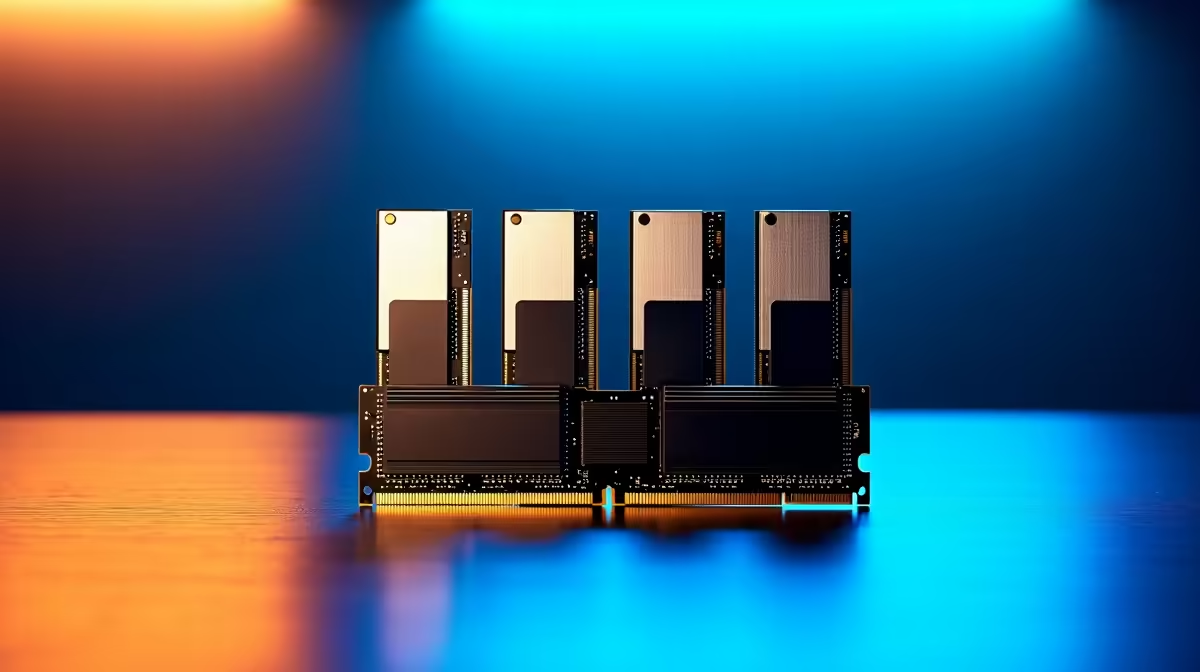
The AI revolution is here, and clever models like DeepSeek are putting incredible power right on our desktops. But before you can generate mind-blowing code or text, there's a catch... these models are hungry for memory. Choosing the right RAM for DeepSeek is crucial for performance in South Africa, often making the difference between smooth sailing and frustrating bottlenecks. Let's dive into what you need to know to get your rig AI-ready. 🚀
Why Your RAM Choice is Critical for DeepSeek
When you run a large language model (LLM) like DeepSeek, the ideal scenario is for the entire model to fit into your graphics card's VRAM (Video RAM). However, the biggest and most capable models often exceed the VRAM of even high-end consumer GPUs.
This is where your system RAM becomes the hero. The model "offloads" layers it's not actively using from the super-fast VRAM to your main system RAM. If your system RAM is slow or you don't have enough of it, this offloading process becomes a major performance drag, causing stuttering and long waits. In short, more high-quality RAM lets you run larger, more powerful models smoothly.
Optimising RAM for Your DeepSeek Build
Getting the best performance isn't just about buying the most expensive sticks. It's about finding the right balance of capacity, speed, and value for your specific needs.
Capacity: How Much is Enough?
For AI workloads, capacity is usually king. The amount of RAM you need directly relates to the size of the models you want to run.
- 32GB: This is a solid starting point for experimenting with smaller models (like 7B parameter versions). It's enough to get your feet wet without a massive investment.
- 64GB: This is the sweet spot for most enthusiasts in South Africa. It provides enough headroom to comfortably run larger, more capable models (30B+) without constant offloading issues.
- 128GB+: If you're a serious developer, researcher, or plan on fine-tuning your own models, this is the territory you should be exploring.
Speed and Latency: Does DDR5 Make a Difference?
While capacity is the priority, speed still matters. DDR5 memory offers significantly higher bandwidth compared to older DDR4. This extra throughput is beneficial when the system is rapidly moving data between your CPU, RAM, and SSD during model loading or offloading. This performance uplift is a key feature in many of the latest NVIDIA GeForce gaming PCs, which serve as excellent platforms for both gaming and AI experimentation.
Top RAM Options for AI in South Africa
Here in SA, we have access to some of the world's best memory brands. When comparing options for your DeepSeek build, look for kits that balance performance with price.
For example, a 64GB (2x32GB) kit of Corsair Vengeance DDR5 running at 5600MHz offers a fantastic blend of speed and capacity, often available for around R4,500. For those on a tighter budget, Kingston's FURY Beast series provides solid, reliable performance that won't break the bank. It's about building a balanced system; even the best RAM needs a solid foundation, which is why considering a complete build, like one of our AMD Radeon gaming PCs, can ensure all your components work together seamlessly. ✨
Building a Complete AI Powerhouse 🔧
Remember, your RAM for DeepSeek is just one part of a high-performance team. To avoid bottlenecks elsewhere, you also need:
- A Fast NVMe SSD: Essential for loading huge models quickly.
- A Modern Multi-Core CPU: Handles data preparation and system tasks that the GPU doesn't.
- A Capable Motherboard: Provides stable power and connectivity for all your components.
Compatibility Check! ⚡
Before you buy any RAM, always check your motherboard's Qualified Vendor List (QVL) on the manufacturer's website. This list confirms which specific RAM kits have been tested and are guaranteed to work at their advertised speeds with your board. It's a simple step that can save you a massive headache later.
For professionals and researchers who need guaranteed performance and stability for demanding AI tasks, investing in one of our purpose-built workstation PCs is often the smartest move, taking the guesswork out of component matching.
Ready to Build Your AI Beast?
Choosing the right RAM for DeepSeek is a great start, but building a truly optimised AI rig requires a balanced approach. Don't get lost in the specs! Explore our massive range of PC components or chat with our experts to design the perfect machine for your AI ambitions.