


Clean Gaming Keyboard: Guide for Dusty & Humid Conditions
Clean gaming keyboard quickly and safely in dusty or humid conditions with step-by-step tips, tool checklist, and maintenance routines to prevent corrosion and switch failure. 🧼💨
Read moreLearn how to set up a 120mm PWM ARGB case fan with motherboard sync and clean cable routing. Get smoother control, better airflow, and a tidier build for less hassle. ✨🧵
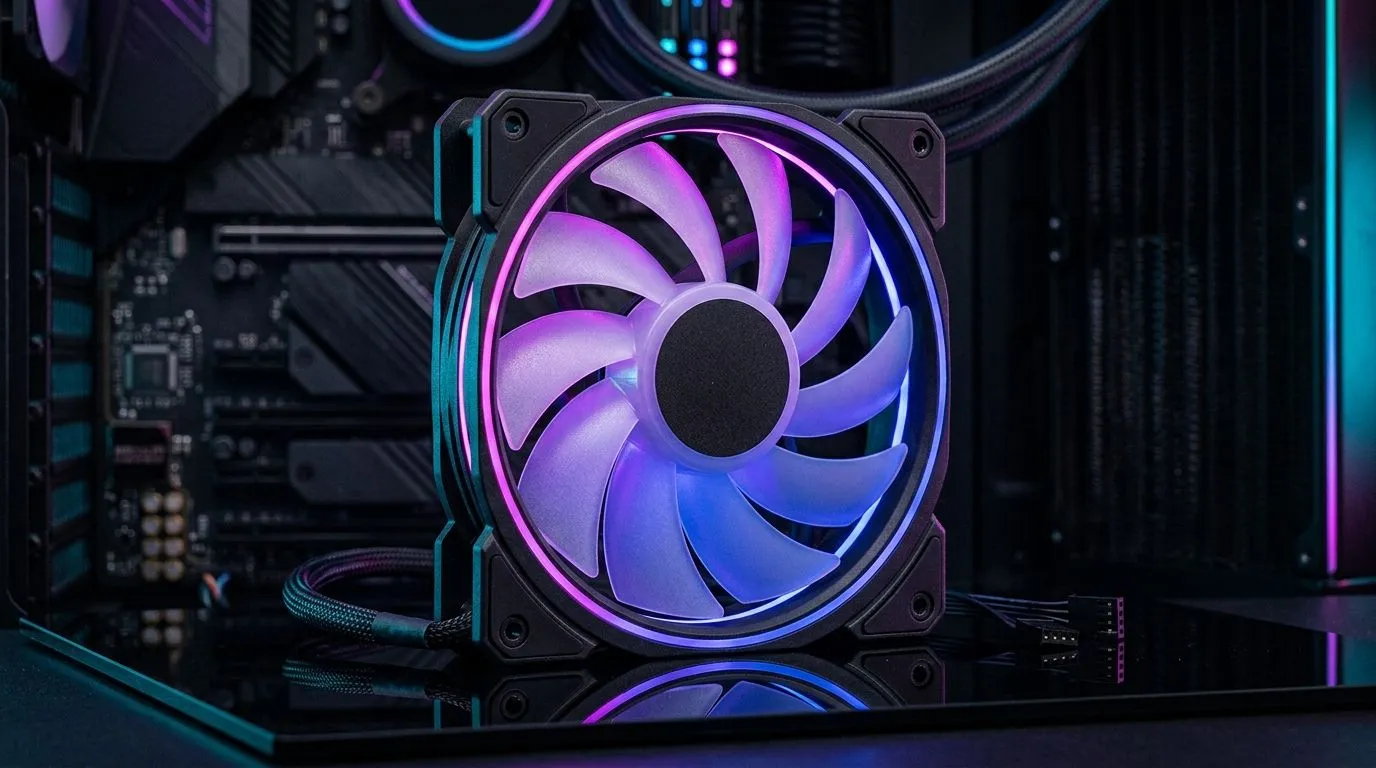
If you’re building a PC in South Africa, getting your cooling right makes all the difference. A well-configured 120mm PWM ARGB case fan setup with motherboard sync doesn’t just keep your rig cool during intense gaming sessions — it adds stunning customisable lighting effects that match your style. Whether you’re chasing peak FPS or simply want a quiet, vibrant system, understanding the perfect fan setup will upgrade your entire experience. 🔧⚡
PWM or Pulse Width Modulation technology controls fan speed dynamically. This means your 120mm fans adjust airflow depending on your CPU or GPU temperature, delivering efficient cooling with less noise. For South African gamers battling our warm climate or long play marathons, this is a must-have feature. Larger 120mm fans also offer excellent airflow while spinning slower, keeping noise levels down.
Explore a diverse range of 120mm case fans that suit different budgets and preferences on Evetech’s 120mm fan selection.
ARGB integration lets you synchronise your fans’ lighting effects with other compatible components like your motherboard and RAM. Using motherboard sync not only creates a cohesive aesthetic but also makes customisation easier through software like ASUS Aura Sync or MSI Mystic Light.
Have you ever seen your case pulse or shift colours perfectly in tune with your gameplay? That’s the magic of ARGB with motherboard sync blending style and tech. Plus, you can switch off lighting entirely if you prefer a clean look—browse no-RGB options at Evetech’s non-RGB case fans.
Quality fans can last years. CORSAIR and Deepcool are popular among local builders for reliable airflow and vibrant ARGB. Their PWM fans often feature anti-vibration mounts and hydraulic bearings, perfect for quiet but efficient cooling.
Browse CORSAIR 120mm fans here: Corsair PWM ARGB fans Or opt for Deepcool’s offerings here: Deepcool case fans
Install fans as intakes at the front and exhausts at the rear or top to create a balanced airflow system. This ensures cool air flows in and hot air escapes efficiently—vital in South Africa’s summer heat.
Adjust your PWM fan curves in your motherboard’s BIOS or dedicated software to match your gaming habits. For lower noise during casual use, dial back speeds by 10–20%. When gaming or streaming, ramp speeds up for maximum cooling.
Lower your fan curve by 5 % to shave off 2 °C… quieter rig, same FPS.
Use motherboard sync software for preset modes such as breath, cycle, or reactive to game events—they make your setup come alive without fiddling every session. For South Africans who stream or share clips, synced lighting adds an impressive edge.
Browse amazing RGB fan options here: RGB case fans at Evetech Prefer bigger fans to match your airflow goals? Check Evetech's 140mm fans: 140mm case fans
Getting your fan setup right means less noise, better temps, and a rig that looks as good as it performs. Investing in ARGB with motherboard sync lets you customise without sacrificing functionality. Plus, local stock and support from stores like Evetech make it easier to build and upgrade.
Explore full ranges and find what fits your dream build—from RGB dazzlers to silent workhorses.
Upgrade Your Cooling and Style Today Want your rig to stay cool, quiet, and visually stunning? Shop now at Evetech for performance that leaves lag in the dust.
Connect the PWM 4-pin fan lead to a PWM fan header and the ARGB 5V 3-pin lead to a compatible ARGB header for motherboard sync.
Check labeling on the fan and header: ARGB is typically 5V 3-pin (data + 5V + ground), while 12V RGB is usually 4-pin.
Yes. A powered ARGB fan hub/controller can distribute signals and still sync with one motherboard ARGB header if supported.
Yes. PWM controls fan speed from the motherboard, while ARGB controls lighting effects. Both signals connect to their respective headers.
Start with a balanced curve: keep low RPM at low temps, ramp gradually under load, then adjust after a gaming or stress test.
Common causes include using the wrong voltage (12V RGB vs 5V ARGB), reversed connectors, missing motherboard header support, or needing hub compatibility.
Route PWM and ARGB leads behind the motherboard tray, use Velcro ties, leave service loops near the fan mounts, and avoid sharp bends.
Usually yes, as long as the fans connect to a motherboard-compatible ARGB header or supported hub tied into the same vendor sync ecosystem.
Clean gaming keyboard quickly and safely in dusty or humid conditions with step-by-step tips, tool checklist, and maintenance routines to prevent corrosion and switch failure. 🧼💨
Read more
Best gaming keyboard features to prioritize when building a high-end setup: mechanical switches, low latency, hot-swap, RGB, macros, durability and ergonomics 🎮⌨️
Read more
Custom actuation point keyboard setup guide: learn to set per-key actuation on your analog gaming keyboard for faster, precise inputs and better control 🎮⚙️
Read more
Cable management for home entertainment helps you eliminate cable clutter quickly and safely. Learn routing, concealment, and product picks to tidy your setup fast 📺🔌
Read more
conference room setup Microsoft Teams Zoom: Upgrade AV, camera, mic, and network to ensure seamless meetings, clear audio, and crisp video 🎯🔧
Read more
• Audit setup • Link accounts • Configure ViewBoard • Test workflows Integrate Google Workspace with ViewSonic ViewBoard to enable secure SSO, calendar and Drive sync, and smooth collaborative whiteboarding 🔗📋
Read more
Discover webcams that automatically adjust light and color for crystal-clear video calls 🎥✨. Boost your streaming quality today!

Discover webcams that blend into your workflow 🎯 Capture moments while you work, stream, or create. Upgrade your setup with smart, multitasking tech!

Dedicated media keys give streamers one-touch control to mute, switch scenes, clip highlights, and adjust audio — cutting task time and boosting consistency 🎛️⚡

PBT vs ABS keycaps: Clear, local guide for South African gamers—compare feel, sound, durability and where to buy. Find the best material for your budget and playstyle 🎮🇿🇦

- Multi-Function Digital Dial: define benefits - Show gamer setups and macros - Offer buying and setup tips Multi-Function Digital Dial puts programmable control at your fingertips for faster actions and smoother streaming. 🎮⚙️

- Explain benefits; - Show the science; - Compare options; - Recommend picks. Magnetic wrist rest for gaming cuts wrist strain and boosts comfort during long sessions 🕹️✨