


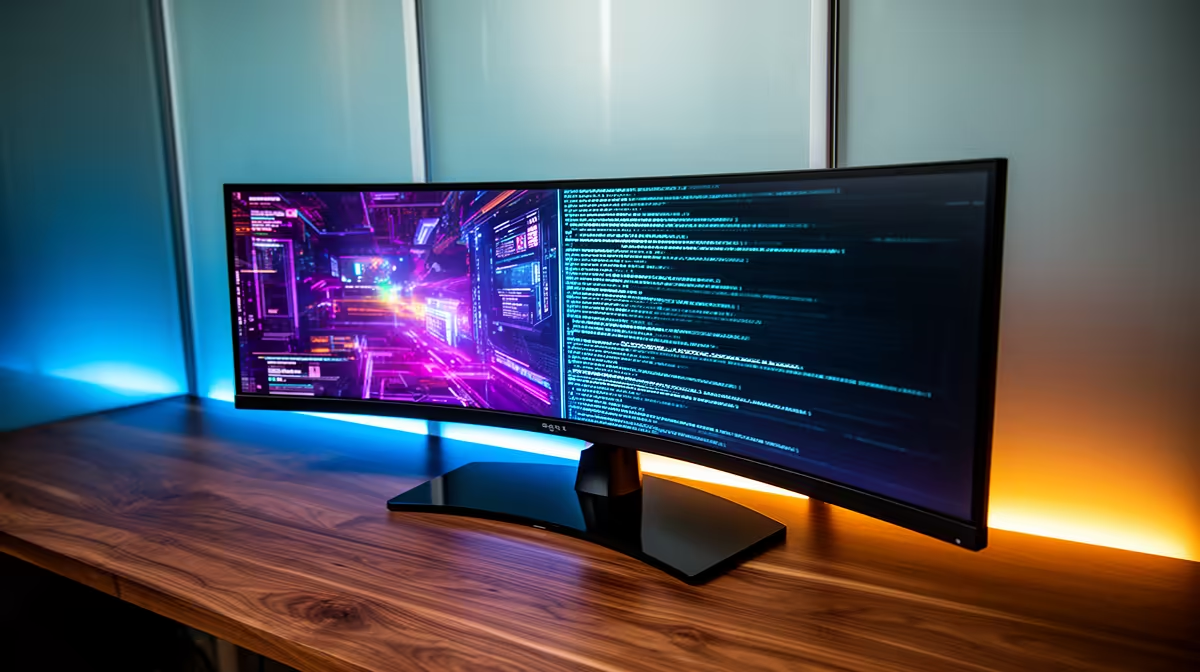
The AOC 27in QHD 200Hz at R3,200 suits an SA buyer who wants sharper 1440p workspace detail for code by day and fast gaming at night. It is the strongest fit here because QHD gives more usable screen space than a basic Full HD panel, while 200Hz keeps motion smooth when the same desk setup moves from work to play. A balanced screen matters more than chasing a RAM kit upgrade when the daily pain is cramped windows and blurry text.
Best balance for work and play
The AOC 27in QHD 200Hz at R3,200 is the cleanest choice when programming is a serious part of the brief. The 27in size gives space for an editor, browser preview, and chat window, while QHD helps text and interface lines feel less crowded. The 200Hz refresh rate also keeps competitive games responsive without turning the monitor into a single-purpose toy.
The MSI MAG 274F 200Hz at R3,006 makes sense if speed matters more than resolution. Its 200Hz spec is strong for gaming, and the 27in class is still comfortable for general desktop work. It is a practical pick for buyers who spend more time in shooters or racing titles than in long coding sessions.
The ViewSonic VX2779A 240Hz at R2,350 is the value-speed option. At 240Hz, it targets smoother motion than the 200Hz models, and the R2,350 price keeps budget free for the rest of the setup. For buyers who mostly game and only do lighter development work, that tradeoff can be sensible.
Student desk decision in South Africa
On a student desk, the Dell SE2726H 144Hz at R1,797 is the low-cost option for a basic 27in gaming screen, but the Dahua LM25 200Hz at R1,850 gives a faster 200Hz spec for only a little more. If the desk must handle lectures, coding practice, and evening matches, the AOC 27in QHD 200Hz at R3,200 is easier to justify because the sharper QHD workspace reduces constant window switching.
Pro Tip ⚡
Ready to choose the right gaming monitor? Use Dell SE2726H 144Hz at R1,797 as the gaming room benchmark, then check whether its listed spec matches the space, workload, and upgrade path.











