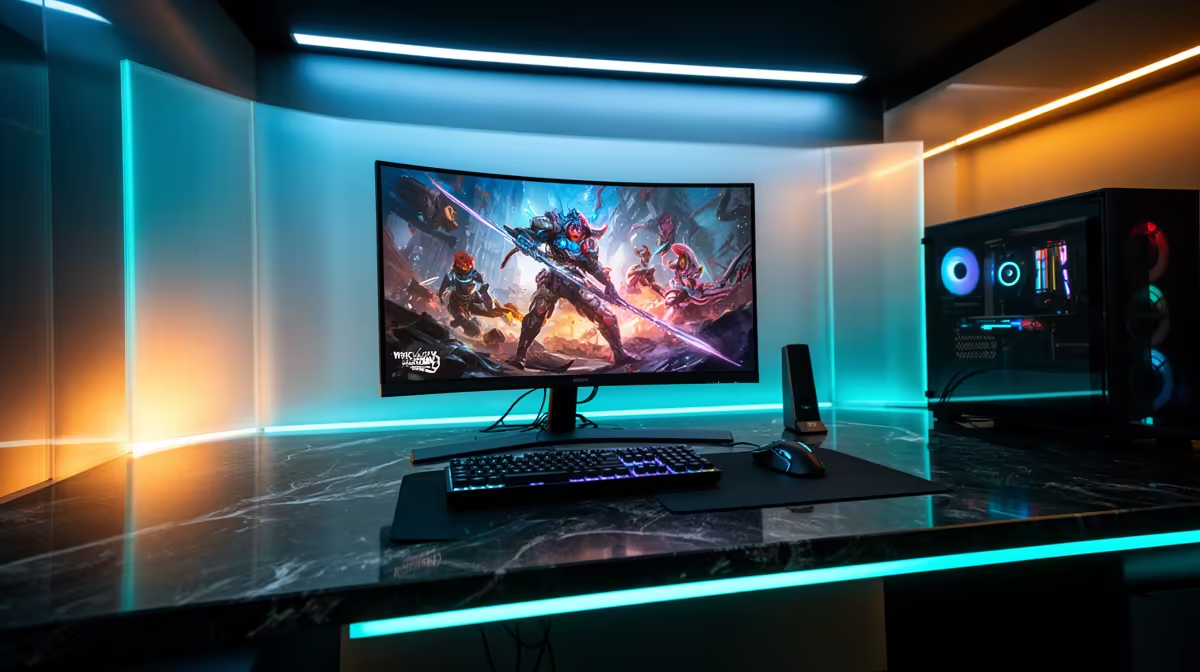
The MSI MAG 274F at R3,006 suits SA buyers who want one gaming monitor that feels fast for evening play and still has enough speed for long coding bootcamp sessions. Its 200Hz refresh rate is the sweet spot here because it goes beyond 165Hz without pushing the price into premium territory.
Why 200Hz makes sense for mixed gaming and study
The MSI MAG 274F at R3,006 gives you 200Hz, which is useful when the same desk has to handle games, tutorials, browser tabs, and a code editor. For a learner who plays after class, that extra motion smoothness matters, but the price still stays realistic for a serious upgrade.
If the budget is tighter, the Dahua LM25 at R1,850 also offers 200Hz, making it a strong value pick for a starter setup. It is the better call when the buyer wants high refresh first and would rather keep more money for a keyboard, mouse, or SSD later.
Student desk and bootcamp workflow in SA
The Dell SE2726H at R1,797 is the lowest-priced listed option and still brings 144Hz, which is enough for smoother scrolling, casual gaming, and everyday study work. If the desk setup is mainly bootcamp lessons with gaming as a bonus, that price makes practical sense.
The ViewSonic VX2779A at R2,350 steps up to 240Hz for buyers who care more about fast motion and sharper reaction feel. The AOC 27in QHD 200Hz at R3,200 is the more balanced choice when the buyer wants 200Hz plus QHD for a roomier desktop.
Ready to choose the right gaming monitor?
Use Dell SE2726H 144Hz at R1,797 as the gaming room benchmark, then check whether its listed spec matches the space, workload, and upgrade path.