Paying for faster fibre is frustrating when a wired PC still reports a slow connection. Ethernet stuck at 100Mbps needs a local link check before an argument about the internet package. The cable between your computer and network equipment has its own negotiated speed, and that small section can limit the result even when the service entering your home is faster.
Quick Answer
Read the Ethernet link speed first, then test a known-good cable and another suitable port if the connection reports 100Mbps instead of the expected gigabit rate. These initial checks can cost R0 when you use equipment already available. Do not buy a faster fibre plan to repair a local cable or port bottleneck; the two problems sit at different points in the path.
🔌 Read the link before measuring the internet
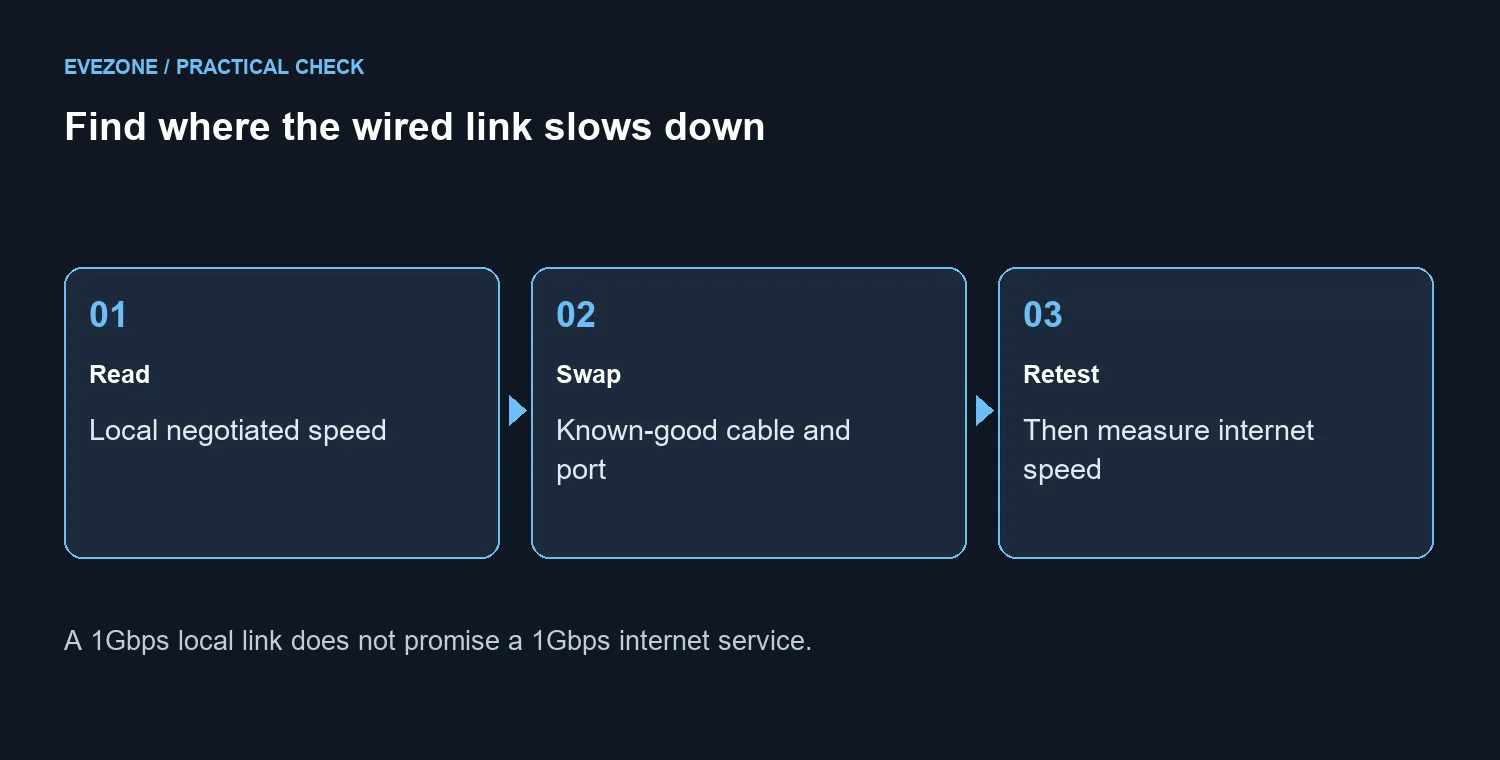
Open the wired connection's status or hardware properties and note its negotiated rate. Keep that number separate from a browser speed-test result. The former describes the nearby Ethernet connection; the latter includes the router, internet service, test server and other traffic.
If the local link already shows its expected gigabit speed, this particular 100Mbps diagnosis is not established. Look further along the path instead of repeatedly replacing the same cable. If it shows 100Mbps, confirm that both connected ports actually support a faster rate. A port limited to 10/100 cannot negotiate a gigabit link.
🧪 Shorten the path and change one part
Temporarily connect the PC directly to a suitable router or switch port using a known-good Cat5e or Cat6 lead. This bypasses a wall socket, coupler or dock that may be part of the original path. Recheck link speed before running another internet test.
If the short connection negotiates correctly, add the original sections back one at a time. The point is to locate the segment that changes the result. Labelling your two test cables helps avoid accidentally returning to the suspect lead and treating the repeated failure as a new clue.
Auto-negotiation is the normal baseline for this test. Forcing a nominal gigabit setting cannot repair an unsuitable port or damaged path. If you previously changed adapter settings while troubleshooting, record them and return the speed setting to the manufacturer's recommended automatic behaviour before comparing results.
Inspect network cable options only once the cable path is implicated. Choose a suitable length and specification for the actual route rather than an impressive label that does not address the fault.
🌐 Spend on the part that is limiting you
A working local link still does not guarantee that an internet test matches its full rate. Your service tier and conditions beyond the PC remain relevant. Once the link is correct, repeat a throughput test with other large transfers paused and record the result for your service provider if the issue continues.
The 21 September catalogue listed a Cudy 2-IN-1 Gigabit VPN Router at R1,099 in stock. That is a real replacement-cost reference, not a recommendation to buy it for every slow connection. First confirm whether your existing router lacks the needed port capability or whether a cable swap already fixes the problem.
Use the networking range to compare the part you have identified. A new router is an unnecessarily broad purchase when one replaceable lead is responsible, while a new lead cannot upgrade a genuinely limited port.
Frequently Asked Questions
Why can WiFi be faster than the wired PC?
They use different local paths. A wired connection with a 100Mbps limit can underperform another device without proving that the whole fibre service is slow.
Does a Cat6 label prove a cable works correctly?
No. The label does not test its condition or termination. A known-good substitution gives more useful evidence.
What should I tell support?
Provide the reported link rate, connected port models and which cable or port swaps changed it. Those details separate a local link fault from a wider throughput complaint.
Repair the weak link in your network.
Compare Evetech cables and networking equipment after your tests show which part needs attention.