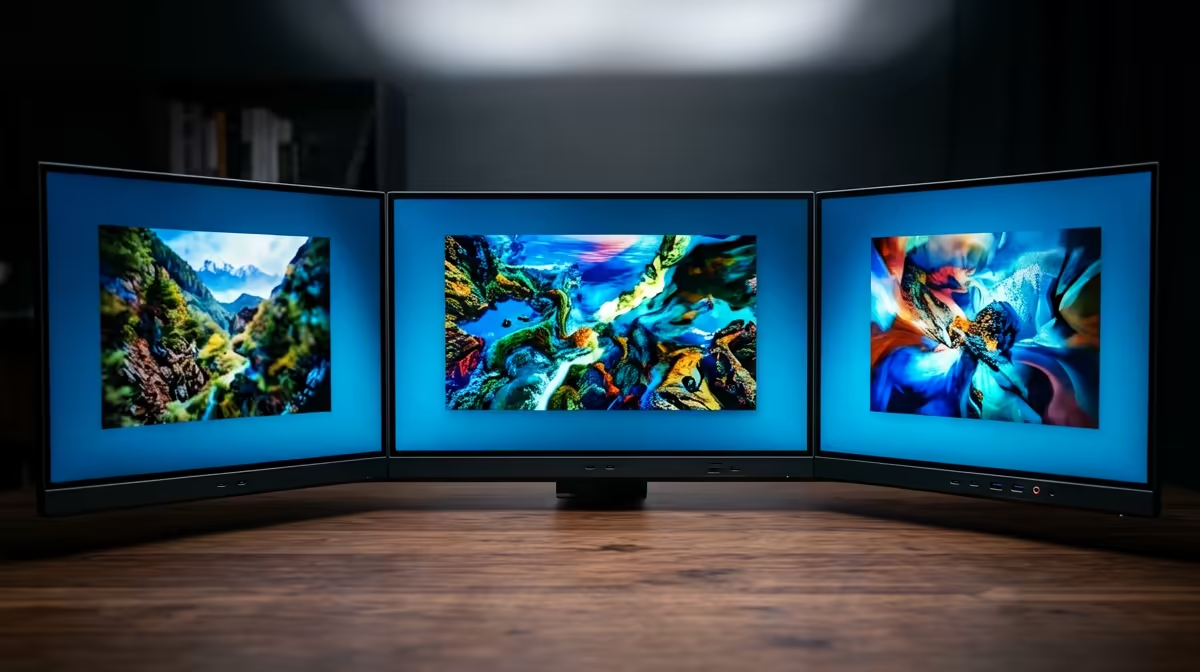
Tired of alt-tabbing through a dozen windows on one cramped screen? Imagine expanding your digital world across a seamless canvas of vibrant pixels. For serious gamers, creators, and productivity gurus in Mzansi, building a 4K multi-monitor setup in South Africa isn't just a luxury... it's the key to unlocking next-level immersion and efficiency. This guide will walk you through everything you need to know to create your ultimate command centre. 🚀
Why a 4K Multi-Monitor Setup is Worth It
Jumping from a single monitor to a dual or triple screen layout is a massive upgrade. But why go for 4K? The simple answer is clarity and future-proofing. A proper 4K multi-monitor setup provides an insane amount of screen real estate without sacrificing sharpness.
For gamers, this means an unparalleled wrap-around view in racing sims or flight simulators. For streamers and content creators, it’s the power to have your game, OBS, and chat open simultaneously, all in crisp detail. In the office, you can compare complex spreadsheets and documents side-by-side without endless scrolling. It transforms your desk from a simple workspace into a high-performance hub, and with today's prices, it's more accessible than ever to browse a wide range of PC monitors to start your journey.
Choosing the Right 4K Monitors for Your Setup
The heart of your new battle station is, of course, the screens themselves. Not all 4K panels are created equal, and the right choice depends on your primary use case.
Key Specifications to Look For:
- Size: For 4K resolution (3840x2160), the sweet spot is between 27 and 32 inches. This gives you the benefit of the high pixel density without needing to squint.
- Panel Type: IPS (In-Plane Switching) panels offer the best colour accuracy and viewing angles, making them ideal for creative work and vibrant gaming.
- Refresh Rate: For gaming, 120Hz is the new standard. A higher refresh rate means smoother motion, which is crucial in fast-paced titles. If you’re serious about competitive play, explore dedicated gaming monitors with 144Hz or higher.
- Ergonomics: Look for stands with height, tilt, and swivel adjustments. VESA mount compatibility is also a must-have for using monitor arms, giving you ultimate flexibility.
For most users building a multi-screen setup, a pair of identical crystal-clear 4K monitors is the best way to ensure colour and brightness consistency. Alternatively, many gamers opt for a central high-refresh-rate gaming monitor flanked by two standard 60Hz 4K screens for secondary tasks. For ultimate immersion, you could even consider immersive curved monitors to create a cockpit-like feel.
Can Your PC Handle a Multi-Monitor 4K Setup? 🔧
Driving millions of pixels across multiple screens requires some serious graphical horsepower. Before you buy, you need to be sure your PC is up to the task.
The single most important component is your Graphics Card (GPU). To comfortably run a dual 4K monitor setup in South Africa for productivity, you'll want a modern GPU with at least 8GB of VRAM. For gaming across multiple 4K screens... you'll need a top-tier card like an NVIDIA GeForce RTX 4070 Ti or AMD Radeon RX 7800 XT, preferably with 12GB of VRAM or more.
Also, check your GPU's outputs. Most modern cards have multiple DisplayPort and HDMI outputs, but you'll need to ensure you have enough ports for all your planned displays. DisplayPort 1.4 is generally preferred for its ability to handle 4K at high refresh rates.
Productivity Pro Tip ✨
On Windows, use the PowerToys FancyZones utility to create custom snap layouts for your windows. It's a lifesaver for managing multiple apps across a dual 4K monitor setup, letting you perfectly organise your code editor, browser, and communication apps with a single key press.
Putting It All Together: Practical Tips
Once you have your hardware, it's time to build your dream setup. A little planning goes a long way.
Desk Space and Mounting
Measure your desk! Two 27-inch monitors can take up over 1.2 metres of horizontal space. If you're short on room, a dual monitor arm is an excellent investment. It frees up desk space and allows for perfect ergonomic alignment. You can find a variety of stands and mounts among other quality monitor accessories to keep your setup clean and functional.
Adding a Flexible Third Screen
Sometimes, you don't need a third full-sized monitor, but a smaller, dedicated display for Discord, Spotify, or system stats would be perfect. This is where portable monitors come in. These slim, USB-C powered screens can be placed anywhere, providing extra utility without the bulk.
With the right components and a bit of planning, your ultimate 4K multi-monitor setup is well within reach, transforming how you work and play.
Ready to Build Your Dream Command Centre?
From immersive gaming to powerhouse productivity, a multi-monitor setup is a true upgrade. Explore our best PC monitor deals and find the perfect screens to conquer your digital world.