Pair a Cat6 cable run with correctly rated terminations, compatible network ports, a router or switch, and an access point where wireless coverage is still required. The cable category alone does not guarantee a particular speed. Installation quality, run length, bend handling, electromagnetic environment and every endpoint determine the result.
Design from device to device
Map each room, wall outlet, patch location and powered device. Use suitable jacks, patch leads and a labelled termination point rather than leaving permanent cable ends loose. Keep data cabling separated from electrical hazards according to applicable installation practice. Test continuity and negotiated link speed at every outlet before furniture hides the route.
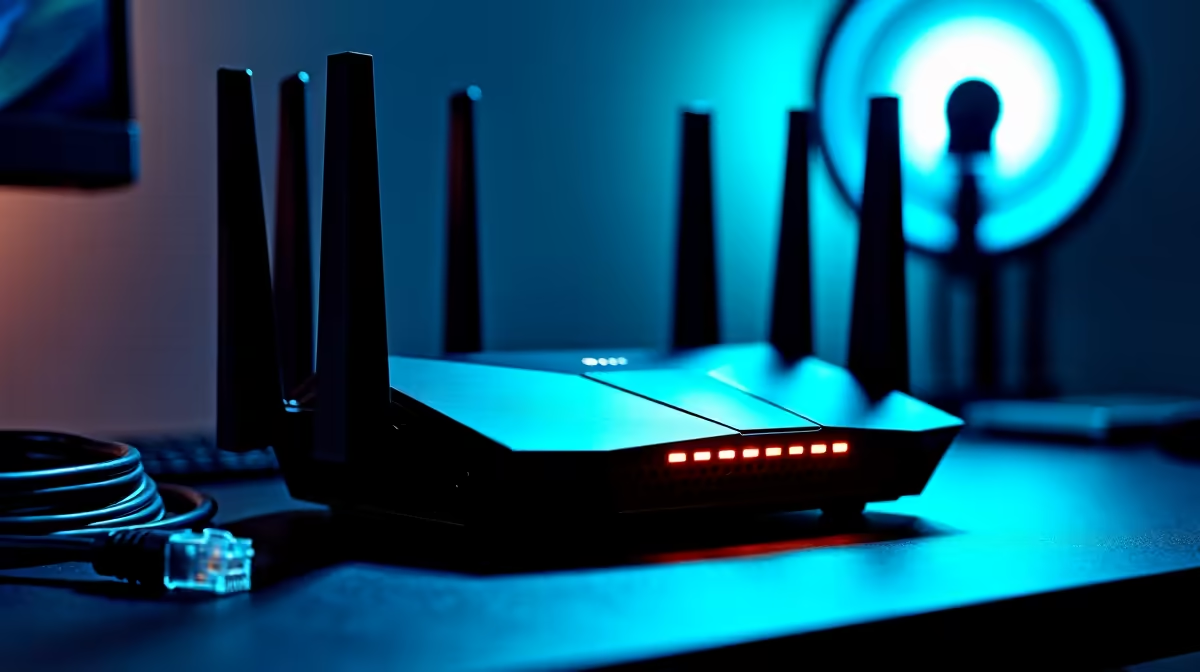
The Cudy WR3600E router is factpack-verified at R766. The Cudy AP3000 ceiling access point appears at R899. Confirm current Ethernet-port speeds, power method, wireless features, firmware and warranty. The supplied factpacks verify no Cat6 cable, patch panel or switch SKU, so those components need exact independent checking.
Secure administration with unique credentials and keep network firmware updated. Leave service loops only where safe and documented, and protect cables from sharp bends or crushing. Pair the run with faster network hardware only when the endpoints and measured traffic need it. A clean, tested gigabit link can be more valuable than an ambitious multi-gigabit design assembled with uncertain terminations.
Completing a wired home network? > Compare verified routers and access points with Evetech around the planned endpoints.