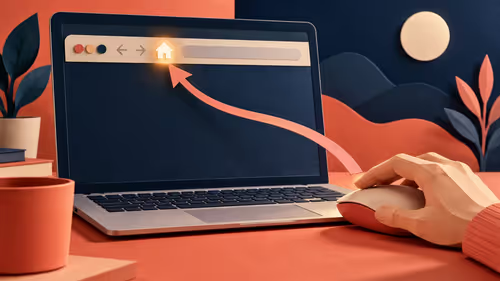
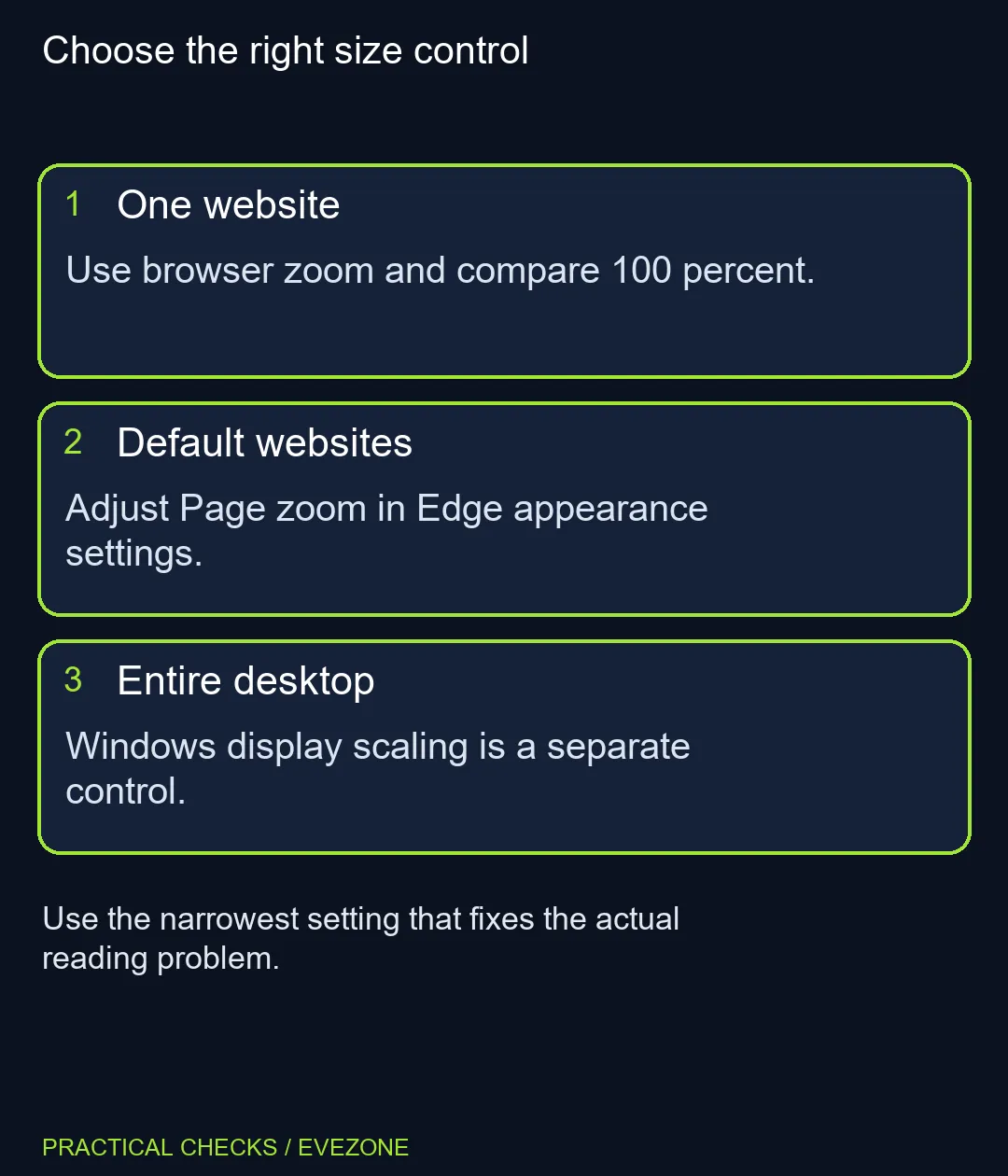
One website suddenly looking enormous is a different problem from every app being too small. Edge page zoom changes how web content is drawn, so it is a useful first check when text or forms no longer fit as expected. Identify how widely the size problem occurs before adjusting the whole desktop.
Quick Answer
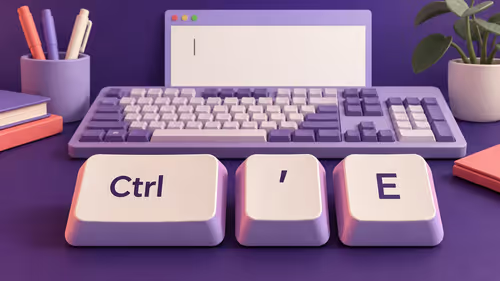
Use Ctrl+0 in Edge to reset the current page to 100%, then compare another site. To change the browser default, open Settings and look under Appearance, Zoom and Page zoom. Trying these controls requires R0 of new display hardware, while Windows scaling and the monitor's resolution remain separate decisions.
🔎 Start with the page that looks wrong
Open a familiar article or form and check the zoom shown in the browser menu. Use its plus or minus control to see whether a small change restores comfortable reading. Reset to 100% if you need a baseline, and compare the result with a second ordinary page.
If only one site looks wrong, a Windows-wide change is likely to affect many things that were already comfortable. If every browser page is consistently too small, a default page-zoom adjustment may be more useful than repeatedly changing individual pages. Judge the layout as well as the letter size, since larger content leaves less room for wide controls.
📏 Set a comfortable browser default
Microsoft describes the default option under Appearance and Zoom. Select an available percentage, visit a few typical sites and check whether their menus, tables and text remain usable. The setting is retained for later browsing, so choose a level that works beyond the single page you first opened.
Avoid choosing a very large percentage solely because one image contains tiny print. A temporary page adjustment can serve that task without making every other page cramped. Browser versions can reorganise the settings page; use its search box for zoom when the documented section is not immediately visible.
🖥️ Compare other applications before changing Windows
Look at a text editor, File Explorer and the browser controls themselves. If those are also uncomfortable, assess the broader display setup separately. Website zoom is not a repair for a wrong resolution, and Windows scaling is not a precise replacement for a single-site adjustment.
South African buyers choosing gaming monitors should consider the actual viewing distance and desk size. A larger physical display can solve a real space need, but it should not be purchased just to undo an accidental browser zoom. The same distinction applies when comparing all laptops on special: screen dimensions and portable weight are hardware choices, while web-page sizing is adjustable software behaviour.
🧾 Test the tasks you use every week
Read a paragraph, complete a form and view a table after the change. Check whether buttons remain reachable and whether a horizontal scroll appears. The most comfortable setting is the one that supports those tasks, not necessarily the percentage that makes the largest headline.
If a website remains badly laid out at a reasonable zoom, note that specific page for its support team. Repeatedly changing unrelated display settings can mask the original problem and make the rest of the machine less pleasant to use.
Frequently Asked Questions
How do I reset the current page?
Press Ctrl+0 while Edge is active to return page zoom to 100%.
Where is the default setting?
Open Edge Settings and find Appearance, Zoom and Page zoom. Labels may differ with the browser version.
Does page zoom change the monitor resolution?
No. It resizes rendered browser content rather than changing the physical display mode.
Why does only one site look large?
Compare that site's browser zoom with another page before changing Windows-wide settings.
Can zoom make a table require scrolling?
Yes. Larger content leaves less information visible at once, so a wide page may need more scrolling.
Do I need a new monitor?
Try the software controls first. Buy hardware for a remaining physical size, resolution or panel requirement.
Fix the size at its source
Compare displays at Evetech when software adjustments leave a clear physical screen limitation.