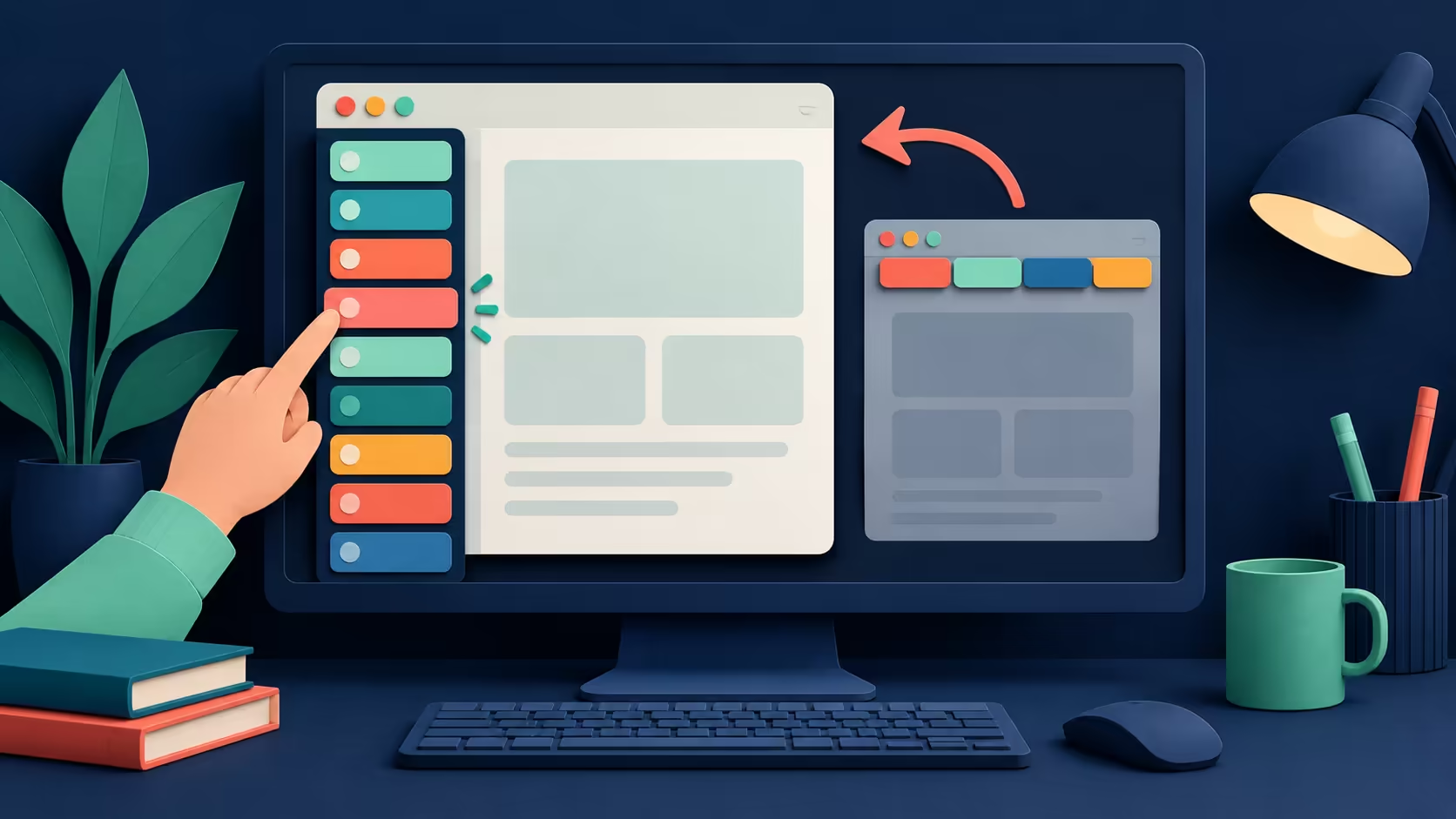
Ten similar page icons can become hard to distinguish across the top of a small screen. Edge vertical tabs offer a different arrangement: the open pages appear down the side, leaving more room to read their titles. Try the layout before deciding that a second display is the only way to make browsing manageable.
Quick Answer
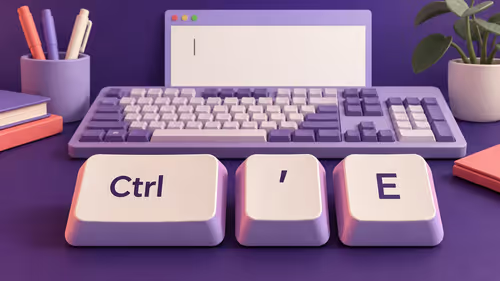
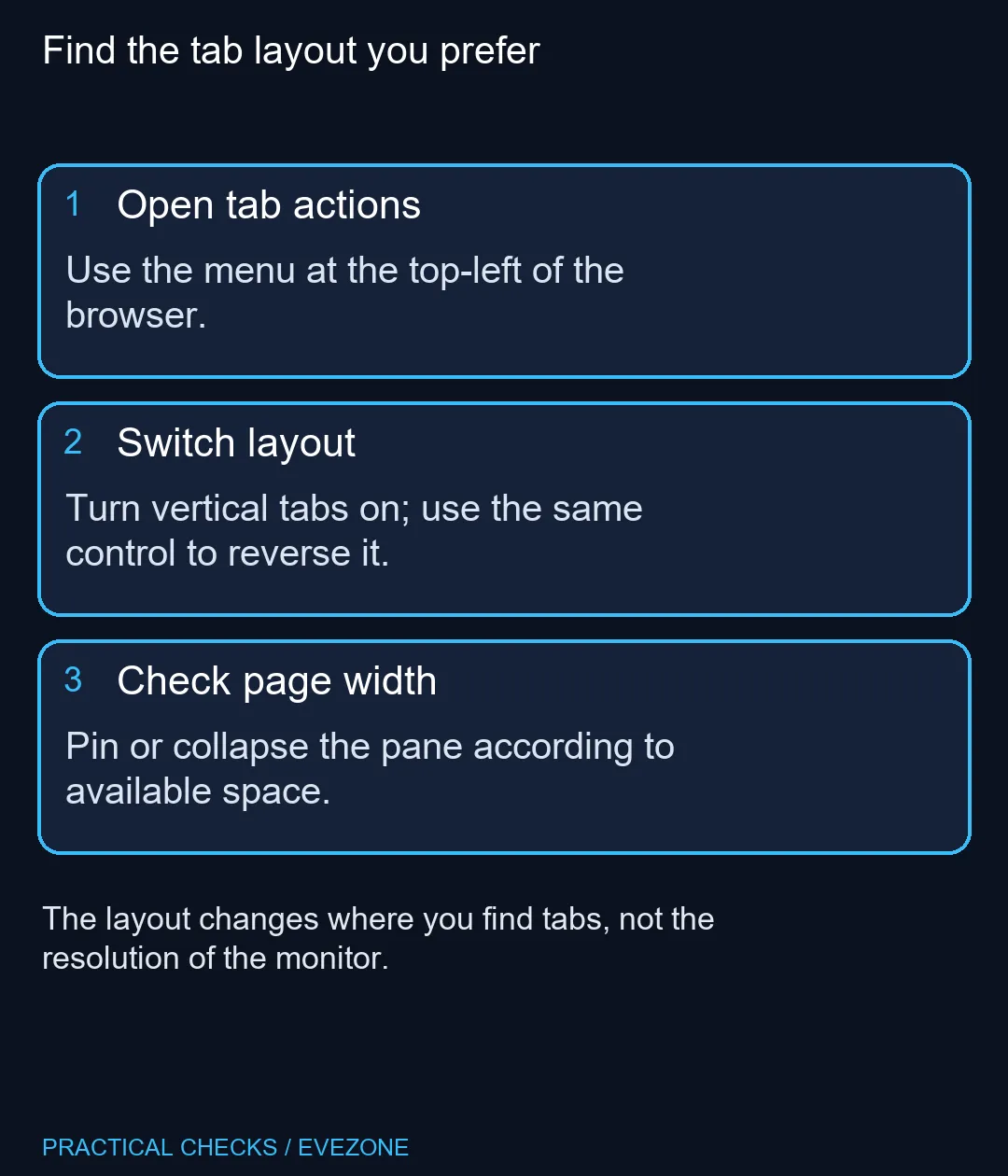
Open the tab-actions menu near the top-left of Edge and select the option to turn on vertical tabs. Microsoft also lists Ctrl+Shift+Comma for toggling the layout. This R0 adjustment changes browser organisation; it does not add display area or replace a monitor when your work actually requires more visible content.
🗂️ Move the list, then test ordinary browsing
Keep a few familiar pages open so that the difference is easy to judge. Open the tab menu and change the layout once. Look at whether the page names are easier to identify, especially when several have the same icon. Switching repeatedly without a normal browsing task makes the choice harder to assess.
If the control is difficult to find, search Edge's settings for vertical tabs and check the installed browser version. Avoid installing a tab extension just to reproduce a built-in feature. The current Microsoft feature page and shortcut list describe the supported layout change; old screenshots may put the menu in a different place.
📐 Balance the pane against page width
A visible side pane uses horizontal space. On a narrow laptop screen, that trade can matter more than on a wide desktop display. Try pinning or collapsing the pane where your version offers those controls, and compare a page containing a wide table or form.
The important result is whether you can find the correct page without making its content awkward to read. If a web application already has its own sidebar, two adjacent panels may feel crowded. Returning to a horizontal tab strip is a valid outcome, and it does not require undoing your bookmarks or browser profile.
⌨️ Use a reversible shortcut
Ctrl+Shift+Comma toggles the layout in the documented desktop shortcut list. Press the combination once while Edge is active and observe the change. Keyboard layout and managed-device settings can affect the experience, so use the visible menu if the shortcut does not produce the expected result.
For a South African desk shared between study and gaming, a layout preference can be tested on the existing screen. Browse gaming monitors when resolution, physical size or panel performance is the remaining limit. Tab organisation alone is not a reason to replace functioning display hardware.
If portability is the real priority, all laptops on special can help compare screen size against the space in your bag. Keep that hardware decision separate from where browser controls sit. A clearer list of pages may be all that was missing for this particular task.
Frequently Asked Questions
How do I turn the layout on?
Open the tab-actions menu at the top-left and choose the vertical-tabs option.
Is there a keyboard shortcut?
Microsoft lists Ctrl+Shift+Comma to turn vertical tabs on or off.
Does the setting close my tabs?
It changes the tab layout rather than asking you to close every page.
Can I return to tabs across the top?
Yes. Use the same menu or shortcut to switch back.
Will this make the monitor physically larger?
No. It reorganises browser controls and may make longer tab titles easier to scan.
Why do menu labels look different?
Edge features and wording can vary with the browser version, device and market.
Make open pages easier to find
Try the browser layout first, then compare screens at Evetech if physical display space remains the problem.