A name needs its correct accent even when the keycap does not show it. The keyboard shortcut for e with accent depends on the application and the mark you mean. Desktop Word has a short two-stage sequence for an acute accent, while its symbol menu offers a visible alternative when a shortcut is unfamiliar.
Quick Answer
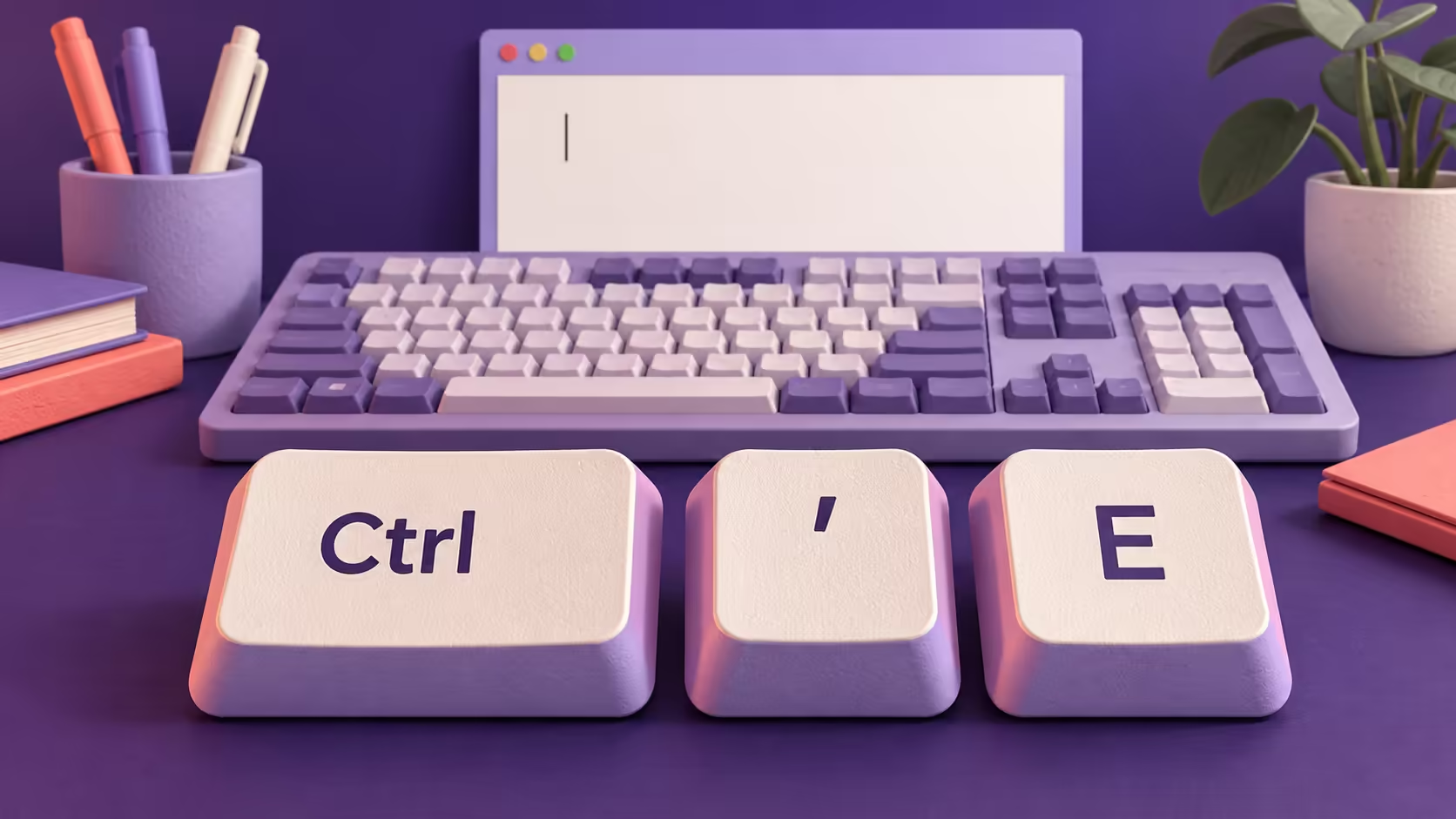
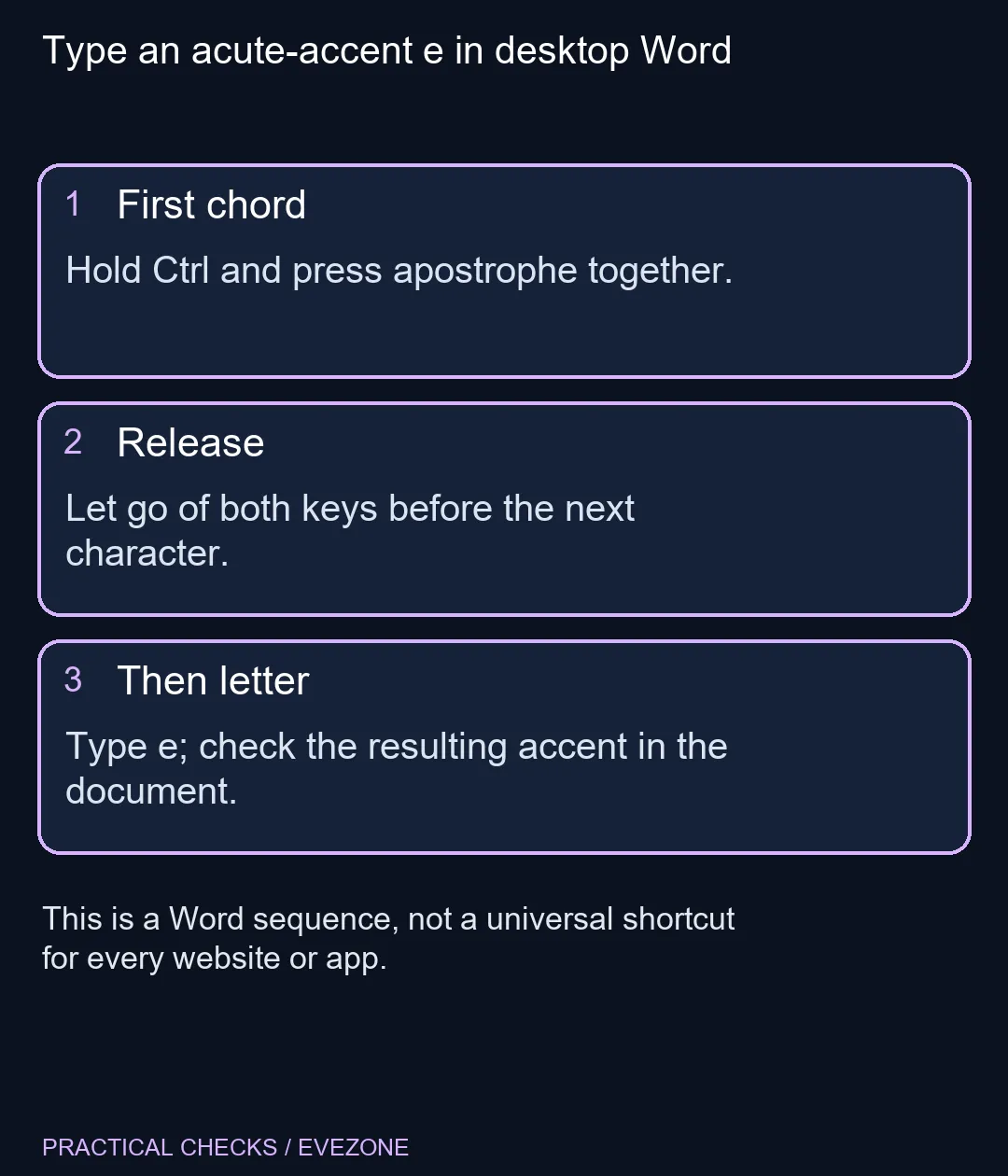
In desktop Word, hold Ctrl and press the apostrophe key, release both, then type e to insert the acute-accent letter. Do not hold all three keys together. This costs R0 in additional keyboard hardware; it does not establish the same shortcut in Gmail, Canva, Excel or another application.
⌨️ Use the sequence in the right order
Click into an ordinary Word document so that the insertion point is visible. Press the accent chord, let go, then type the letter. Inspect the result rather than repeating the shortcut several times over an important name. If it does not work, test in a blank document before changing the keyboard layout.
An acute accent and a grave accent are different marks. Word's table assigns a different chord to the grave form, using the grave-accent key before the letter. Do not choose whichever symbol looks roughly similar. The intended spelling determines which mark you need, and the physical key position can vary between keyboard layouts.
🧩 Use the symbol menu when the keys are awkward
Place the insertion point where the character belongs, then use Insert, Symbol and More Symbols. Select an appropriate font and find the required accented letter. Microsoft notes that fonts do not all include the same characters, so an empty or unexpected set is not necessarily a keyboard problem.
This route is useful on a compact laptop without a separate numeric keypad. It also lets you inspect the mark before inserting it. Check the surrounding word afterwards and save the document normally. For a formal name or reference, compare against its correct spelling instead of letting a familiar-looking result pass without inspection.
🌐 Do not assume every text box behaves like Word
A browser form or design application may interpret the same keys differently. The documented Word chord is not a system-wide promise. Use that application's supported character-entry method, and confirm the result in the destination before submitting important text.
If you type accented names occasionally, software entry is a sensible first step. For sustained multilingual work, a suitable input layout can be worth learning, but changing it affects ordinary punctuation too. Learn one deliberate method at a time. South African households sharing a computer should make a layout change clear to other users rather than leaving them to discover unexpected key behaviour.
🛒 Choose hardware for repeated typing needs
Compare gaming keyboards for the physical layout, feel and keys you regularly use, rather than assuming accents require a special gaming model. For a portable machine, all laptops on special can help weigh keyboard space against size and weight. A numpad can be useful for some entry methods, but it is not required by the Word sequence above.
Test the chosen method in a spare document, then use it in the real work. Getting one letter right is a precise text task; it should not require replacing a working keyboard or making broad settings changes across the computer.
Frequently Asked Questions
What is the acute-accent sequence?
In desktop Word, press Ctrl+apostrophe, release the keys and then type e.
Do I hold all three keys together?
No. The accent chord comes first, followed by the letter after releasing the chord.
How is a grave accent different?
Word lists Ctrl plus the grave-accent key, then the letter. It is a different accent and key.
Will this work in Gmail or Canva?
This guide confirms Word's documented method, not a universal shortcut across websites.
What if my laptop has no numpad?
Use Word's Insert > Symbol > More Symbols option, or its documented accent sequence.
Why is the character absent from the list?
Fonts do not all contain the same characters. Choose an appropriate font and check the intended letter.
Should I buy an international keyboard?
For occasional accents, try software entry first. Frequent multilingual typing may justify a suitable layout.
Type the character before changing the keyboard
Use the supported Word sequence and compare keyboard layouts at Evetech when repeated typing needs justify it.