


Clean Gaming Keyboard: Guide for Dusty & Humid Conditions
Clean gaming keyboard quickly and safely in dusty or humid conditions with step-by-step tips, tool checklist, and maintenance routines to prevent corrosion and switch failure. 🧼💨
Read moreReady for your first AI PC build? This essential checklist covers every component you need, from the right GPU and CPU to specialized NPUs, RAM, and storage. Get prepared to build a powerful machine for AI development and machine learning without the guesswork. Let's get building! 🤖⚙️
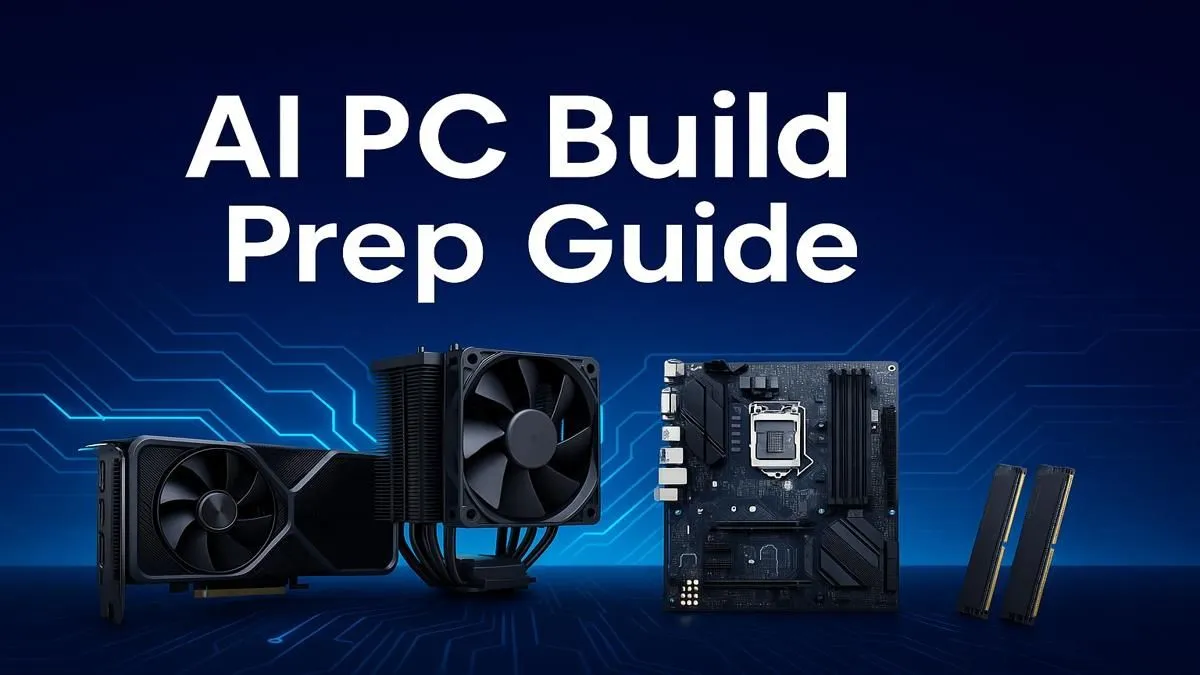
So, you’ve heard the buzz. Artificial Intelligence is everywhere, from upscaling your favourite game with DLSS to generating incredible art with a single sentence. But to harness this power, you need the right hardware. Building an AI-capable rig in South Africa can feel daunting, but it doesn't have to be. This AI PC build checklist will guide you through the essential components, ensuring your new machine is ready for the future, today. 🚀
An "AI PC" isn't some far-off concept... it's a computer with components specifically chosen to accelerate machine learning tasks. For gamers, this means smoother frame rates with technologies like NVIDIA's DLSS and AMD's FSR. For creators, it means slashing rendering times and unlocking powerful new tools in Adobe Photoshop or DaVinci Resolve. Following a solid AI PC build checklist ensures you're not just buying a computer; you're investing in a future-proof powerhouse.
Building an AI PC is all about synergy. Each part plays a crucial role, but some carry more weight than others when it comes to machine learning performance.
The Graphics Processing Unit (GPU) is, without a doubt, the most critical piece of your AI PC build. Its parallel processing capabilities are perfect for the heavy lifting required by AI models.
Before you buy a GPU, check the software you plan to use! Many popular AI tools, like Stable Diffusion and TensorFlow, are heavily optimised for NVIDIA's CUDA platform. If your workflow depends on these, an NVIDIA card might save you a lot of headaches, even if a competing card looks better on paper.
While the GPU does the heavy lifting, the CPU (Central Processing Unit) manages the entire system. For an AI PC build, you need a processor that can feed the GPU data without creating a bottleneck.
Look for a modern CPU with a high core count and fast clock speeds. Both our all-Intel PC deals and our all-AMD Ryzen PC deals feature processors with integrated NPUs (Neural Processing Units) that handle smaller, background AI tasks efficiently, freeing up your GPU for the big jobs.
Let's be real, top-tier components come with a top-tier price tag in ZAR. The key to a smart build is balance. You don't need the absolute best of everything. If your focus is AI, allocate more of your budget to the GPU. If you're a gamer who dabbles in AI, a balanced approach is better. Exploring our budget gaming PCs can give you a great baseline of what's possible without breaking the bank. Often, the best gaming PC deals offer the perfect middle ground.
Using this checklist for an AI PC gives you a clear path forward. The final choice is whether to build it yourself or opt for a professionally assembled system. DIY is rewarding, but sourcing parts and ensuring compatibility can be a mission.
If you'd rather skip the hassle and get straight to creating, exploring professionally built systems is your best bet. Our pre-built PC deals are assembled by experts, stress-tested, and backed by a full warranty, giving you peace of mind and a powerful AI machine right out of the box.
Ready to Build Your AI Future? This AI PC build checklist is your map to incredible performance. Whether you're a DIY enthusiast or prefer a ready-to-go solution, the power to create is within reach. Explore our massive range of PC deals and find the perfect machine to conquer your world.
The Graphics Processing Unit (GPU) is the most critical part of an AI PC build. Its parallel processing power is essential for training and running complex AI models efficiently.
For a solid AI PC, start with at least 32GB of high-speed DDR5 RAM. For more intensive machine learning tasks or large datasets, 64GB or even 128GB is recommended.
An AI PC has hardware optimized for AI workloads. Key AI PC hardware requirements include a powerful GPU with ample VRAM, a multi-core CPU, and often a Neural Processing Unit (NPU).
While not strictly necessary yet, an NPU (Neural Processing Unit) is becoming more important. It efficiently handles sustained, low-power AI tasks, freeing up your GPU and CPU.
A CPU with a high core and thread count is ideal. It handles data pre-processing and system tasks, supporting the GPU. Look for modern processors from Intel or AMD for the best results.
Yes, many high-end gaming PCs are excellent for AI because they already have powerful GPUs. However, an AI-focused build may prioritize more VRAM and RAM over raw clock speed.
Clean gaming keyboard quickly and safely in dusty or humid conditions with step-by-step tips, tool checklist, and maintenance routines to prevent corrosion and switch failure. 🧼💨
Read more
Best gaming keyboard features to prioritize when building a high-end setup: mechanical switches, low latency, hot-swap, RGB, macros, durability and ergonomics 🎮⌨️
Read more
Custom actuation point keyboard setup guide: learn to set per-key actuation on your analog gaming keyboard for faster, precise inputs and better control 🎮⚙️
Read more
Cable management for home entertainment helps you eliminate cable clutter quickly and safely. Learn routing, concealment, and product picks to tidy your setup fast 📺🔌
Read more
conference room setup Microsoft Teams Zoom: Upgrade AV, camera, mic, and network to ensure seamless meetings, clear audio, and crisp video 🎯🔧
Read more
• Audit setup • Link accounts • Configure ViewBoard • Test workflows Integrate Google Workspace with ViewSonic ViewBoard to enable secure SSO, calendar and Drive sync, and smooth collaborative whiteboarding 🔗📋
Read more
Discover webcams that automatically adjust light and color for crystal-clear video calls 🎥✨. Boost your streaming quality today!

Discover webcams that blend into your workflow 🎯 Capture moments while you work, stream, or create. Upgrade your setup with smart, multitasking tech!

Dedicated media keys give streamers one-touch control to mute, switch scenes, clip highlights, and adjust audio — cutting task time and boosting consistency 🎛️⚡

PBT vs ABS keycaps: Clear, local guide for South African gamers—compare feel, sound, durability and where to buy. Find the best material for your budget and playstyle 🎮🇿🇦

- Multi-Function Digital Dial: define benefits - Show gamer setups and macros - Offer buying and setup tips Multi-Function Digital Dial puts programmable control at your fingertips for faster actions and smoother streaming. 🎮⚙️

- Explain benefits; - Show the science; - Compare options; - Recommend picks. Magnetic wrist rest for gaming cuts wrist strain and boosts comfort during long sessions 🕹️✨