So, you've been hearing the buzz. From generating code with DeepSeek to creating wild images with Stable Diffusion, artificial intelligence is no longer just for massive data centres. It's right here, on our desktops. But how do you get started? This guide breaks down exactly what you need for a powerful AI PC build in South Africa, ensuring you get the best performance for your budget without any of the guesswork. Let's get building! 🔧
What Exactly is an "AI PC"?
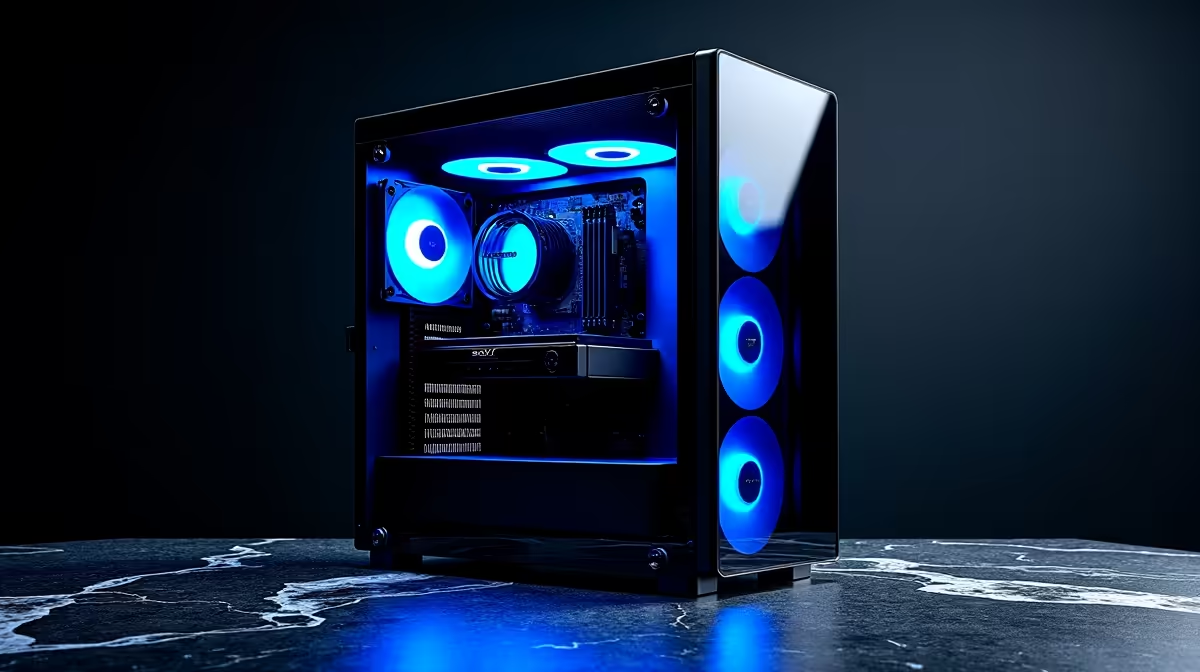
Before we dive into parts, let's clear something up. An "AI PC" isn't a magical new type of computer. It's a high-performance PC with components specifically chosen to excel at the mathematical tasks that power AI and machine learning... think thousands of calculations happening all at once. For tasks like running local language models (LLMs) or training image generators, certain components are far more important than others. This is the core of our AI PC build South Africa guide.
Core Hardware for Your DeepSeek Rig 🧠
Building a PC for AI is a game of balance, but the GPU is undoubtedly the star player. Here’s how to prioritise your components for a machine that can handle complex models like DeepSeek.
The GPU: The Heart of Your AI Machine
The Graphics Processing Unit (GPU) is where the real AI magic happens. Its parallel processing architecture, designed for rendering complex graphics in games, is perfect for the heavy lifting of AI calculations.
- VRAM is King: Video Memory (VRAM) is the single most important spec. It determines the size and complexity of the AI models you can load and run. For serious work, aim for at least 12GB of VRAM, with 16GB or 24GB being the sweet spot for larger models.
- NVIDIA's CUDA Advantage: Currently, NVIDIA GPUs have a massive advantage due to their CUDA platform, which is the industry standard for most AI frameworks. A rig from our range of high-performance NVIDIA GeForce gaming PCs with an RTX 40-series card is a fantastic starting point.
- What About AMD? While NVIDIA leads, AMD is catching up with its ROCm software platform. If you're an enthusiast who enjoys tinkering, a top-tier card from our selection of powerful AMD Radeon gaming PCs can offer great value, but be prepared for a bit more setup.
Check Your Model's Needs ⚡
Before you buy, check the hardware requirements for the specific AI models you want to run. A quick search for "DeepSeek Coder V2 hardware requirements" will show you recommended VRAM and system specs, helping you make a smarter purchase.
CPU, RAM, and Storage: The Essential Support Team
While the GPU does the heavy lifting, the rest of your system needs to keep up.
- CPU (Processor): You don't need the absolute best CPU on the market. A modern mid-range processor like an Intel Core i5 or AMD Ryzen 5 with 6 or more cores is plenty. Its main job is to feed data to the GPU and handle general system tasks.
- System RAM: 32GB of fast DDR4 or DDR5 RAM is a comfortable minimum. This ensures your operating system and data-loading processes don't become a bottleneck while the GPU is hard at work.
- Storage: Speed is crucial. An NVMe SSD is non-negotiable for your operating system and AI software. AI models and datasets can be huge, so a fast 1TB or 2TB NVMe drive will save you a massive amount of time.
Pre-Built vs. Custom Build: The Final Decision
Putting together your own AI PC build in South Africa can be a rewarding experience, giving you total control over every component. However, it requires time and research. For those who need a machine that's tested, warrantied, and ready for serious work straight out of the box, exploring professional-grade workstation PCs is an excellent alternative. These systems are often optimised for stability and sustained performance, which is crucial for long AI training sessions. 🚀
Ready to Build Your AI Powerhouse?
Assembling a custom AI PC in South Africa is more accessible than ever. Whether you're fine-tuning models or exploring creative AI, having the right hardware is key. Use our advanced Custom PC Builder to configure your perfect machine and start your AI journey today.