A podcast recording setup can share a study-and-gaming desk when the microphone placement, room noise and connections are planned properly. It will not make the computer faster or organise coursework. Choose audio gear that can move between calls, recording and voice chat without constant driver changes.
Design one repeatable desk layout
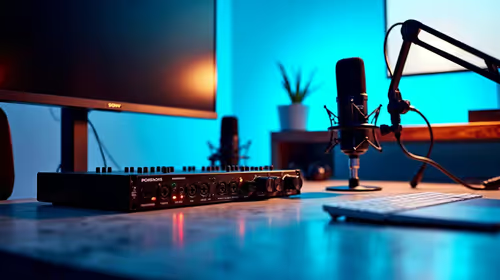
Mark the keyboard, books, monitor and mouse area first. Place the microphone close enough for clear speech without blocking writing or the screen. Record while typing and while the gaming PC is under load. This exposes keyboard noise, fan noise and room echo that specifications cannot predict.
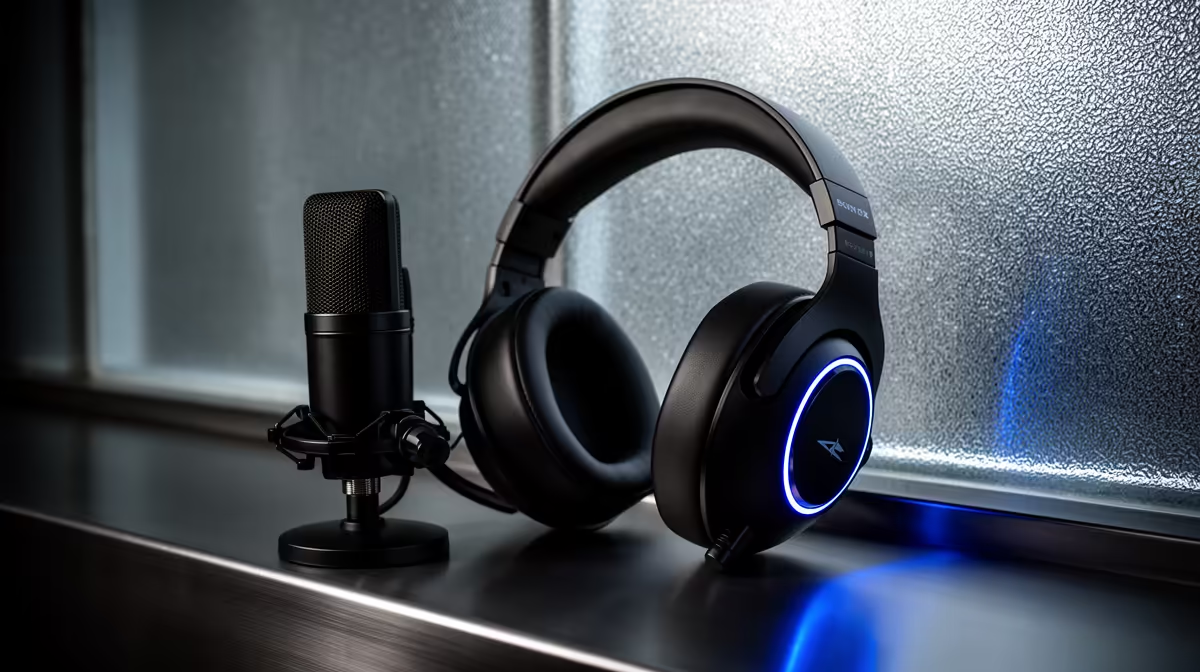
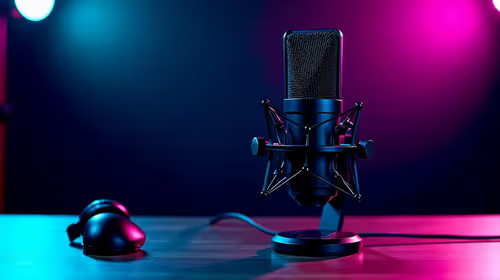
The HyperX SoloCast 2 USB microphone is a verified reference at R690. The NearStream USB and XLR microphone is verified at R676. Compare current pickup pattern, monitoring, stand, mute control, device support and included connections. USB simplicity may suit one computer, while XLR can support later expansion with a compatible interface.
Create separate gain and application profiles for lectures, games and spoken recording. Use headphones during multitrack work, keep speaker volume controlled and disable automatic processing that changes the sound unexpectedly. Store raw episodes and project files in approved backups, separate from replaceable game installations. Respect consent when recording guests or study partners. The setup can cope when a full test moves between a call, game and recording without cable confusion or distorted speech. Add a mixer only when multiple live inputs genuinely require it.
Sharing a desk across study and audio? > Compare verified microphones with Evetech around noise, space and connections.