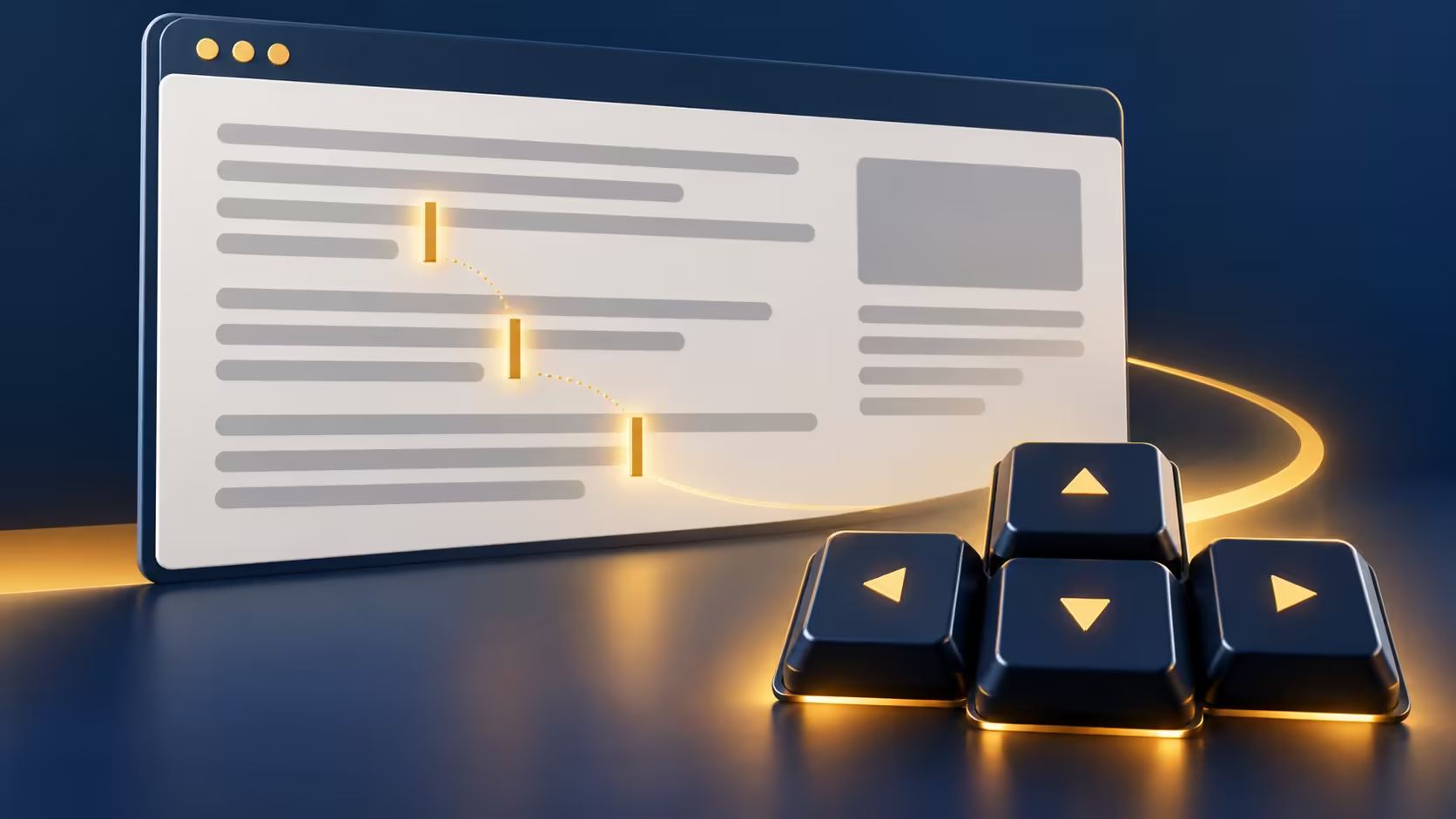
Arrow keys that suddenly move a small text cursor around a webpage can feel like a broken scrolling command. Edge caret browsing is often the simpler explanation. It is an intentional keyboard navigation mode, and the same key that enables it can return the browser to your usual behaviour.
Quick Answer
With Edge focused, press F7 and read any caret-browsing prompt. Pressing F7 again toggles the mode off. Testing this requires R0 in extra hardware, and it is separate from repairing a keyboard or changing the text inside a webpage.
⌨ Recognise a navigation caret
The caret resembles the insertion line you see while typing, but it can sit inside an article that you cannot edit. Arrow keys move it through content, making keyboard text selection possible. That visual similarity can cause confusion when you expected the page simply to scroll.
Click outside any actual text-entry box before comparing behaviour. A search field or message editor already uses arrow keys for editing, even with caret browsing disabled. Check the browser's focus so you are testing the page mode rather than an ordinary form.
🔎 Toggle the mode and test selection
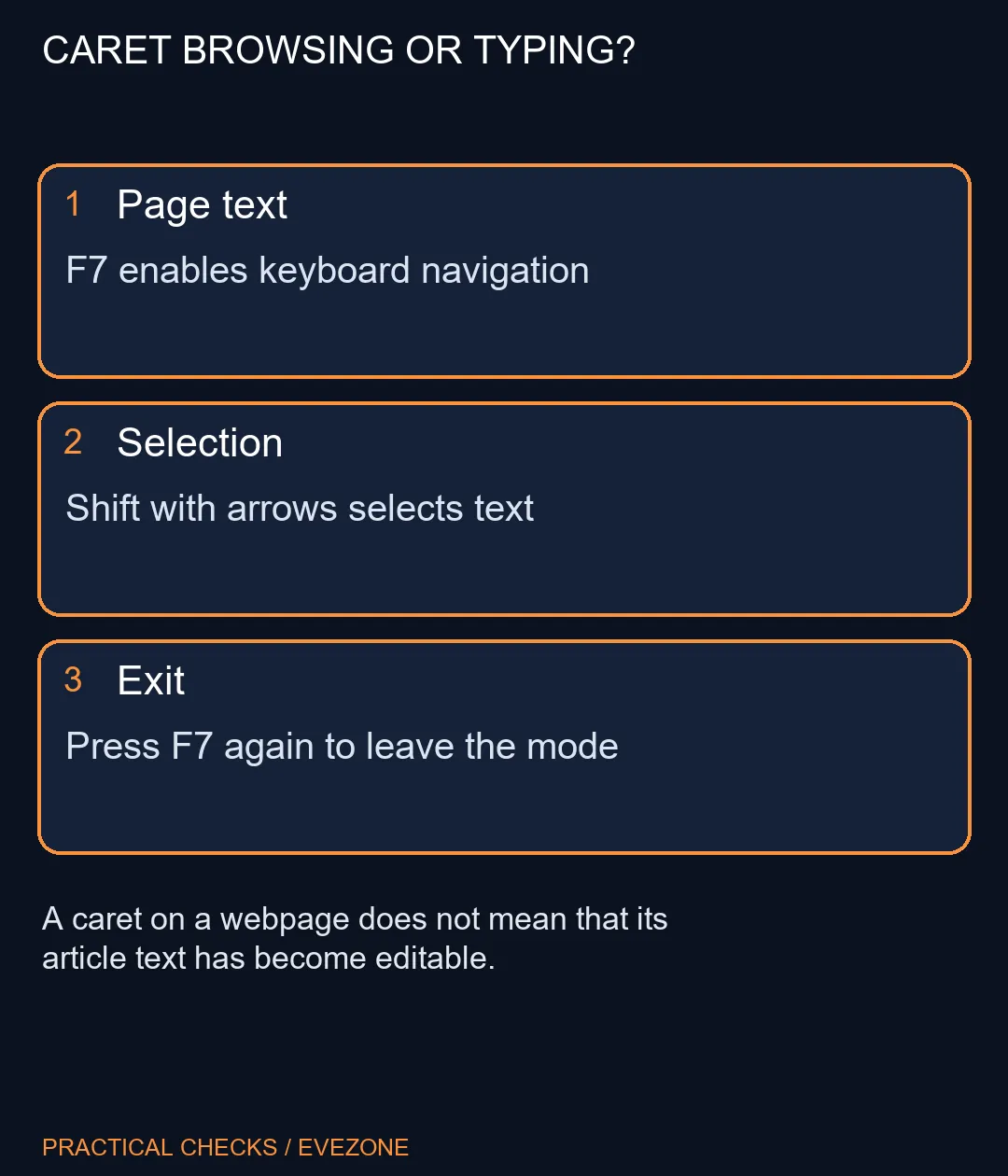
Press F7 once, inspect the response and avoid repeatedly pressing keys before reading the prompt. Some laptops place function keys behind Fn or a function-lock choice. Use the model's normal way of sending F7 rather than changing several keyboard settings at the same time.
With the mode enabled, move through a short paragraph using the arrows. Holding Shift with an arrow extends the selection, after which Ctrl+C can copy the selected passage. Practise on disposable material first so an unexpected focus change does not affect a form you were completing.
If you prefer mouse navigation, toggle caret browsing off and repeat the original scrolling action. The goal is to choose a useful interaction style, not to keep a feature active because it exists.
🖱 Keep a software mode separate from hardware faults
A single browser behaving differently from other programs points toward an application mode or focus issue. It is weaker evidence for a damaged key than the same physical input failing consistently across several simple tests. Record where the symptom appears before making a purchase.
Use gaming keyboards when layout, key feel or a demonstrated input failure warrants comparison. Browse gaming mice if a different pointer would make navigation more comfortable. Caret browsing itself does not require either purchase. If F7 does not reach Edge, check the laptop's function-key behaviour and managed browser settings before treating the navigation feature as unavailable everywhere.
Frequently Asked Questions
What is caret browsing?
It places a keyboard-controlled caret in webpage content so you can navigate and select text without relying on a mouse.
How do I turn it off?
Press F7 while Edge has focus and check the mode or prompt. Laptop function-key behaviour may require Fn with F7.
Does it edit the webpage?
No. Moving a caret through page content does not make the page editable. A real form field is a different context.
How do I select text?
With caret browsing enabled, move with arrow keys and hold Shift with the arrows to extend a selection. Then copy normally.
Why did arrow-key scrolling change?
When caret browsing is active, arrows can move through page content. Test F7 before assuming your keyboard has developed a fault.
Is special hardware needed?
No. The built-in navigation mode requires R0 in extra hardware when your keyboard already sends the needed keys.
Choosing a more comfortable browsing setup?
Try the built-in keyboard navigation mode and compare peripherals only for the needs that remain.