


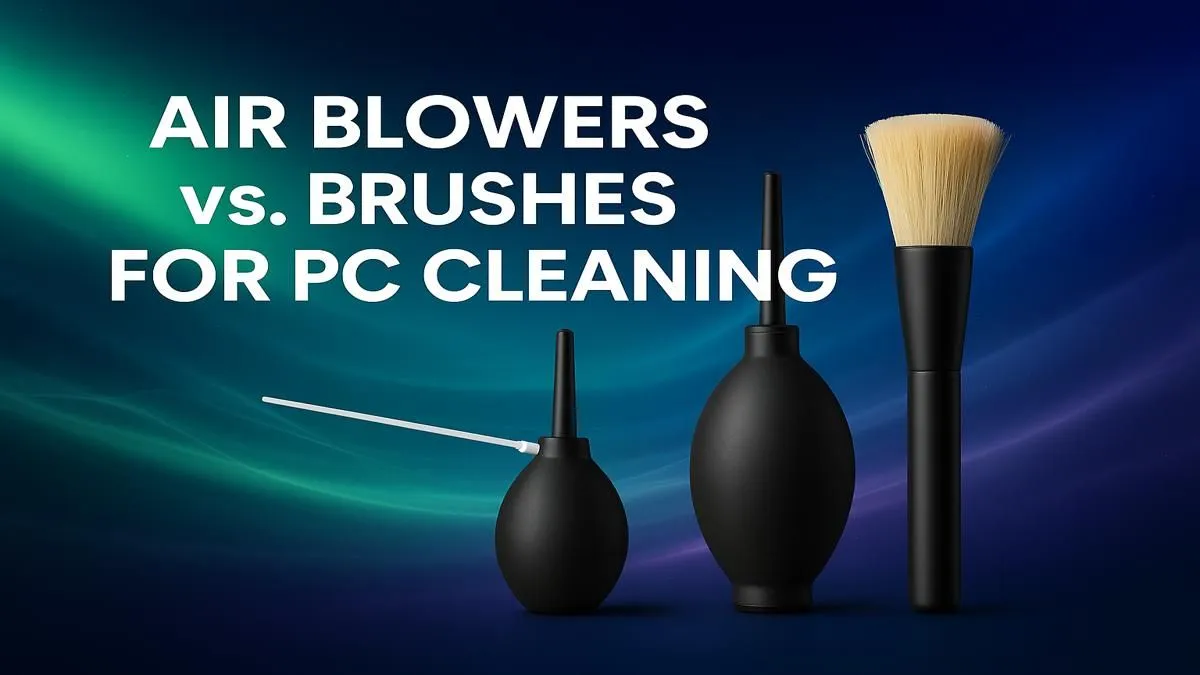
That moment of dread... you peek through your PC's side panel and see it. Dust. Not just a light film, but proper Highveld-level dust bunnies camping out on your GPU. It’s strangling your airflow and cooking your components. You know you need to clean it, but the big question looms: in the great battle of PC cleaning, is it the PC cleaning air blower vs brush that takes the crown for banishing dust for good? Let's settle it.
Why an Air Blower is Your PC’s Best Friend 🔧
An electric air blower is the modern champion of PC maintenance for a reason. It uses a powerful, concentrated stream of air to dislodge dust from every nook and cranny without you ever having to touch a single delicate component.
Think about the intricate heatsinks on your CPU cooler or the tightly packed fins on your graphics card. A brush simply can’t reach those spots effectively. A blower gets in there, blasting out trapped dust and improving thermal performance almost instantly. For those running powerful hardware, like the kind found in our high-end PCs over R20k, this touchless method is the safest way to maintain your investment.
However, it's not a perfect solution. A blower can sometimes just push dust deeper into crevices or blast it all over your room. It’s powerful, but not always precise.
When Does a Brush Outshine a Blower?
So, where does the humble anti-static brush fit in? It shines when dealing with stubborn, caked-on dust that a blower just can't lift. Fan blades are a classic example. They often get a greasy, sticky layer of dust that air alone won't remove. A gentle wipe with a soft, anti-static brush is the only way to get them looking brand new.
This precision is invaluable. You have total control, allowing you to carefully clean around sensitive capacitors and connectors. It's a quiet, methodical process that ensures even the most neglected budget gaming PCs can be restored to their former glory, extending their lifespan and performance. The major drawback? The risk of static discharge if you don't use a proper anti-static brush.
Static Shock Warning! ⚡
Always use a dedicated anti-static brush for PC cleaning. Never use a standard paintbrush or household duster, as they can build up a static charge that could permanently damage sensitive components like your RAM or motherboard. It's a small investment to protect your valuable hardware.
PC Cleaning Air Blower vs Brush: The Winning Combo ✨
After countless builds and cleanings in the Evetech lab, we can tell you the debate isn't about choosing one over the other. The real pro-level technique is to use both tools together. They complement each other perfectly, creating a cleaning routine that leaves no dust particle behind.
Here’s the simple, winning formula:
- Initial Blast: Take your PC to a well-ventilated area (your garage or balcony is perfect) and use the air blower to force out all the loose dust and large debris.
- Detail Work: Use your anti-static brush to gently dislodge the stubborn dust from fan blades, grilles, and heatsink fins. Work from the top of the case downwards.
- Final Flush: Give the case one last quick blast with the air blower to clear out any particles you just loosened with the brush.
This two-step process is the gold standard for maintaining any rig, from an affordable workhorse PC under R20k to a monster gaming machine.
Beyond the Blower and Brush: Long-Term PC Health
Winning the war against dust involves more than just cleaning. Proactive measures can drastically reduce how often you need to break out the tools. Most modern chassis featured in the best gaming PC deals come with easily removable dust filters. Cleaning these every month takes just a few minutes and is your best defence.
Ensuring your case has positive air pressure (more intake fans than exhaust fans) also helps, as it forces air out of unfiltered cracks and crevices, preventing dust from sneaking in. Of course, if your current rig is a dust magnet with poor airflow and no filters, it might be time for an upgrade. A clean, well-designed case is the foundation of a healthy PC, and our range of pre-built PC deals offers the latest in chassis technology.
Ready for a Dust-Free Domination? 🚀 Keeping your PC clean is key to performance, but sometimes, a fresh start is the ultimate upgrade. If your rig has seen better days, explore our incredible range of gaming PC deals and find a pristine, powerful machine ready to conquer any challenge.









