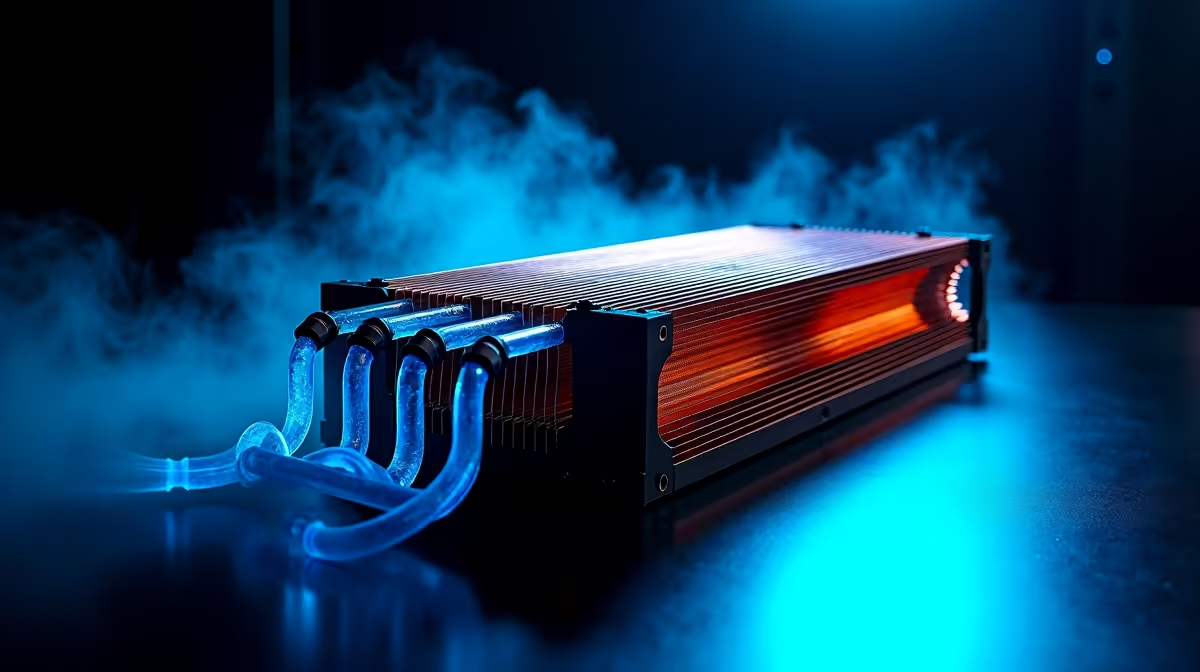
Building your first gaming PC is a massive thrill. You've picked the GPU, agonised over the CPU, and now you’re at the final boss: cooling. The big question every South African builder faces is air vs liquid cooling for gaming. Get it right, and your rig runs whisper-quiet during intense firefights. Get it wrong, and you risk thermal throttling just when you’re about to clutch the win. Let's demystify this choice for you. 🔧
Understanding the Core Job: Why PC Cooling Matters
Before we compare air and liquid, let's get one thing straight. Your PC's processor (CPU) is an engine. When you're gaming, editing, or streaming, it works hard and generates a lot of heat. If that heat isn't moved away efficiently, your CPU slows itself down to prevent damage—this is called "thermal throttling."
Suddenly, your smooth 144 FPS drops to a stuttery mess. A good CPU cooler, whether it's an air or liquid solution, is non-negotiable for a stable, high-performance gaming experience. It's the unsung hero of your build.
The Case for Air Cooling: Simple, Reliable, and Effective
An air cooler is the classic PC cooling solution. It works on a simple principle: a metal block (the heatsink) sits on your CPU, pulling heat into a stack of metal fins. A fan then blows cool air over these fins, dissipating the heat and pushing it out of your case.
Why Choose an Air Cooler?
For most gamers, especially those on their first build, a quality air cooler is a fantastic choice.
- Rock-Solid Reliability: With only one moving part (the fan), there's very little that can go wrong. They are built to last for years with minimal maintenance.
- Incredible Value: You can get phenomenal cooling performance for a fraction of the price of a liquid cooler. This frees up more of your budget for a better graphics card or more storage, which is crucial for many of our top-selling budget gaming PCs.
- Simple Installation: They are generally easier and less intimidating to install than their liquid counterparts.
Modern air coolers from brands like Noctua, Cooler Master, and be quiet! can easily handle even high-end gaming CPUs. They are the workhorses of the PC world, and you’ll find them in many powerful and affordable gaming PCs under R20,000.
Diving into Liquid Cooling: Peak Performance and Aesthetics ❄️
Liquid cooling, specifically All-In-One (AIO) coolers, might seem complex, but the concept is similar to a car's radiator. A pump circulates a special coolant through a block on top of your CPU, absorbing heat. This hot liquid then travels to a radiator, where fans cool it down before it cycles back to the CPU block.
When Does Liquid Cooling Make Sense?
AIOs offer two main advantages that make them the go-to for high-end builds.
- Ultimate Cooling Power: For seriously powerful CPUs (like an Intel Core i9 or AMD Ryzen 9) or if you plan on overclocking to squeeze out every drop of performance, an AIO offers the best thermal headroom. This is why you'll often see them in our premium custom gaming PCs over R20,000.
- Sleek, Clean Looks: Let's be honest, they look amazing. An AIO removes the bulky metal heatsink from the centre of your motherboard, creating a clean, modern aesthetic that showcases your other components, often with vibrant RGB lighting. ✨
While the risk of leaks is incredibly low with modern, reputable AIOs, the added complexity and cost mean they aren't the default choice for every build.
Cooler Compatibility Check 📏
you buy any cooler, air or liquid, check three things: your case's CPU cooler height clearance (for air coolers), its radiator support (for AIOs, e.g., 240mm or 360mm), and the cooler's socket compatibility (e.g., AM5 for Ryzen or LGA 1700 for Intel). This five-minute check saves hours of frustration!
So, Which Cooling Solution is Right for Your First Build?
The debate over air vs liquid cooling for gaming isn't about which is "better" overall, but which is better for you.
Let’s break it down:
- For the Pragmatic Gamer: If you want great performance, reliability, and the best value for your money, a high-quality air cooler is almost always the right answer. It's the smart, efficient choice that powers many of the best gaming PC deals in South Africa.
- For the Overclocker & Performance Enthusiast: If you're running a top-tier, high-heat CPU and want to push its limits, an AIO liquid cooler will give you the thermal capacity to do so.
- For the Style-Conscious Builder: If a clean, RGB-filled aesthetic is a top priority for your build, the visual appeal of an AIO is hard to beat.
Ultimately, there's no wrong answer here. Both technologies are mature and highly effective. For a first build, a great air cooler is a safe, powerful, and cost-effective starting point. If you decide later you want the looks or peak performance of an AIO, it's an upgrade you can always make. And if you'd rather have the experts handle it, our range of pre-built PC deals features professionally assembled systems with perfectly matched cooling solutions.
Ready to Build Your Cool-Running Rig?
The air vs liquid cooling debate is all about matching the hardware to your goals and budget. Whether you're after silent reliability or overclocking glory, the right choice is waiting. Explore our legendary gaming PC deals and find the perfect pre-built or customisable machine today.