


Your PC fan sounds like a jet engine during a Johannesburg heatwave, right? You're not alone. Choosing between air vs liquid cooling is a massive decision for any South African gamer. It’s not just about flashy RGB... it’s about keeping your rig from thermal throttling when you’re one clutch away from victory. So, when it comes to keeping your CPU frosty, which is truly the best cooling for your gaming PC? Let's break it down.
The Case for Air Cooling: Simple & Reliable 🔧
When you think of a CPU cooler, you probably picture a traditional air cooler: a heatsink with fins and a fan. Don't underestimate this classic design. For the vast majority of gamers, a high-quality air cooler is more than enough.
Modern air coolers are incredibly efficient, quiet, and reliable. Their biggest advantage? Simplicity. There are no moving parts besides the fan, no liquid to worry about, and no potential for leaks. This makes them a super dependable, set-and-forget solution. They offer fantastic performance for their price, making them the default choice for most budget gaming PCs that need to deliver consistent frames without breaking the bank.
Top Reasons to Choose Air Cooling:
- Cost-Effective: Get brilliant cooling performance for a fraction of the price of a liquid AIO.
- Ultra-Reliable: With fewer points of failure, a good air cooler can easily outlast other components in your build.
- Easy Installation: Generally simpler to install than liquid coolers, making them great for first-time builders.
When Liquid Cooling Makes Sense: Peak Performance & Aesthetics ❄️
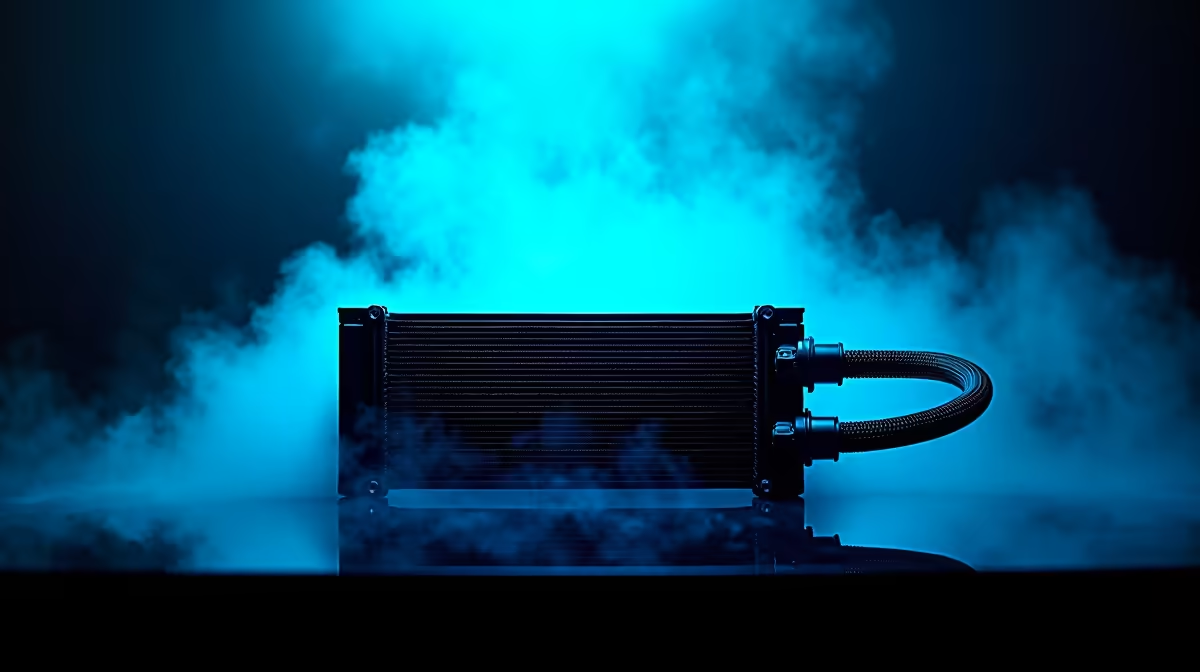
Now for the cool kid on the block: liquid cooling, usually in the form of an All-In-One (AIO) cooler. An AIO uses a closed loop of liquid to transfer heat from your CPU to a radiator, where fans then dissipate the heat. This process is often more efficient at handling the intense heat generated by high-end, overclocked processors.
If you're pushing a top-tier Intel Core i9 or AMD Ryzen 9 CPU to its absolute limits, liquid cooling is often the superior choice. This is especially true in the kind of high-performance PCs over R20k built for 4K gaming or heavy content creation. Plus, let's be honest, they look amazing. The clean aesthetic of a CPU block and the RGB-lit radiators can be the centrepiece of a build. You'll find AIOs are a popular choice in many of our best pre-built PC deals for this very reason.
Case Compatibility Check! 📏
Before you buy any cooler, check your case specifications. Massive air coolers need significant vertical clearance, while AIO liquid coolers require specific radiator mounting spots (top, front, or rear). A cooler that doesn't fit is just an expensive paperweight!
Air vs Liquid Cooling: The Final Showdown
So, how do they stack up directly? The best cooling solution really depends on your budget and performance goals. While a premium air cooler can often compete with a mid-range AIO, the very best AIOs will typically offer lower peak temperatures.
For many gamers building powerful rigs under R20k, a quality air cooler provides the perfect balance of performance and value. However, for those chasing every last megahertz through overclocking or who simply demand the quietest operation under extreme load, an AIO liquid cooler is a worthy investment.
The Verdict for South African Gamers
Ultimately, the air vs liquid cooling debate doesn't have one single winner. In our hot climate, any good cooling is a must. Your choice comes down to your priorities.
- Choose Air Cooling if: You value reliability, simplicity, and getting the best possible performance-per-Rand.
- Choose Liquid Cooling if: You're running a high-end, overclocked CPU, need the absolute lowest temperatures, or care deeply about a clean, modern aesthetic in your build.
Both options are fantastic and will serve you well. The key is to match the cooler to your CPU and your case. By doing that, you'll be ready to explore the best gaming PC deals available, confident that your machine will stay cool under pressure.
Ready to Find Your Perfect Match? The air vs liquid cooling debate is all about your specific build, budget, and performance needs. Explore our massive range of CPU coolers and find the perfect solution to keep your gaming rig frosty.











