


Clean Gaming Keyboard: Guide for Dusty & Humid Conditions
Clean gaming keyboard quickly and safely in dusty or humid conditions with step-by-step tips, tool checklist, and maintenance routines to prevent corrosion and switch failure. 🧼💨
Read moreMaster AM5 motherboard maintenance to unlock peak gaming performance in South Africa. This guide covers everything from cleaning dust to updating your BIOS, ensuring your rig runs cool and stable for years to come. Boost your FPS and prevent throttling! 💻✨
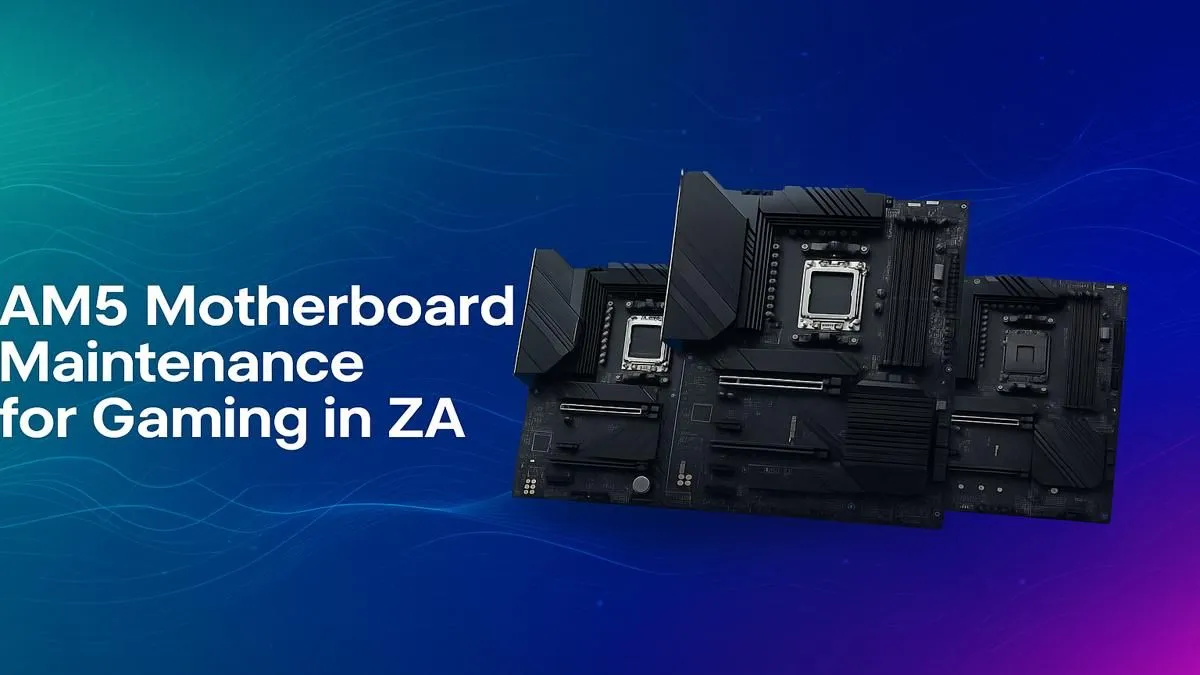
You've just invested in a powerful AM5 rig, and the performance is epic. But here in South Africa, dust and surprise power surges are part of the game. Proper AM5 motherboard maintenance isn't just about a quick clean; it's about protecting your investment and ensuring that slick performance lasts. Neglecting your motherboard is like owning a sports car and never checking the oil. Let's get your PC care routine sorted. 🔧
Your motherboard is the central nervous system of your PC. For South African gamers, two big factors make regular maintenance essential: dust and power instability. Our climate can lead to fine dust build-up, which insulates components and traps heat, potentially throttling your CPU and GPU. Furthermore, unpredictable load shedding can put stress on your system's power delivery components.
A simple, consistent AM5 motherboard maintenance schedule helps prevent thermal throttling, extends the lifespan of your components, and ensures system stability when you need it most.
Keeping your AM5 board in top shape doesn't require an engineering degree. It's about consistency. Here’s a simple routine to follow every 3-6 months.
First, power down completely and unplug your PC from the wall. Open the case and get ready to tackle the dust.
Many modern AM5 motherboards have a 'BIOS Flashback' button. This lets you update the BIOS using just a USB drive and power supply—no CPU or RAM required! It's a lifesaver if you buy a new CPU that isn't supported by the board's factory BIOS. Always check your manual for the specific steps.
Maintenance isn't just physical. Your motherboard's digital health is just as important for performance and security. ✨
A well-maintained board ensures you get the maximum value from your current setup, keeping it running smoothly until you're ready to consider future upgrades to exciting new platforms like the upcoming AMD B850 motherboards. Taking 30 minutes every few months for this simple maintenance guide will pay off in performance and longevity.
Ready for an Upgrade or a Fresh Start? Great maintenance extends the life of your rig, but sometimes a new foundation is the best path to next-gen performance. If your old board is holding you back, explore our massive range of AM5 motherboard deals and build the PC you truly deserve.
For optimal performance, a light dusting every 3-6 months is recommended. A deep clean should be done every 1-2 years, depending on your environment and dust levels in your home.
Yes, it is safe when done correctly. A proper AM5 BIOS update can improve stability and memory compatibility. Always follow the manufacturer's instructions and ensure stable power.
Common signs include frequent crashes (BSODs), failure to POST, peripherals not being detected, or a burning smell. Our AM5 motherboard troubleshooting tips can help diagnose issues.
Absolutely. Dust buildup insulates components like VRMs, causing them to overheat. This leads to thermal throttling, which reduces your in-game FPS and can cause stuttering.
Essential tools include a can of compressed air, isopropyl alcohol (90%+), microfiber cloths, and an anti-static wrist strap, all available from Evetech for safe hardware handling.
Use free software like HWMonitor or HWiNFO64 to monitor your motherboard's VRM, chipset, and other sensor temperatures. Keeping AM5 temps low is key for longevity.
Clean gaming keyboard quickly and safely in dusty or humid conditions with step-by-step tips, tool checklist, and maintenance routines to prevent corrosion and switch failure. 🧼💨
Read more
Best gaming keyboard features to prioritize when building a high-end setup: mechanical switches, low latency, hot-swap, RGB, macros, durability and ergonomics 🎮⌨️
Read more
Custom actuation point keyboard setup guide: learn to set per-key actuation on your analog gaming keyboard for faster, precise inputs and better control 🎮⚙️
Read more
Cable management for home entertainment helps you eliminate cable clutter quickly and safely. Learn routing, concealment, and product picks to tidy your setup fast 📺🔌
Read more
conference room setup Microsoft Teams Zoom: Upgrade AV, camera, mic, and network to ensure seamless meetings, clear audio, and crisp video 🎯🔧
Read more
• Audit setup • Link accounts • Configure ViewBoard • Test workflows Integrate Google Workspace with ViewSonic ViewBoard to enable secure SSO, calendar and Drive sync, and smooth collaborative whiteboarding 🔗📋
Read more
Discover webcams that automatically adjust light and color for crystal-clear video calls 🎥✨. Boost your streaming quality today!

Discover webcams that blend into your workflow 🎯 Capture moments while you work, stream, or create. Upgrade your setup with smart, multitasking tech!

Dedicated media keys give streamers one-touch control to mute, switch scenes, clip highlights, and adjust audio — cutting task time and boosting consistency 🎛️⚡

PBT vs ABS keycaps: Clear, local guide for South African gamers—compare feel, sound, durability and where to buy. Find the best material for your budget and playstyle 🎮🇿🇦

- Multi-Function Digital Dial: define benefits - Show gamer setups and macros - Offer buying and setup tips Multi-Function Digital Dial puts programmable control at your fingertips for faster actions and smoother streaming. 🎮⚙️

- Explain benefits; - Show the science; - Compare options; - Recommend picks. Magnetic wrist rest for gaming cuts wrist strain and boosts comfort during long sessions 🕹️✨