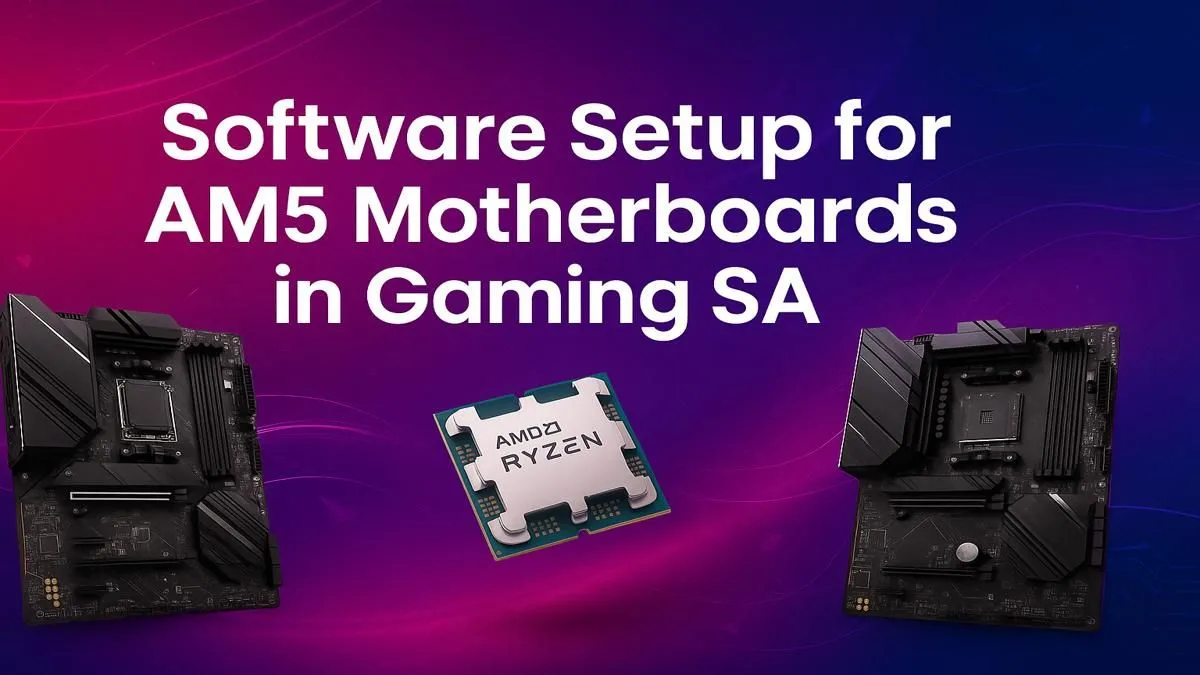
So, you’ve just unboxed your shiny new AMD Ryzen processor and a beastly AM5 motherboard. The excitement is real! But before you jump into Warzone or start rendering your next masterpiece, there’s a critical step many gamers overlook: the software setup. Nailing your AM5 motherboard software setup isn’t just a formality; it’s the key to unlocking the full, blistering performance you paid for. Let's get it done right. 🔧
First Steps: Before You Even Touch Windows
Before installing your operating system, your first port of call is the BIOS (Basic Input/Output System). Think of it as the foundational software that tells all your expensive hardware how to talk to each other. An outdated BIOS can lead to instability, poor memory performance, and even prevent your PC from booting correctly.
A proper AM5 motherboard software setup always starts here. Your goal is to flash the latest BIOS version from the manufacturer's website. This ensures you have the best compatibility for new CPUs, crucial security patches, and the latest performance optimisations for your RAM.
BIOS Flashback Pro Tip ⚡
Many modern AM5 motherboards have a feature called BIOS Flashback. This lets you update the BIOS with just a power supply and a USB stick… you don’t even need a CPU or RAM installed! It’s a lifesaver if you have a brand-new CPU that isn’t supported by the board's factory BIOS. Check your manual for the specific steps.
Essential AM5 Motherboard Software Drivers
Once Windows is up and running, avoid the temptation to immediately install Steam. Your next step is to install the AMD Chipset Drivers. These aren't optional; they are the core software package that manages everything from your USB ports and storage controllers to how your CPU boosts its clock speeds.
Skipping this can result in sluggish performance and system instability. You can grab the latest version directly from AMD's website or your motherboard manufacturer’s support page. This fundamental step is crucial whether you're building with one of the incredibly popular B650 motherboards or a high-end model.
Unlocking Performance: Key BIOS Settings
With the basics sorted, it's time to unleash the power. Reboot your PC and head back into the BIOS to tweak a few key settings. The most important one for gamers is AMD EXPO (Extended Profiles for Overclocking).
What is AMD EXPO?
This is a one-click memory overclocking profile designed for DDR5 RAM. Enabling it tells your memory to run at its advertised high speed, not the slower default setting. Running your 6000MHz RAM at a sluggish 4800MHz is like buying a Ferrari and never taking it out of second gear. Find the EXPO setting (often on the main BIOS page or under "Overclocking"), enable Profile 1, save, and reboot. This simple tweak provides a significant boost in gaming performance. For enthusiasts looking to push things even further, the robust power delivery on premium X870 motherboards provides the perfect platform for advanced tuning.
Keeping Your System Clean and Ready for the Future
Your motherboard manufacturer will offer a suite of other utilities for controlling RGB lighting, fan curves, and system monitoring. While useful, be selective. Only install what you absolutely need to avoid unnecessary background processes that can sap performance. A lean system is a fast system. ✨
Completing your AM5 software setup correctly ensures you get a stable, high-performance machine from day one. It also prepares your rig for whatever comes next, from new game releases to future hardware upgrades. With a solid foundation, you'll be ready to take full advantage of new technologies as they arrive, including the highly anticipated performance of upcoming B850 motherboards. Happy gaming! 🚀
Ready to Build Your AM5 Powerhouse?
A proper software setup starts with the right hardware. A great motherboard makes unlocking performance simple and stable. Explore our complete range of AM5 motherboards and find the perfect foundation for your next legendary PC build.