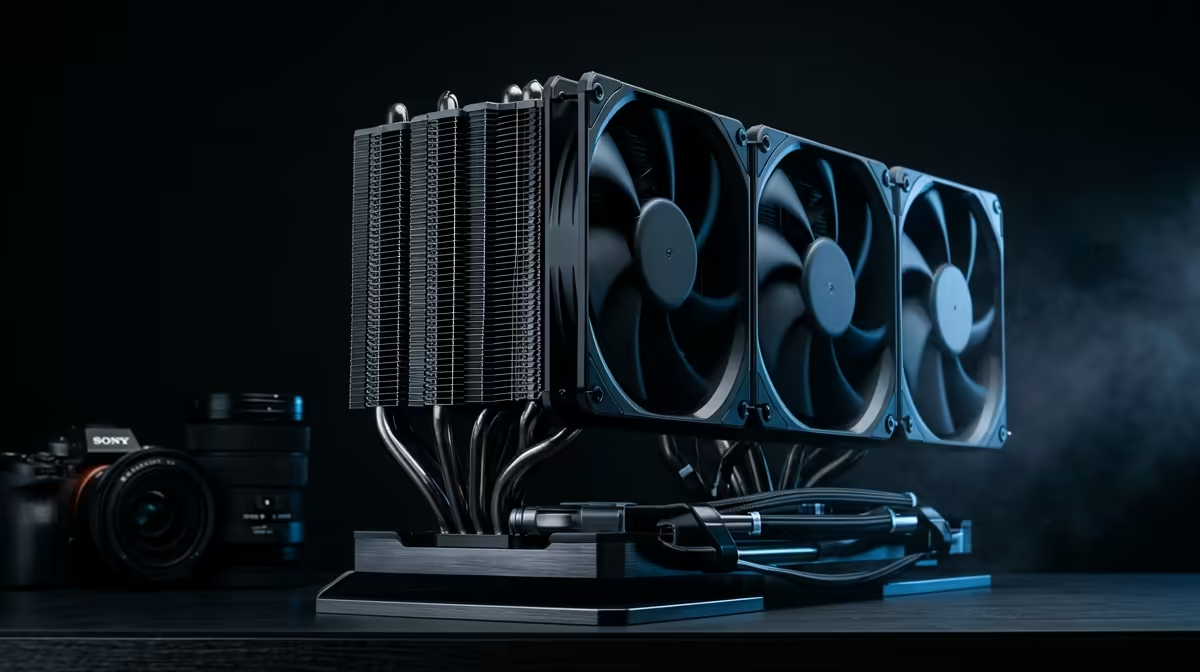
So, you’ve just unboxed a beastly new CPU. Maybe it’s a shiny AMD Ryzen 7000 series chip for a new AM5 rig, or a powerhouse Intel 14th Gen for an LGA 1700 motherboard. The excitement is real! But then a classic PC builder’s question pops into your head: will my trusty old CPU cooler even fit? It’s a crucial hurdle in the AM5 vs LGA 1700 cooler compatibility debate, but don’t stress… we’ve got you covered.
Understanding the Socket Showdown: AM5 vs LGA 1700
At first glance, CPU sockets look like a complex mess of pins and latches. But when it comes to cooling, it’s all about the mounting holes. For years, builders got used to certain standards, but the latest generation brought a few key changes that directly impact cooler compatibility for AM5 and LGA 1700 systems.
AMD's AM5 Socket: The Good News
AMD made a brilliant move for builders. Despite the massive architectural leap from PGA to LGA, they kept the cooler mounting dimensions of the AM5 socket identical to the previous AM4 socket. ✨ This means that most coolers designed for AM4 will bolt right onto an AM5 motherboard without any special adapters. It’s a simple, user-friendly decision that makes upgrading much smoother.
Intel's LGA 1700 Socket: A New Shape
Intel, on the other hand, changed things up. The LGA 1700 socket, introduced for their 12th Gen CPUs, is physically different from its LGA 1200 predecessor. It's rectangular rather than square and has a different mounting height. This initially meant that older coolers were not compatible without a specific LGA 1700 upgrade kit, which manufacturers had to create and distribute.
The Modern Solution: Universal Cooler Compatibility
Thankfully, the industry has caught up. Most new, high-quality CPU coolers sold today are designed with this socket diversity in mind. A great example is the Evetech TITAN 360 RX AIO liquid cooler. It’s built from the ground up to handle both platforms, removing any guesswork from your build process. This focus on AM5 vs LGA 1700 cooler compatibility means you get one solution that works perfectly for either Team Red or Team Blue. It's just one less thing to worry about, letting you focus on other important peripherals, like finding a reliable gaming keyboard to complete your setup.
Check Your Clearance! 🔧
buying any large air cooler or AIO, always check two things: your case's maximum CPU cooler height specification and your RAM height. Tall, flashy RAM modules can sometimes interfere with bulky air coolers. For AIOs like the TITAN 360 RX, ensure your case has the correct radiator mounting spots (e.g., top or front) for a 360mm unit.
A Closer Look at the TITAN 360 RX Mounting
So, how does a cooler like the TITAN 360 RX achieve this dual-platform support? It all comes down to the included hardware. In the box, you’ll find separate bags of standoffs, brackets, and backplates clearly labelled for either Intel or AMD.
- For LGA 1700: You’ll use the specific Intel backplate and standoffs that match the new socket’s dimensions.
- For AM5: You’ll use the motherboard’s stock backplate (as required by AMD's spec) along with the included AMD mounting arms.
This clear separation makes installation straightforward. The comprehensive kit ensures you get optimal mounting pressure, which is vital for thermal performance. Combining this cooling efficiency with a responsive keyboard, like the premium options from Glorious, creates a truly top-tier gaming experience. If you're a fan of a particular brand, you can even find a wide selection of top-tier Razer keyboards to match your aesthetic.
What If My Older Cooler Doesn't Fit?
If you have an older cooler that doesn’t have the right brackets, don't panic just yet. First, check the cooler manufacturer’s website (like Noctua, Cooler Master, or be quiet!). Many of them offer inexpensive or even free upgrade kits to add LGA 1700 cooler support to their older models.
However, it's also worth asking if it's time for an upgrade. A powerful new CPU generates a lot of heat, and pairing it with a modern, high-performance cooler like the TITAN 360 RX ensures you get the full performance you paid for without thermal throttling. A new build is the perfect chance to synchronise all your gear, right down to a stunning RGB Razer keyboard that ties everything together. 🚀
Ready to Build with Confidence?
The AM5 vs LGA 1700 compatibility question is simple with the right gear. Ensure your powerful new CPU stays cool under pressure. Explore our wide range of CPU coolers and find the perfect cooling solution for your next-gen build.