


Clean Gaming Keyboard: Guide for Dusty & Humid Conditions
Clean gaming keyboard quickly and safely in dusty or humid conditions with step-by-step tips, tool checklist, and maintenance routines to prevent corrosion and switch failure. 🧼💨
Read more• Audit monitors; • Create Eyefinity group; • Calibrate bezels; • Optimize performance. AMD Eyefinity setup turns triple or multi-monitor sim racing into immersive, playable rigs 🚗🎮
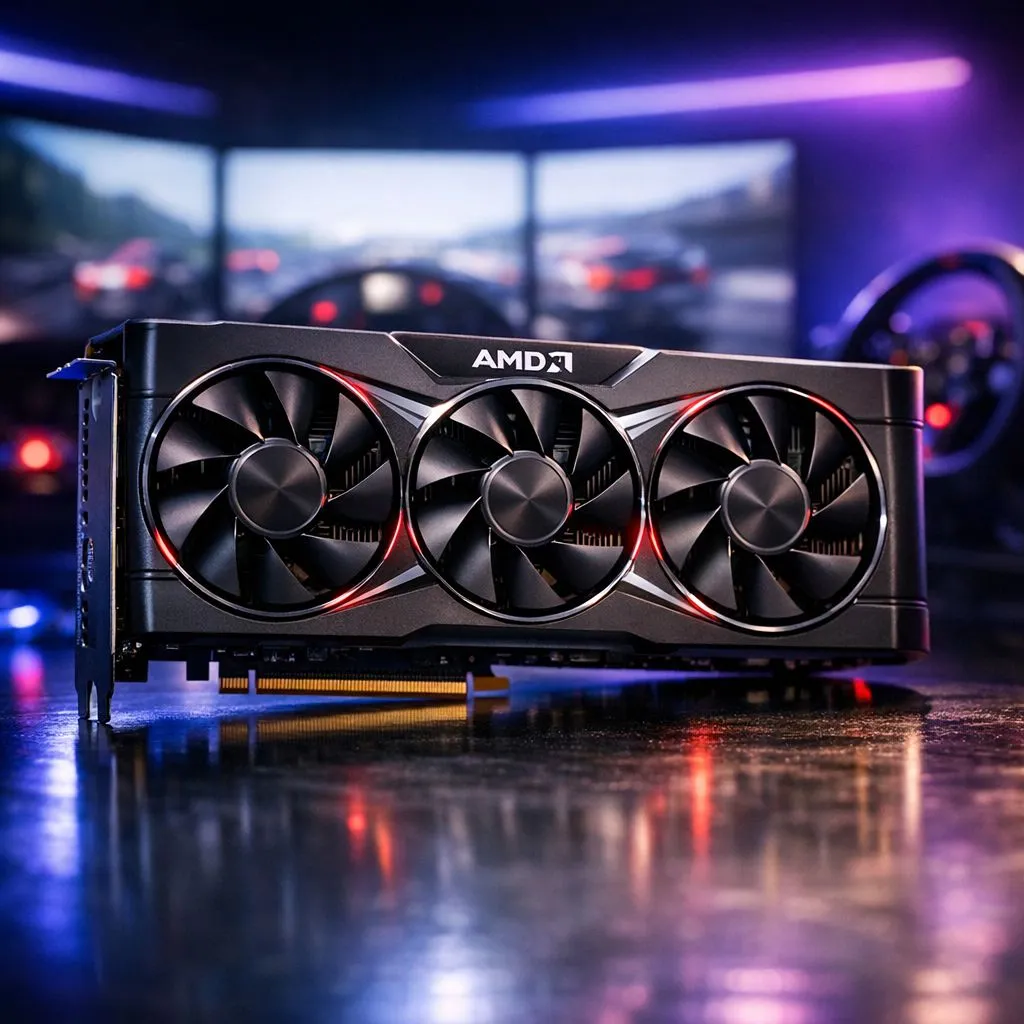
There is nothing quite like hitting the apex at Kyalami with a full panoramic view of the track. For South African sim racers, a single screen often feels like driving with blinkers on. An AMD Eyefinity setup for sim racing multi-monitor configurations changes everything. It expands your field of view... letting you spot rivals in your peripheral vision before they even make a move.
Standard monitors limit your awareness to what is directly in front of the bonnet. In a competitive race, this is a massive disadvantage. By using an AMD Eyefinity setup for sim racing multi-monitor displays, you create a seamless field of vision that wraps around your cockpit. This setup allows you to look through the corners rather than at them. It helps you judge distance and speed more accurately... which leads to more consistent lap times.
To achieve a smooth experience, you need a GPU that can handle the massive pixel count of three screens. Browsing the latest Radeon Graphics Cards is the best place to start. These cards are specifically engineered to group multiple displays into a single "Large Desktop" resolution.
While many enthusiasts often look at GeForce Graphics Cards for raw performance, AMD provides a very streamlined software experience for multi-display management. You can view our entire range of graphics cards to find a model that fits your budget and power requirements. High-quality cooling is also essential for long sessions. We recommend looking at MSI variants because their thermal designs are built to withstand the heat of intense South African summers. 🚀
When setting up Eyefinity, always use the Bezel Compensation tool in the AMD Software. This adjusts the image so that the monitor frames don't "cut out" parts of the track. It makes the transition between screens feel natural... as if you are looking through a real car window frame rather than three separate boxes.
The software side of the process is surprisingly simple. Once your monitors are plugged in, open the AMD Software: Adrenalin Edition. Navigate to the Gaming tab and select "Display". You will see the Eyefinity section where you can click "Quick Setup". 🔧
The software will automatically attempt to stitch your displays together. If the order is wrong, use the "Discard Setup" and "Rearrange Displays" options. It is vital to ensure all monitors are running at the same refresh rate. If one screen is set to 60Hz while the others are at 144Hz... the entire array will likely default to the lowest common denominator.
Once the desktop is spanned, jump into your favourite sim like Assetto Corsa or iRacing. Most modern titles have dedicated triple-screen settings. You must enter the physical width of your monitors and the thickness of your bezels in millimetres. This ensures the perspective remains mathematically correct. ✨
If the side monitors look distorted, adjust the "Field of View" (FOV) settings in-game. A correct FOV is the difference between feeling like you are in a car and feeling like you are looking at a flat image. Take the time to measure your distance from the screens to get this right.
Ready to Build Your Dream Sim Rig? Mastering the track requires the best hardware and a crystal-clear view of the finish line. Whether you are looking for raw Radeon power or the latest display tech, we have the gear to get you on the podium. Explore our massive range of graphics card specials and find the perfect GPU to power your multi-monitor setup.
AMD Eyefinity combines multiple displays into one large surface so sim racing feels more immersive; ideal for multi-monitor sim racing setups.
Use Radeon Settings to create an Eyefinity group, arrange displays, enable bezel correction, and apply; triple monitor eyefinity works best with matched panels.
Most modern Radeon GPUs support Eyefinity; check your model's specs or Radeon drivers for radeon eyefinity setup compatibility.
Open Eyefinity bezel correction in Radeon settings, adjust offsets per monitor, then test in-game for correct sim racing monitor alignment.
Mixing resolutions or refresh rates can cause scaling or performance issues; multi-monitor surround amd works best with identical panels.
Lower in-game render scale, enable GPU performance settings, and use eyefinity performance settings to balance FPS and image quality.
You may need DisplayPort or active adapters for multiple outputs; follow how to setup eyefinity guidance for compatible cables and adapters.
Clean gaming keyboard quickly and safely in dusty or humid conditions with step-by-step tips, tool checklist, and maintenance routines to prevent corrosion and switch failure. 🧼💨
Read more
Best gaming keyboard features to prioritize when building a high-end setup: mechanical switches, low latency, hot-swap, RGB, macros, durability and ergonomics 🎮⌨️
Read more
Custom actuation point keyboard setup guide: learn to set per-key actuation on your analog gaming keyboard for faster, precise inputs and better control 🎮⚙️
Read more
Cable management for home entertainment helps you eliminate cable clutter quickly and safely. Learn routing, concealment, and product picks to tidy your setup fast 📺🔌
Read more
conference room setup Microsoft Teams Zoom: Upgrade AV, camera, mic, and network to ensure seamless meetings, clear audio, and crisp video 🎯🔧
Read more
• Audit setup • Link accounts • Configure ViewBoard • Test workflows Integrate Google Workspace with ViewSonic ViewBoard to enable secure SSO, calendar and Drive sync, and smooth collaborative whiteboarding 🔗📋
Read more
Discover webcams that automatically adjust light and color for crystal-clear video calls 🎥✨. Boost your streaming quality today!
Read more
Discover webcams that blend into your workflow 🎯 Capture moments while you work, stream, or create. Upgrade your setup with smart, multitasking tech!
Read more
Dedicated media keys give streamers one-touch control to mute, switch scenes, clip highlights, and adjust audio — cutting task time and boosting consistency 🎛️⚡
Read more
PBT vs ABS keycaps: Clear, local guide for South African gamers—compare feel, sound, durability and where to buy. Find the best material for your budget and playstyle 🎮🇿🇦
Read more
- Multi-Function Digital Dial: define benefits - Show gamer setups and macros - Offer buying and setup tips Multi-Function Digital Dial puts programmable control at your fingertips for faster actions and smoother streaming. 🎮⚙️
Read more
- Explain benefits; - Show the science; - Compare options; - Recommend picks. Magnetic wrist rest for gaming cuts wrist strain and boosts comfort during long sessions 🕹️✨
Read more