


Clean Gaming Keyboard: Guide for Dusty & Humid Conditions
Clean gaming keyboard quickly and safely in dusty or humid conditions with step-by-step tips, tool checklist, and maintenance routines to prevent corrosion and switch failure. 🧼💨
Read moreAutomated backups for home network make it simple to protect every phone, PC, and smart gadget on your family Wi-Fi. Follow clear steps for setup, schedules, and quick recovery. 🔒📁
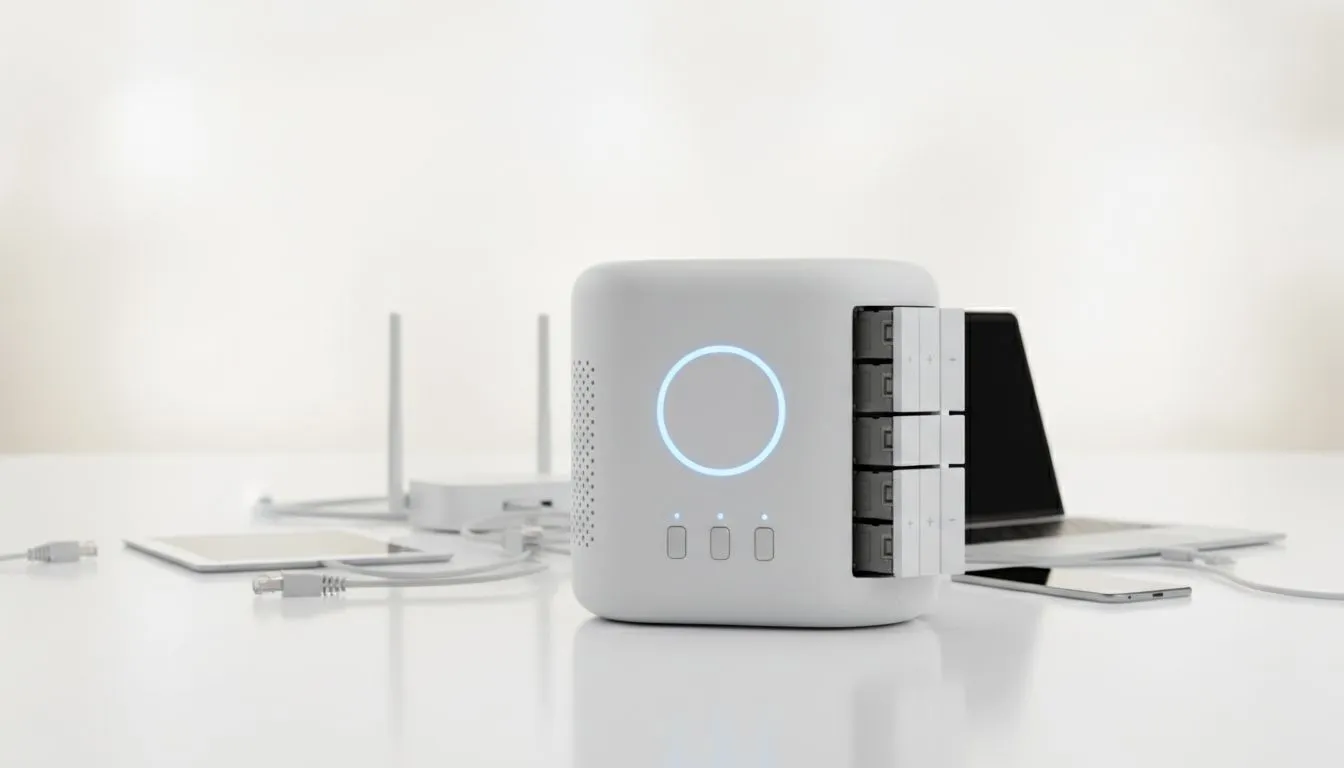
Between unexpected load shedding surges and the sheer volume of photos, school projects, and gaming clips we generate, losing data is a constant risk for South African households. You shouldn't have to manually copy files every Sunday night. Setting up automated backups for home network systems ensures every family device... from your daughter's tablet to your gaming rig... stays protected without you lifting a finger. 🚀
We have all been there. You tell yourself you will back up your work or those precious holiday photos "later," but later never comes. In the South African context, where hardware failure can happen due to power instability or simple wear and tear, relying on memory is a recipe for heartbreak. Automated backups for home network environments remove the human element. By using a central hub, you can schedule your PCs to sync their most important folders every night at 2 AM, ensuring your data is safe while you sleep.
The most efficient way to handle this is through Network Attached Storage. Instead of plugging external drives into every single laptop in the house, a central server does the heavy lifting. Investing in diskless NAS storage solutions allows you to choose exactly how much capacity you need, starting with a single drive and expanding as your family's digital footprint grows. It is a cost-effective way to create a private cloud that you own, with no monthly subscription fees in ZAR that fluctuate with the exchange rate. 🔧
follow the 3-2-1 rule: keep three copies of your data, on two different media types, with one copy off-site. For most South Africans, this means a local NAS for speed and a cloud provider for that final layer of safety during those nasty summer lightning storms.
Not all backup solutions are built the same. If you are looking for a sleek, user-friendly way to house your hard drives, Orico NAS enclosures offer a fantastic balance of performance and aesthetics. They are easy to set up, making them ideal for households that want protection without needing a degree in IT.
For those who need a bit more "oomph" or perhaps want to run a media server alongside their backups, Minis Forum storage solutions provide incredible versatility. These compact units can handle heavy data traffic from multiple devices simultaneously, ensuring that while Dad is backing up his work files, the kids can still stream their favourite shows without a hitch. ✨
A proper automated backups for home network strategy should include everything. Modern NAS software allows you to back up mobile phones, tablets, and even gaming consoles. By setting up a "set and forget" system, you ensure that if a phone gets dropped or a laptop SSD fails, your memories and milestones remain untouched. It is about more than just files... it is about peace of mind. ⚡
Ready to Secure Your Digital Life? Don't wait for a hardware failure to realise the value of your data. Whether you need a simple enclosure or a high-performance storage hub, Evetech has the right gear to keep your family's memories safe. Explore our range of NAS storage solutions and start your automated backup journey today.
Choose a central backup target (cloud or NAS), install client apps on devices, schedule off-peak backups and verify with test restores. See home network backup setup tips.
Prioritise phones, laptops, desktops, and smart-home hubs. Include TVs and NAS-stored media if irreplaceable. Automate using device-specific clients.
Cloud offers off-site safety and easy phone backups; a NAS gives faster local restores and privacy. Many families use both for layered protection (NAS backup for family plus cloud).
Set phones to daily, laptops to daily or hourly for work files, desktops nightly, and smart devices weekly. Balance frequency with storage and network load.
Yes. Schedule backups for off-peak hours, limit bandwidth per device, or use LAN-only backups to prevent peak-time congestion.
Perform regular test restores: restore a small file first, then a full user profile. Maintain a recovery checklist and confirm backups are restorable.
Not always. Enable end-to-end encryption in cloud backups or use encrypted volumes on NAS to secure family data during storage and transit for cloud backups for home devices.
Clean gaming keyboard quickly and safely in dusty or humid conditions with step-by-step tips, tool checklist, and maintenance routines to prevent corrosion and switch failure. 🧼💨
Read more
Best gaming keyboard features to prioritize when building a high-end setup: mechanical switches, low latency, hot-swap, RGB, macros, durability and ergonomics 🎮⌨️
Read more
Custom actuation point keyboard setup guide: learn to set per-key actuation on your analog gaming keyboard for faster, precise inputs and better control 🎮⚙️
Read more
Cable management for home entertainment helps you eliminate cable clutter quickly and safely. Learn routing, concealment, and product picks to tidy your setup fast 📺🔌
Read more
conference room setup Microsoft Teams Zoom: Upgrade AV, camera, mic, and network to ensure seamless meetings, clear audio, and crisp video 🎯🔧
Read more
• Audit setup • Link accounts • Configure ViewBoard • Test workflows Integrate Google Workspace with ViewSonic ViewBoard to enable secure SSO, calendar and Drive sync, and smooth collaborative whiteboarding 🔗📋
Read more
Discover webcams that automatically adjust light and color for crystal-clear video calls 🎥✨. Boost your streaming quality today!

Discover webcams that blend into your workflow 🎯 Capture moments while you work, stream, or create. Upgrade your setup with smart, multitasking tech!

Dedicated media keys give streamers one-touch control to mute, switch scenes, clip highlights, and adjust audio — cutting task time and boosting consistency 🎛️⚡

PBT vs ABS keycaps: Clear, local guide for South African gamers—compare feel, sound, durability and where to buy. Find the best material for your budget and playstyle 🎮🇿🇦

- Multi-Function Digital Dial: define benefits - Show gamer setups and macros - Offer buying and setup tips Multi-Function Digital Dial puts programmable control at your fingertips for faster actions and smoother streaming. 🎮⚙️

- Explain benefits; - Show the science; - Compare options; - Recommend picks. Magnetic wrist rest for gaming cuts wrist strain and boosts comfort during long sessions 🕹️✨