

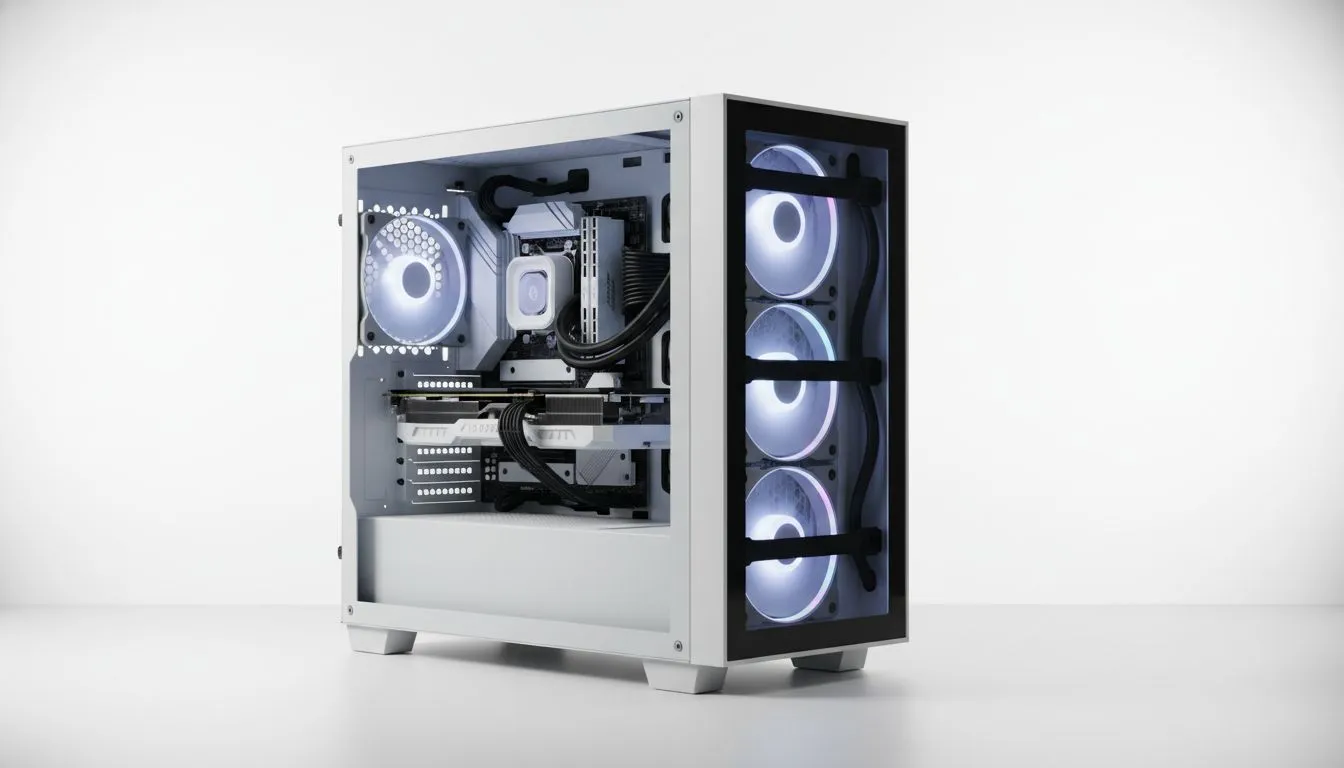
Building a new PC in South Africa is an absolute thrill. You’ve picked your CPU, your graphics card is ready to roll, and you can’t wait to fire it up. But then comes the dreaded part… the cable spaghetti. A messy case doesn’t just look bad; it can choke airflow and turn future upgrades into a nightmare. The good news? You don’t need a massive budget to fix it. Finding the best budget PC cases for cable management is easier than you think.
Why a Tidy Case Matters (Even on a Budget)
Let's be honest, a PC with clean, organised cables just feels right. But beyond the satisfaction of a pro-level build, good cable management offers real, tangible benefits.
First up is airflow. 💨 Cables crammed in the main chamber block air from your fans, creating hot spots that can throttle your components' performance. By tucking everything away, you create a clear path for cool air to flow over your CPU and GPU, keeping temps down and performance up.
Second, it makes life easier. Need to swap out a hard drive or upgrade your RAM? A tidy case means you can get to your components without fighting a nest of wires. This attention to detail is why it's a core focus across our entire range of computer cases. A little effort now saves you a massive headache later.
Key Features in the Best Budget PC Cases for Cable Management
When you're hunting for an affordable chassis that won't make you pull your hair out, a few key features make all the difference. You might be surprised what you can get for a reasonable price in 2025.
The Mighty PSU Shroud
A power supply unit (PSU) shroud is a metal or plastic cover at the bottom of the case that hides the PSU and its bundle of excess cables. It's the single most impactful feature for a clean look. It creates a basement to stuff all the unused cables, instantly tidying up the main chamber where your motherboard and GPU live.
Space Behind the Motherboard Tray
This is the secret weapon of cable management. The best budget PC cases offer at least 15-20mm of clearance between the back of the motherboard tray and the side panel. This space is your hidden highway for routing everything from the thick 24-pin motherboard power cable to the skinny front-panel connectors. Without enough room here, you’ll struggle to get the side panel back on.
Planning Pro Tip 🔧
Before you install a single component, take a moment to plan your cable routes. Unbox your PSU and loosely run the main cables (CPU, motherboard, GPU) through the case cutouts. This quick 'dry run' helps you spot potential issues and saves you from having to unplug everything later. It’s a five-minute job that can save an hour of frustration.
Plentiful Tie-Down Points
Look at the back of the motherboard tray. See those little loops and hooks stamped into the metal? Those are your best friends. These tie-down points allow you to secure cables with zip ties or velcro straps, keeping them flat and organised. The more, the better! You can find excellent, feature-packed options from brands that prove you don't need to spend a fortune; in fact, there are great Gamdias options under R1500 that nail these basics.
Top Brands to Watch in 2025
While specs are important, some brands consistently deliver excellent value and thoughtful design in the budget-friendly space. Keeping an eye on their new releases is a smart move.
For years, builders seeking minimalist aesthetics and clever internal layouts have known that premium brands like Fractal Design have built a reputation on clean builds, and thankfully, many of their design principles have trickled down into more affordable price brackets across the industry.
On the other side of the spectrum, brands that focus on gamer-centric designs are also stepping up their game. Many modern Gamdias gaming cases now offer a fantastic balance of RGB flair and practical features like PSU shrouds and generous cable routing channels, proving that you can have both style and substance. ✨
Your Clean Build Starts Here
Gone are the days when achieving a clean, professional-looking PC build was reserved for those with deep pockets. With smart features like PSU shrouds, ample rear clearance, and well-placed cutouts becoming standard, the market for affordable PC cases with good cable management has never been better.
By focusing on the layout and features that matter, you can build a rig that not only performs brilliantly but also looks incredible. Your search for the best budget PC case for cable management in South Africa is the first step towards a PC you'll be proud to show off.
Ready to Build it Clean? A tidy case is the foundation of a great PC. It improves airflow, simplifies upgrades, and just looks awesome. Explore our massive range of PC cases and find the perfect chassis to start your next build right.











