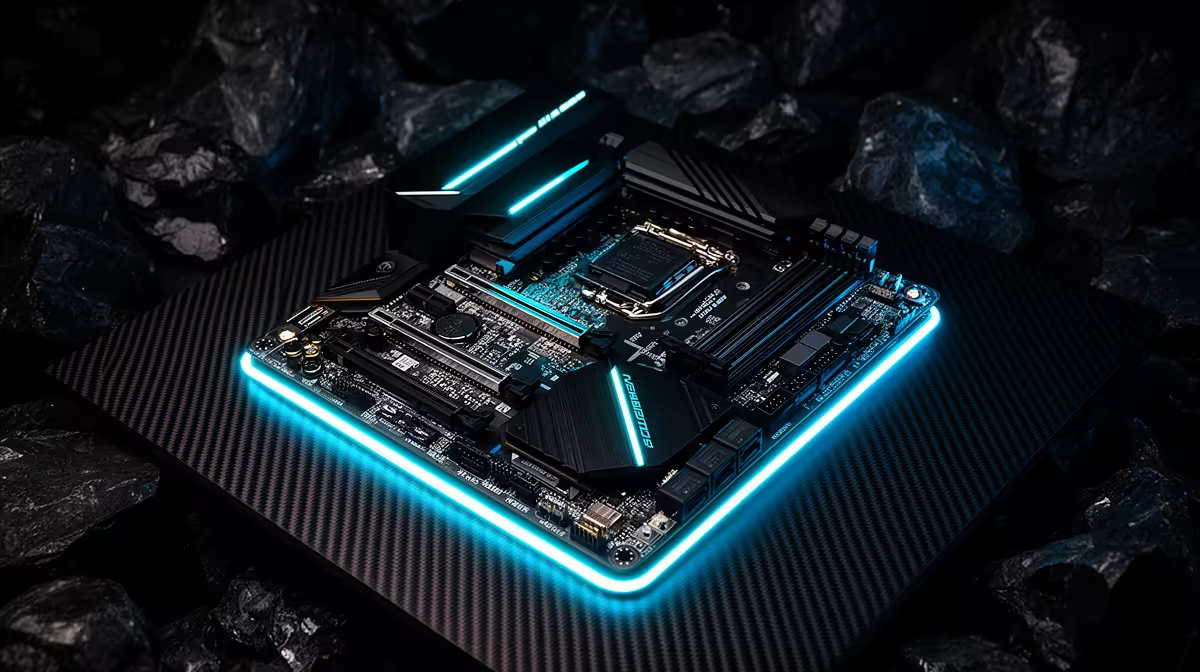
So, you’re ready to build a new rig. You’ve got your eye on a shiny new graphics card or a blazing-fast NVMe SSD, and they all scream "PCIe 4.0". But then you look at motherboard prices and your wallet starts to sweat. Eish! Don’t stress. Getting that next-gen speed doesn't have to cost a fortune. This guide will help you find the best budget PCIe 4.0 motherboards for SA gamers right now. 🚀
Why a Budget PCIe 4.0 Motherboard is a Smart Move
Let's be honest, not everyone needs a R10,000 motherboard with all the bells and whistles. For most gamers in South Africa, the goal is maximum performance for every Rand spent. A budget-friendly PCIe 4.0 motherboard hits that sweet spot perfectly.
You get the most critical feature—that super-fast PCIe 4.0 slot for your GPU—which ensures you're not leaving performance on the table. Plus, you get at least one M.2 slot running at PCIe 4.0 speeds, making your games and Windows load almost instantly. It’s about future-proofing your build without overspending on features you'll likely never use.
Finding the Right Chipset for Your Build
The chipset is the brain of your motherboard, and it determines which CPUs are supported and what features you get. When you're looking for an affordable PCIe 4.0 motherboard, two main families stand out.
For Team Red: The AMD B550 Sweet Spot
For gamers building with an AMD Ryzen 3000, 4000, or 5000 series CPU, the B550 chipset is the undisputed king of value. It was designed specifically to bring PCIe 4.0 to the masses. You get a full-speed x16 slot for your graphics card and support for a PCIe 4.0 NVMe SSD, all without the premium price of the higher-end X570 boards. It's the perfect foundation for a powerful and affordable gaming PC, and you can find some great value AMD motherboards based on this chipset.
For Team Blue: Intel's B660 & B760 Boards
If you're siding with an Intel 12th, 13th, or 14th Gen processor, you'll want to look at motherboards with a B660 or B760 chipset. These boards offer a fantastic balance of features and price. They provide a PCIe 4.0 (or even 5.0 on some models) slot for your GPU and support for fast M.2 drives. Crucially, they also allow for memory overclocking, letting you squeeze extra performance from your RAM. There are plenty of solid Intel motherboards that won't break the bank.
Builder's Golden Rule 🔧
Before you add any motherboard to your cart, visit the manufacturer's official website and check the CPU support list for that specific model. Sometimes, a board needs a BIOS update to work with a newer CPU. A quick check can save you a massive headache later!
What to Check Before You Checkout
Even the best budget PCIe 4.0 motherboards have differences. Here are a few key things to double-check to make sure you get the right one for your needs:
- VRMs (Voltage Regulator Modules): These deliver clean power to your CPU. If you're planning on using a more powerful CPU like a Ryzen 7 or Core i7, look for a board with decent VRM heatsinks to keep things cool and stable.
- Rear I/O: How many USB ports do you need? Do you need USB-C? Make sure the back panel has all the connections for your keyboard, mouse, headset, and other gear.
- RAM Slots: Most budget boards come with four RAM slots, which is ideal. This allows you to start with two sticks (e.g., 2x8GB) and easily upgrade to four later on.
- Form Factor: Make sure the motherboard size (ATX, Micro-ATX, or Mini-ITX) matches the case you plan to use. ✨
Ultimately, finding a great deal is part of the fun of PC building. By focusing on these key chipsets and features, you can easily find a board that unlocks next-gen performance. To see what's currently on offer, it's always a good idea to check out the latest motherboard deals and find the perfect match for your new build.
Ready to Build Your Foundation?
Choosing the right motherboard is the most important first step in any PC build. It connects everything and determines your future upgrade path. Explore our huge range of affordable motherboards and find the perfect board to power your next gaming rig.