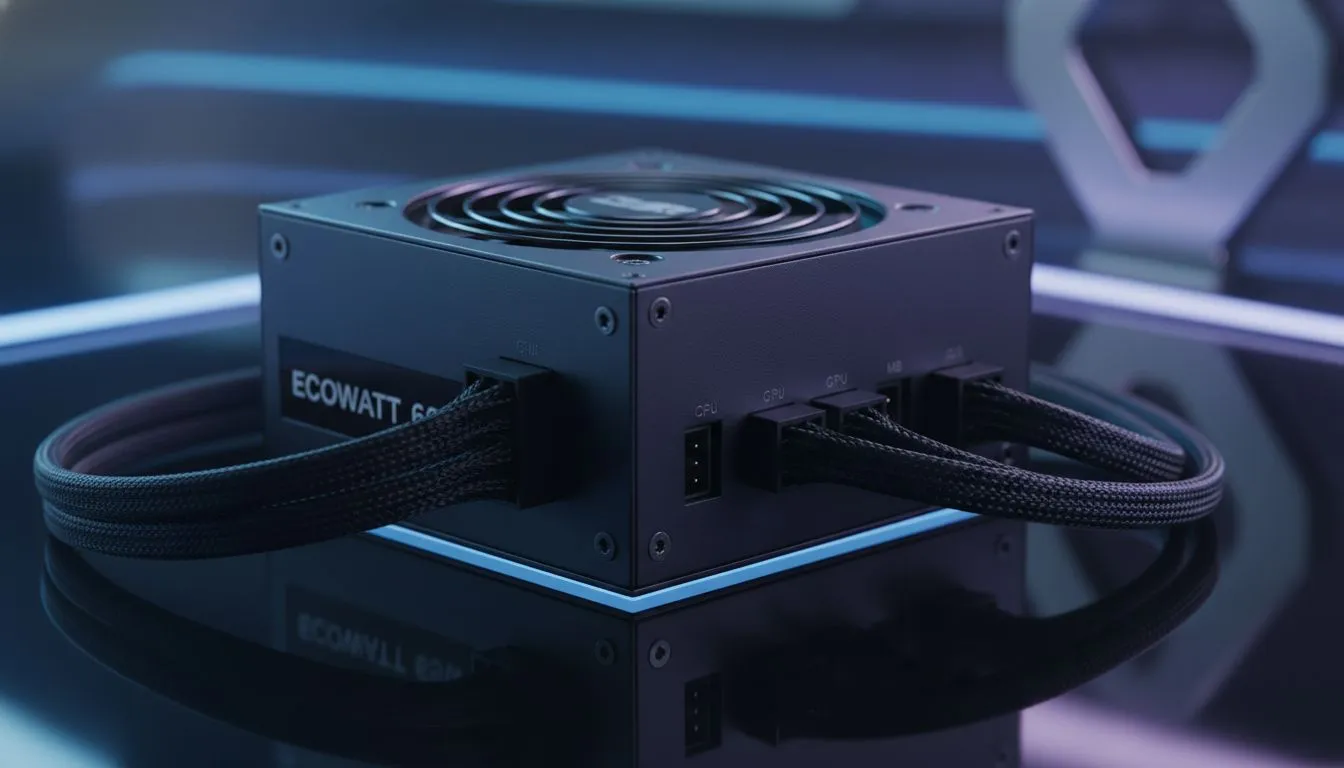
Juggling assignments, a part-time job, and late-night gaming sessions? The last thing you need is your PC giving up on you. A cheap, unreliable power supply unit (PSU) is often the culprit behind random crashes and component failure. For students building a PC in South Africa, finding one of the best budget PSUs isn't just about saving money; it's about investing in stability for both your studies and your downtime. 🎓
Why a Reliable PSU is Non-Negotiable for Your Student Rig
Think of your PSU as the heart of your PC. It takes the raw power from your wall socket and converts it into the precise, stable voltages your expensive components need to survive. Skimping here is a classic rookie mistake. A low-quality unit can fail spectacularly, potentially taking your motherboard, GPU, or CPU with it.
For a student, that means more than just a dead PC. It could mean a lost assignment, a failed online exam, or a costly repair bill you can't afford. A reliable power supply is your first line of defence against data loss and hardware damage, making it a crucial part of any student PC build for 2025.
Key Features in the Best Budget PSUs for Students
Navigating the world of power supplies can feel a bit technical, but you only need to focus on a few key things to find an excellent, affordable PSU for your student build.
Wattage: Don't Overspend or Under-Power
How much power do you actually need? A typical student build with a mid-range CPU (like an Intel Core i5 or AMD Ryzen 5) and a GPU like the NVIDIA RTX 4060 or AMD RX 7600 will be perfectly happy with a quality 550W to 650W unit. Buying an 850W monster is usually overkill and a waste of your hard-earned cash. The goal is to get enough power for your current parts with a little room for future upgrades.
Wattage Wisdom ⚡
Use an online PSU calculator like PCPartPicker to estimate your needs. Just plug in your components, and it will give you a recommended wattage. We suggest adding about 100-150W of headroom on top of that recommendation. This ensures your PSU runs efficiently and quietly, without being stressed to its limit.
Efficiency Rating: The 80 PLUS Standard
You'll see a sticker on most PSUs that says "80 PLUS" followed by Bronze, Silver, Gold, etc. This isn't just marketing fluff. It's a certification for energy efficiency, meaning less electricity is wasted as heat. For a budget-conscious student, this translates to slightly lower electricity bills over time. Aim for at least an 80 PLUS Bronze certified model—it's the sweet spot for performance and price. 💪
Reputable Brands Are Your Best Friend
When it comes to PSUs, brand reputation matters immensely. Well-known manufacturers have a track record of quality control and use better internal components. While you're hunting for a deal, stick with trusted brands like Corsair, which are known for their reliability and solid warranties. Other great value-oriented options include brands like GAMDIAS, which often provide some of the best budget PSUs for students without compromising on essential safety features. 🔧
A solid power supply is the foundation of a stable PC. It might not be as exciting as a new graphics card, but choosing wisely now will save you a world of headaches later.
Ready to Power Up Your Build?
Don't let a weak power supply be the downfall of your student rig. Choosing a reliable, budget-friendly PSU is the smartest investment you can make for stability and peace of mind. Explore our wide range of power supplies and find the perfect foundation for your studies and gaming sessions.