So, you’ve dropped some serious ZAR on a beastly GPU and a top-tier CPU for your new 4K rig. You’re ready to experience Cyberpunk 2077 or Alan Wake 2 in all their glory. But five minutes into a heated firefight, your frames start to stutter. What gives? It’s likely your components are cooking themselves. In South Africa's climate, finding the best cooling for your 4K gaming PC build isn't just an upgrade; it's essential for survival. 🚀
Why Your 4K Rig Demands Elite Cooling
Pushing millions of pixels every second generates a massive amount of heat. When your CPU or GPU gets too hot, it automatically slows itself down to prevent damage—a process called thermal throttling. This is the number one cause of unexpected frame drops and performance dips in high-end systems.
Think of it like trying to sprint a marathon in the Karoo midday... you’re going to slow down. An inadequate cooler means you’ve paid for a Ferrari but are stuck driving it with the handbrake on. That's why selecting the best cooling solution for a 4K PC build is critical to unlocking the performance you actually paid for.
The Great Debate: Air vs. Liquid Cooling
Choosing your cooling weapon comes down to two main camps: traditional air coolers and modern All-in-One (AIO) liquid coolers. Neither is outright better; they just serve different needs and budgets.
Air Coolers: The Reliable Workhorse
Don't underestimate the power of a massive heatsink and a fan. Modern air coolers are incredibly efficient, often rivalling the performance of smaller AIOs. They are known for their rock-solid reliability (no moving liquid, no pumps to fail) and are generally more budget-friendly. For many mid-to-high-end builds, a premium air cooler is more than enough to keep temps in check.
AIO Liquid Coolers: The Performance King 👑
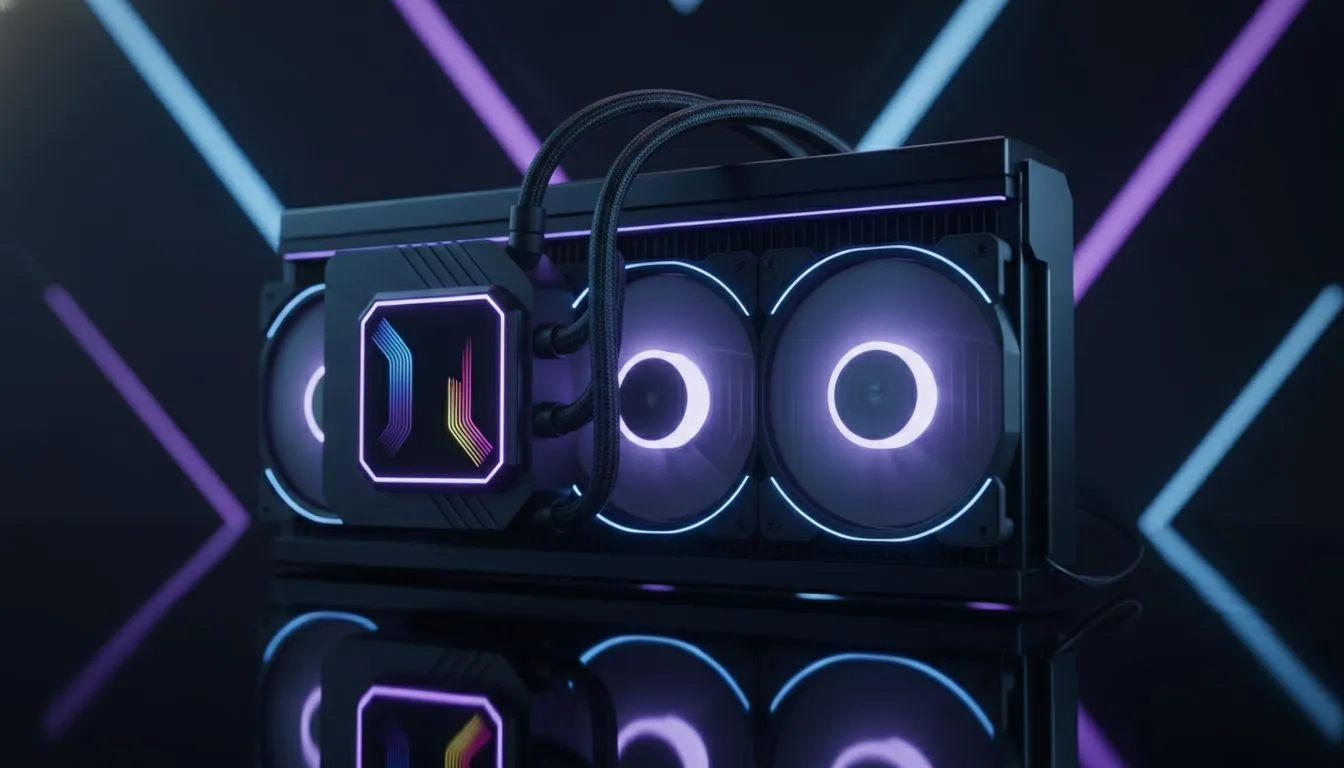
For those pushing their silicon to the absolute limit with overclocking, or for builds where aesthetics are paramount, an AIO liquid cooler is the way to go. They work by transferring CPU heat via a liquid to a radiator, where fans dissipate it. This process is generally more efficient than air cooling, leading to lower temperatures and quieter operation under load.
Check Your Clearance! 🔧
Before buying any cooler, especially a large air cooler or an AIO radiator, check your PC case's specifications online. Look for "CPU Cooler Clearance" (in mm) for air coolers and "Radiator Support" (e.g., top, front) for AIOs. Nothing is more frustrating than a new part that won't fit!
Key Factors in Choosing the Best Cooling for Your 4K Build
Once you've picked your team—air or liquid—you need to narrow down the specifics. It’s not just about what looks coolest (though that helps!).
Radiator Size Matters (For AIOs)
For a demanding 4K build running a Core i9 or Ryzen 9, a 240mm AIO is the minimum you should consider. However, the gold standard for maximum performance and thermal headroom is a 360mm radiator. The larger surface area allows for more effective heat dissipation, keeping your CPU frosty even during intense, marathon gaming sessions.
Brand & Build Quality
When it comes to your PC's health, you want a brand you can trust. Companies like Corsair have built a reputation for high-performance, reliable AIOs with excellent warranties. Investing a little extra in a quality cooler from a reputable brand provides peace of mind and ensures your expensive components are well-protected. ✨
Ultimately, the goal is to create a balanced system where no single component holds another back. By investing in the right cooling for your 4K gaming build, you ensure that your powerful CPU and GPU can stretch their legs and deliver the smooth, high-fidelity experience you crave.
Ready to Tame the Heat?
A powerful 4K PC deserves a powerful cooler. Don't let thermal throttling steal your frames. Explore our massive range of CPU coolers and find the perfect solution to keep your rig cool, quiet, and running at peak performance.