


Clean Gaming Keyboard: Guide for Dusty & Humid Conditions
Clean gaming keyboard quickly and safely in dusty or humid conditions with step-by-step tips, tool checklist, and maintenance routines to prevent corrosion and switch failure. 🧼💨
Read moreDiscover the best cooling for AI PC builds to prevent thermal throttling and maximize performance. ❄️ This guide covers air, AIO, and custom liquid cooling solutions for power-hungry GPUs and CPUs, ensuring your high-performance rig stays cool under pressure. Unleash your AI's full potential! 🚀
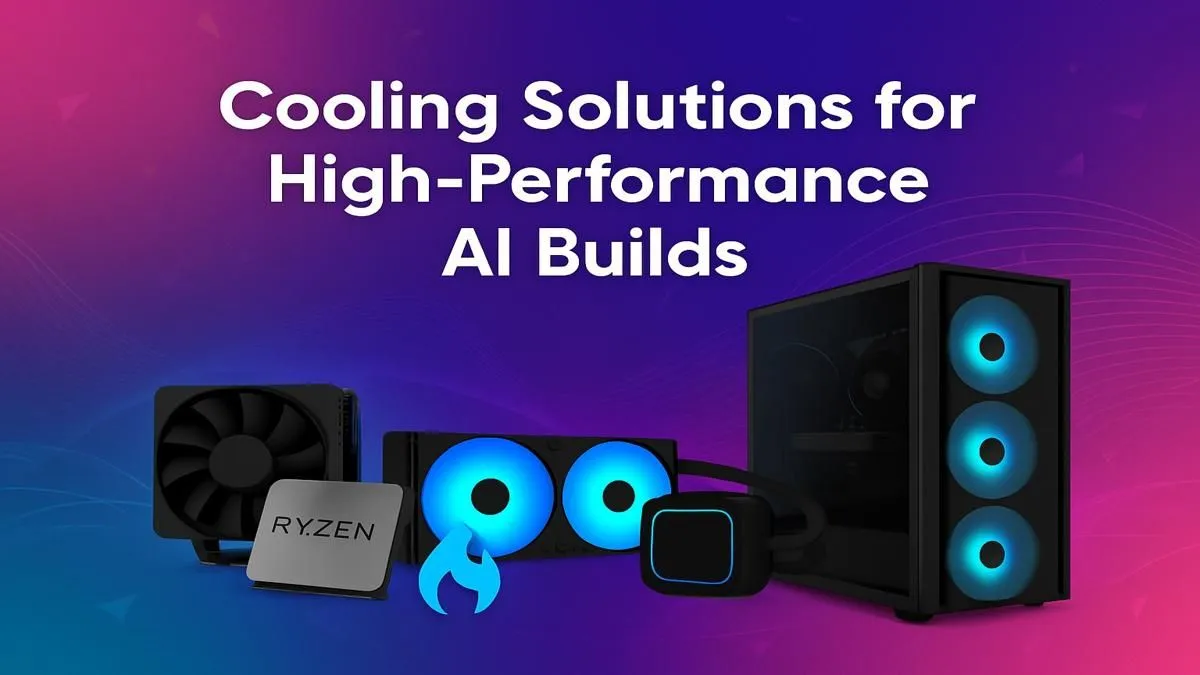
So, you're diving into the world of AI PCs. Awesome! You're ready for lightning-fast creative workflows and next-gen gaming. But before you unleash that power, there's a catch... heat. These new machines work incredibly hard, and in the South African climate, that means they can get seriously hot. Finding the best cooling for your AI PC isn't a luxury; it's essential for keeping your investment running at peak performance without throttling. Let's get it sorted. 🔧
Unlike a standard gaming rig that has bursts of activity, an AI PC is often running a marathon. Training models or using AI-assisted creative tools puts both the CPU and GPU under constant, heavy load. This sustained demand is why an effective AI PC cooling solution is so different from a standard gaming setup. Think of it less like a drag race and more like an endurance event, especially for high-performance workstation PCs designed for these exact tasks.
Taming your powerful hardware comes down to a three-pronged attack: CPU cooling, GPU cooling, and overall case airflow. Neglecting any one of these is like leaving a window open with the aircon on... you're just wasting performance. An optimal AI PC cooling solution needs all three elements working in harmony.
Your CPU is the brain, and it gets hot when it's thinking hard. For AI, it's thinking very hard.
Whether you're looking at the latest Intel PC deals or browsing powerful AMD Ryzen PC deals, pairing your processor with the right cooler is non-negotiable for AI workloads.
Your GPU does most of the heavy lifting in AI. Its own cooling system is critical. While you can't easily swap the cooler on a graphics card, choosing the right model from the start makes all the difference. Brands put huge effort into designing triple-fan setups and massive heatsinks for a reason. From high-end NVIDIA GeForce gaming PCs to the latest AMD Radeon gaming PCs, a card with a beefy, well-designed cooler will maintain its boost clocks for longer. Even the coolers on modern Intel Arc gaming PCs are designed to handle these intense tasks efficiently.
You can have the best CPU and GPU coolers in the world, but if they're just circulating hot air inside a sealed box, you're going to have a bad time. Good case airflow is about efficiently moving cool air in and pushing hot air out. This is where a quality case with smart fan placement becomes the unsung hero of your build.
For a simple and effective setup, aim for 'positive pressure'. This means having slightly more intake fans (pulling cool air in, usually from the front bottom) than exhaust fans (pushing hot air out, usually from the back top). This helps keep dust out and ensures a steady supply of cool air for your components.
So, what's the right choice for you?
If you're building on a tighter budget, you don't have to compromise on performance. A high-airflow case paired with a capable tower air cooler can be a fantastic combination for many AI tasks. This is a common strategy you'll see in well-designed budget gaming PCs that prioritise smart component choices.
For those pushing the limits with top-of-the-line hardware, an AIO liquid cooler is strongly recommended. The extra thermal headroom it provides can be the difference between a stable system and one that thermal throttles. If configuring the optimal component-by-component cooling for an AI PC sounds like a hassle, exploring pre-built PC deals is a brilliant move. These systems are assembled by pros who live and breathe thermal management, ensuring your build is perfect from day one. ✨
Building an AI PC is an exciting venture. You're setting yourself up with a machine that can create, compute, and game on a whole new level. But all that potential is locked behind a thermal wall. Investing in the best cooling for your AI PC isn't an expense; it's an investment in unlocking the full, consistent performance you paid for. A cool PC is a happy, fast PC. By getting your AI PC thermal management right, you ensure your machine is ready for whatever you throw at it. Check out some of the best gaming PC deals to see how balanced, high-performance systems are put together.
Ready to Build a Cool & Powerful AI PC? Taming the heat in a high-performance rig is a science, but the reward is unmatched power. Whether you're a DIY pro or want a perfectly optimised machine out of the box, we've got you covered. Explore our massive range of PC deals and find the perfect rig to power your AI ambitions.
The best cooling depends on your hardware. For high-end CPUs and GPUs, a 360mm or 420mm AIO liquid cooler offers a great balance of performance and ease of installation.
While not strictly necessary, liquid cooling is highly recommended for AI PCs to manage the intense heat from high-TDP CPUs and GPUs like the RTX 4090 during sustained loads.
Cooling a dual GPU AI build requires exceptional case airflow. Using GPUs with blower-style coolers helps, but a custom water cooling loop is the most effective solution.
To prevent thermal throttling, use adequate cooling like a large AIO or custom loop, ensure excellent case airflow, and apply high-quality thermal paste to your CPU and GPU.
A high-end air cooler can manage an RTX 4090, but for sustained AI workloads, a liquid cooling solution is superior for maintaining lower temps and consistent performance.
The best case for an AI build has a mesh front panel, supports multiple large fans, and has ample space for large radiators (360mm+) to ensure maximum airflow.
Clean gaming keyboard quickly and safely in dusty or humid conditions with step-by-step tips, tool checklist, and maintenance routines to prevent corrosion and switch failure. 🧼💨
Read more
Best gaming keyboard features to prioritize when building a high-end setup: mechanical switches, low latency, hot-swap, RGB, macros, durability and ergonomics 🎮⌨️
Read more
Custom actuation point keyboard setup guide: learn to set per-key actuation on your analog gaming keyboard for faster, precise inputs and better control 🎮⚙️
Read more
Cable management for home entertainment helps you eliminate cable clutter quickly and safely. Learn routing, concealment, and product picks to tidy your setup fast 📺🔌
Read more
conference room setup Microsoft Teams Zoom: Upgrade AV, camera, mic, and network to ensure seamless meetings, clear audio, and crisp video 🎯🔧
Read more
• Audit setup • Link accounts • Configure ViewBoard • Test workflows Integrate Google Workspace with ViewSonic ViewBoard to enable secure SSO, calendar and Drive sync, and smooth collaborative whiteboarding 🔗📋
Read more
Discover webcams that automatically adjust light and color for crystal-clear video calls 🎥✨. Boost your streaming quality today!
Read more
Discover webcams that blend into your workflow 🎯 Capture moments while you work, stream, or create. Upgrade your setup with smart, multitasking tech!
Read more
Dedicated media keys give streamers one-touch control to mute, switch scenes, clip highlights, and adjust audio — cutting task time and boosting consistency 🎛️⚡
Read more
PBT vs ABS keycaps: Clear, local guide for South African gamers—compare feel, sound, durability and where to buy. Find the best material for your budget and playstyle 🎮🇿🇦
Read more
- Multi-Function Digital Dial: define benefits - Show gamer setups and macros - Offer buying and setup tips Multi-Function Digital Dial puts programmable control at your fingertips for faster actions and smoother streaming. 🎮⚙️
Read more
- Explain benefits; - Show the science; - Compare options; - Recommend picks. Magnetic wrist rest for gaming cuts wrist strain and boosts comfort during long sessions 🕹️✨
Read more