You’re pinned down in the final circle, squad-mates are counting on you... and suddenly your frames drop to a crawl. What gives? It’s not your GPU or dodgy internet. Chances are, your CPU is cooking itself inside your stylish mid-tower case, throttling performance when you need it most. Choosing the best CPU cooler for your mid-tower case isn't just an upgrade; it's essential for consistent, victory-clinching performance. Let's get it sorted.
Why Mid-Tower Cooling is a Unique Challenge
Mid-tower cases are the sweet spot for most South African PC builders. They offer a great balance of desk footprint and component compatibility. But that compact design creates a unique thermal challenge. Modern CPUs, especially high-core-count beasts from Intel and AMD, generate a serious amount of heat. Without the right cooling solution, that heat gets trapped, turning your PC into a miniature oven and killing your performance.
Finding an effective cooling setup is about more than just grabbing the biggest heatsink you can find. It's about smart, efficient heat dissipation tailored to your specific chassis. A well-chosen CPU cooler works with your case fans to create a smooth airflow path, pulling cool air in and exhausting hot air out. 🚀
Air vs. Liquid: The Great Mid-Tower Debate
When it comes to CPU cooling for a mid-tower case, you generally have two paths: traditional air cooling or modern All-In-One (AIO) liquid cooling. Neither is strictly better; the best choice depends on your budget, performance goals, and aesthetic preferences.
The Case for Air Cooling 🔧
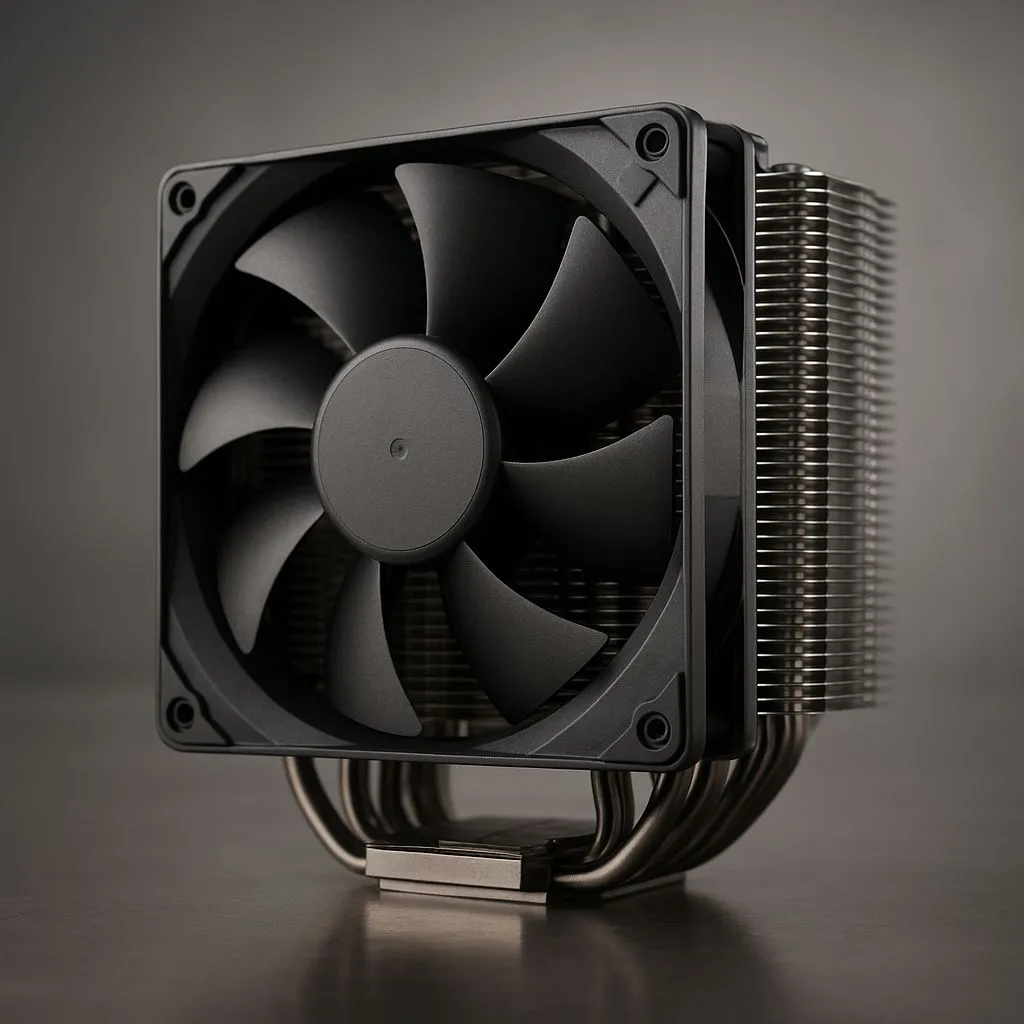
For decades, powerful air coolers have been the reliable workhorses of the PC world. They use a combination of a metal heatsink and fans to draw heat away from the CPU.
- Pros: Highly reliable (fewer moving parts), often more affordable, and simpler to install.
- Cons: High-performance models can be bulky, potentially interfering with tall RAM modules or VRM heatsinks on your motherboard. Their size can also restrict airflow in some mid-tower layouts.
The Allure of Liquid Cooling ❄️
All-In-One (AIO) liquid coolers use a closed loop with a pump, radiator, and fans to move heat away from the CPU and exhaust it directly from the case.
- Pros: Superior cooling potential for high-end CPUs, cleaner look around the CPU socket, and can improve overall case airflow by moving the heat exchange to the edge of the case.
- Cons: More expensive, more complex installation, and a (very small) risk of leaks over the product's lifespan.
Your 2025 Mid-Tower Compatibility Checklist
Before you click "Add to Cart," you need to ensure your chosen cooler will actually fit. Nothing is more frustrating than unboxing a shiny new component only to find it's a few millimetres too big. This is the most critical step in finding the best CPU cooler for a mid-tower case.
Check Your Clearances
- CPU Cooler Height (Air): Your case specifications will list a "Max CPU Cooler Height." Measure twice, buy once!
- RAM Clearance (Air): Check the air cooler's product page for its RAM clearance spec. If you have tall, flashy RGB RAM, a bulky dual-tower air cooler might not fit.
- Radiator Support (AIO): Your mid-tower case manual will show where you can mount radiators. Common spots are the front or top panels. While some cases can squeeze them in, fitting larger 360mm radiators can be a tight fit and may conflict with other components, so 240mm or 280mm AIOs are often a safer bet.
The Cardboard Trick 📏
Before buying a large air cooler or AIO, check the manufacturer's dimensions. Cut a piece of cardboard to the exact height, width, and depth of the cooler or radiator. You can then physically place this template inside your case to get a perfect, real-world idea of clearance with your motherboard, RAM, and GPU. It's a low-tech trick that has saved many builders from a massive headache!
Match the Socket
Ensure the cooler you choose is compatible with your CPU's socket (e.g., Intel's LGA 1700 or AMD's AM5). Most modern coolers come with mounting hardware for all current sockets, but it always pays to double-check the product page.
Top Cooler Archetypes for Mid-Tower Builds
While we can't name one single "best" cooler for every build, we can highlight the types of solutions that consistently perform well in mid-tower environments.
The Silent Performer: Single-Tower Air Coolers
For most gamers running Core i5/i7 or Ryzen 5/7 CPUs, a premium single-tower air cooler is the perfect blend of performance, price, and low noise. They are less bulky than their dual-tower cousins, ensuring excellent compatibility with most RAM and case configurations. They offer fantastic cooling that's more than enough for gaming and general productivity without breaking the bank.
The Aesthetic King: 240mm/280mm AIOs ✨
If you're running a hot flagship CPU like a Core i9 or Ryzen 9, or you simply love that clean, modern aesthetic, a 240mm or 280mm AIO is an outstanding choice. They move the thermal load to the top or front of your case, providing excellent CPU cooling while also helping to exhaust heat from your GPU. Top-tier brands like Corsair offer incredible performance paired with stunning RGB lighting and software control.
Ultimately, the best CPU cooler for your mid-tower case is one that fits your budget, your components, and your performance needs.
Ready to Tame Your Temps?
Choosing the right CPU cooler is the key to unlocking your PC's full potential. Don't let thermal throttling ruin another match. Explore our massive range of PC Components and find the perfect cooler to keep your rig running cool and fast.