


Clean Gaming Keyboard: Guide for Dusty & Humid Conditions
Clean gaming keyboard quickly and safely in dusty or humid conditions with step-by-step tips, tool checklist, and maintenance routines to prevent corrosion and switch failure. 🧼💨
Read morebest fan configuration to maximize airflow and lower PC temps during South African summer ☀️🌬️. Clear setups, push-pull tips, and tuning steps to keep systems cool when heat rises.
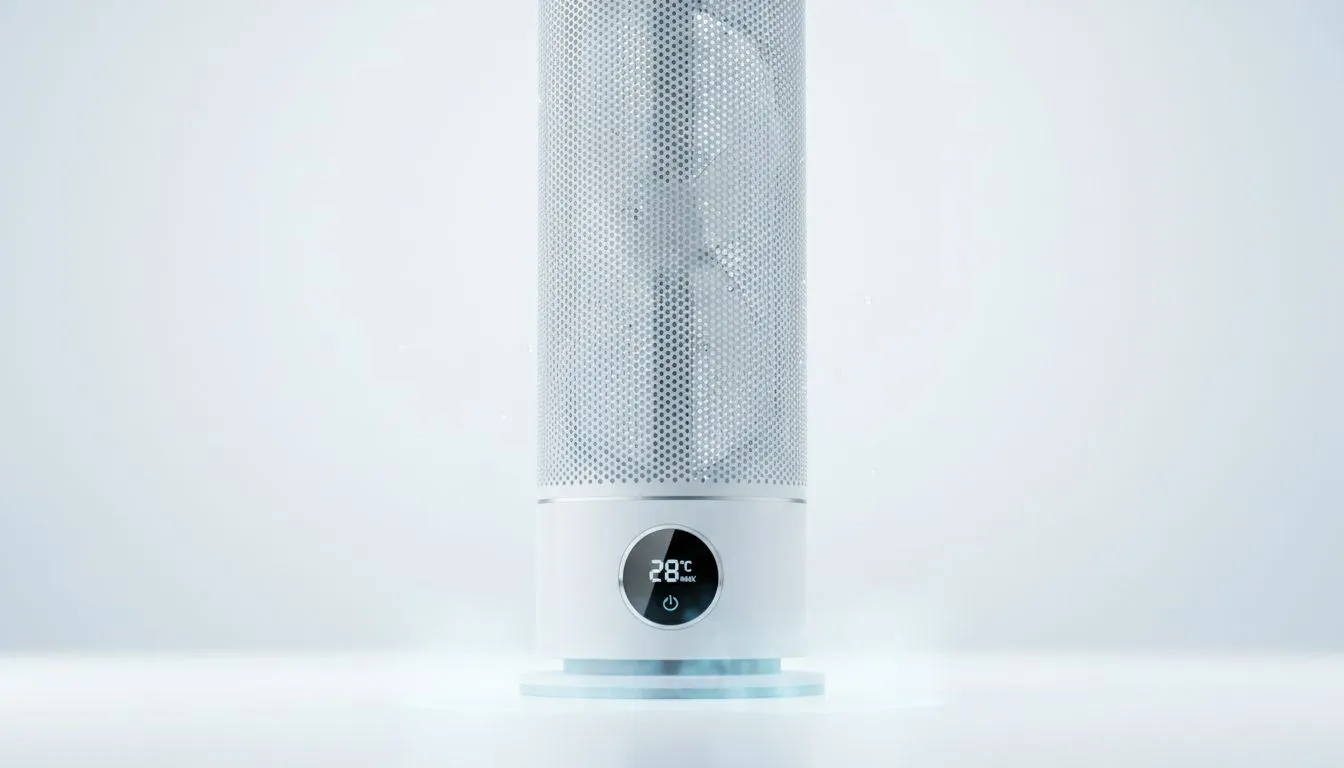
South African summers push rigs hard. If you game in a Johannesburg high-rise or stream from a Cape Town flat, knowing the best fan configuration for maximum airflow in South African summer can keep temps down and FPS up. Start with the basics: clear intake, smart exhaust, and the right fan sizes — then tune curves for balance. Read on for practical layouts, product links, and pro tips. 🔧
Good airflow is simple physics: bring cool air in, push hot air out. For most mid-tower builds, a 2:1 intake-to-exhaust ratio creates pleasant positive pressure and fewer dust problems. Browse Evetech's full case fans range to pick sizes and styles that fit your case. Evetech case fans range
Smaller rooms and higher ambient temps in SA mean you want steady airflow, not noisy spikes. For brand choices, Corsair models give reliable PWM control and software tuning — check Corsair options here. Corsair fans on Evetech
When you need quieter, more efficient flow, 140mm fans often hit the sweet spot because they can move more air at lower RPMs; compare 120mm and 140mm offerings to see what fits your mounts. 120mm fans — 140mm fans
If your case supports 140mm fans up front, prefer them for intake. If clearance or radiator mounting forces 120mm, stack them intelligently and prioritise static pressure if you’re pushing air through filters or tight front panels. For alternative manufacturer options, Deepcool has solid budget and performance ranges. Deepcool fans on Evetech
RGB looks great, but non-RGB models often give better airflow-per-rand. If you want illumination, balance style with performance. Compare lighting options before you decide: RGB fans — Non-RGB fans
Use your motherboard’s fan headers or a PWM hub and set a conservative curve: keep idle below 800 RPM, let fans ramp to 1200–1600 RPM under load. Monitor temps with HWMonitor or your motherboard utility, and tweak curves to match SA room temperatures.
On Windows, use the PowerToys FancyZones utility to create custom snap layouts for your windows. It's a lifesaver for managing multiple apps on an ultrawide monitor, letting you organise your timeline, preview window, and asset folders perfectly for video editing.
Final thought: combine sensible fan sizes, positive pressure, and tuned fan curves. That keeps dust out and your components lasting longer even in hotter months. 🚀
Ready to Find Your Perfect Match? The Mac vs Windows debate is complex, but for maximum power, choice, and value in South Africa, Windows is hard to beat. Explore our massive range of laptop specials and find the perfect machine to conquer your world.
Use a balanced intake vs exhaust layout with slightly more intake, clean airflow paths, and tuned fan curves to maximize airflow.
Yes—push pull fan setup on radiators improves static pressure and airflow, lowering temps in hot climates like South African summer.
Aim for a slight positive pressure: one extra intake fan over exhaust. This intake vs exhaust balance reduces dust and improves cooling.
Follow a front-to-back and bottom-to-top flow: front/bottom as intake, rear/top as exhaust. Case fan orientation guide ensures clear paths.
Yes—raise fan curve aggressiveness at higher temps. Fan curve settings for summer keep RPMs up when ambient temps climb.
Optimize PC fans for hot climate: clean filters, use dust-free positive pressure, and prefer high-static fans for tight spaces.
Rebalancing intake/exhaust and adding targeted intake or a push-pull radiator setup can noticeably reduce both GPU and CPU temps.
Clean gaming keyboard quickly and safely in dusty or humid conditions with step-by-step tips, tool checklist, and maintenance routines to prevent corrosion and switch failure. 🧼💨
Read more
Best gaming keyboard features to prioritize when building a high-end setup: mechanical switches, low latency, hot-swap, RGB, macros, durability and ergonomics 🎮⌨️
Read more
Custom actuation point keyboard setup guide: learn to set per-key actuation on your analog gaming keyboard for faster, precise inputs and better control 🎮⚙️
Read more
Cable management for home entertainment helps you eliminate cable clutter quickly and safely. Learn routing, concealment, and product picks to tidy your setup fast 📺🔌
Read more
conference room setup Microsoft Teams Zoom: Upgrade AV, camera, mic, and network to ensure seamless meetings, clear audio, and crisp video 🎯🔧
Read more
• Audit setup • Link accounts • Configure ViewBoard • Test workflows Integrate Google Workspace with ViewSonic ViewBoard to enable secure SSO, calendar and Drive sync, and smooth collaborative whiteboarding 🔗📋
Read more
Discover webcams that automatically adjust light and color for crystal-clear video calls 🎥✨. Boost your streaming quality today!
Read more
Discover webcams that blend into your workflow 🎯 Capture moments while you work, stream, or create. Upgrade your setup with smart, multitasking tech!
Read more
Dedicated media keys give streamers one-touch control to mute, switch scenes, clip highlights, and adjust audio — cutting task time and boosting consistency 🎛️⚡
Read more
PBT vs ABS keycaps: Clear, local guide for South African gamers—compare feel, sound, durability and where to buy. Find the best material for your budget and playstyle 🎮🇿🇦
Read more
- Multi-Function Digital Dial: define benefits - Show gamer setups and macros - Offer buying and setup tips Multi-Function Digital Dial puts programmable control at your fingertips for faster actions and smoother streaming. 🎮⚙️
Read more
- Explain benefits; - Show the science; - Compare options; - Recommend picks. Magnetic wrist rest for gaming cuts wrist strain and boosts comfort during long sessions 🕹️✨
Read more