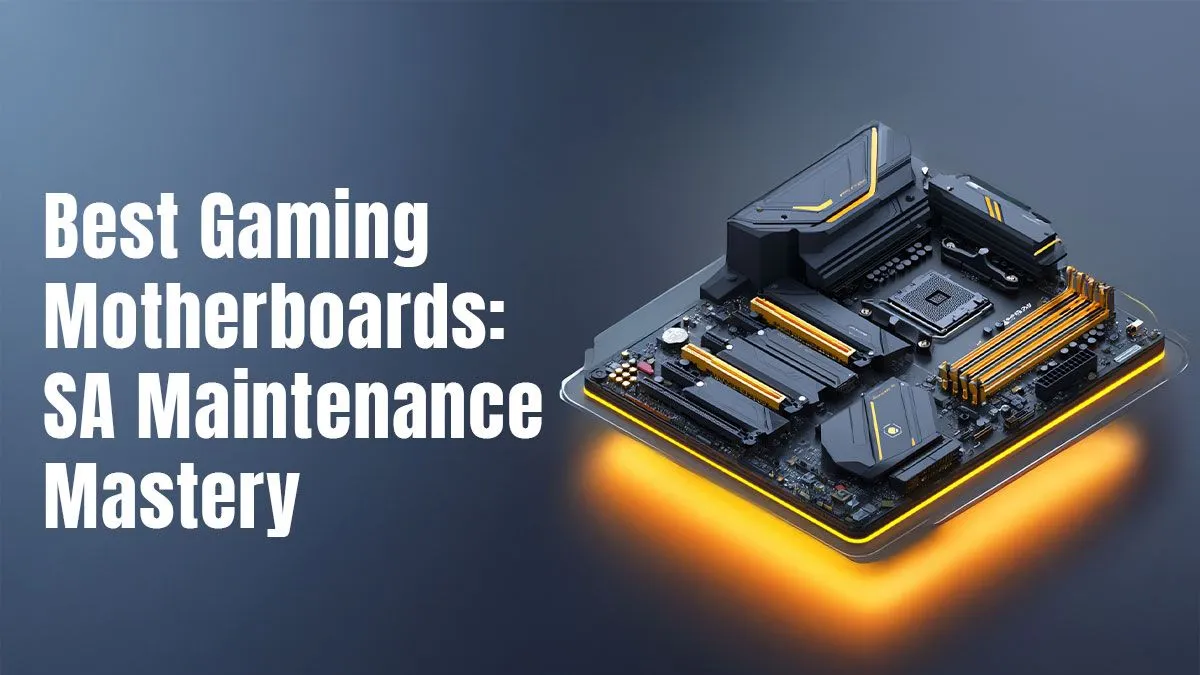
Your gaming PC is a high-performance machine, but its true potential is unlocked by one component: the motherboard. It’s the foundation of your entire rig. Choosing from the best gaming motherboards South Africa has to offer can feel overwhelming, but getting it right means better stability, performance, and future upgrade paths. This guide isn't just about picking a board; it's about mastering its maintenance to ensure your PC runs flawlessly for years to come.
Why Your Motherboard is Your PC's Unsung Hero
Think of your motherboard as the central nervous system of your PC. It connects your CPU, GPU, RAM, and storage, allowing them to communicate at lightning speed. A cheap, low-quality board can bottleneck your expensive components, leading to stuttering, crashes, and frustration. A solid motherboard, however, provides stable power, efficient data transfer, and the connectivity you need for a premium gaming experience. It’s the single most important investment for your rig’s long-term health.
Investing wisely doesn't always mean spending a fortune. You can find great value on motherboards that deliver fantastic performance without breaking the bank. The key is knowing what features matter for your specific build.
Choosing Your Champion: Intel vs. AMD
The first major decision when looking for the best gaming motherboards is your platform: Team Blue (Intel) or Team Red (AMD)? Each has its own unique chipsets and CPU socket types, meaning they are not cross-compatible.
Team Intel Boards 🔵
Intel platforms are renowned for their strong single-core performance, which is often crucial for hitting high frame rates in games. Motherboards for Intel CPUs, like those with Z-series chipsets (e.g., Z790), are perfect for enthusiasts who want to overclock their K-series processors to squeeze out every drop of performance. You can explore the latest Intel motherboards to see the wide range of features available, from DDR5 support to PCIe 5.0 for next-gen graphics cards.
Team AMD Boards 🔴
AMD has made huge strides with its Ryzen processors, offering incredible multi-core performance that excels in both gaming and content creation. AM5 socket motherboards (like X670 and B650 chipsets) are the current standard, bringing features like PCIe 5.0 and DDR5 memory to the mainstream. If you're building a versatile rig that can handle streaming, editing, and gaming, be sure to check out the AMD options available.
Motherboard Maintenance Mastery Guide 🔧
Owning one of the best gaming motherboards in South Africa is just the start. Proper care ensures longevity and peak performance.
Keep It Cool & Clean
Dust is the number one enemy of any PC component. It insulates parts, causing them to run hotter and potentially throttle performance.
- Frequency: Every 3-6 months, depending on your environment.
- Method: Power down and unplug your PC. Use a can of compressed air to blow dust out of the heatsinks, fan blades, and crevices on your motherboard. Hold fans in place while you spray to prevent them from over-spinning.
BIOS Updates: A Necessary Boost ⚡
Your motherboard's BIOS (or UEFI) is the low-level software that controls it. Manufacturers release updates to improve stability, add support for new CPUs, and patch security vulnerabilities.
BIOS Update Safety Tip 💡
Never, ever turn off your PC during a BIOS update. A power interruption, even for a second, can corrupt the BIOS and render your motherboard useless. If you're worried about an unexpected outage, consider updating via a UPS (Uninterruptible Power Supply) or wait for a time when the grid is stable.
Driver Discipline is Key
After installing your operating system, one of the first things you should do is install the latest chipset drivers from your motherboard manufacturer's website. These drivers ensure that all the integrated components, like USB ports and storage controllers, work correctly and efficiently. Check for updates every few months.
A well-maintained motherboard is the heart of a reliable gaming PC. By following these simple steps, you ensure your investment continues to pay off with smooth, uninterrupted gameplay. 🚀
Ready to Build Your Foundation?
Choosing the right motherboard is the most crucial step in any PC build. Armed with this knowledge, you're ready to make a smart choice. Explore our massive range of gaming motherboards and find the perfect board to power your next victory.