Quick Answer
The best 3D modelling and rendering setup for Newcastle centres on an NVIDIA RTX 4070, a Ryzen 9 7900X, 32-64GB DDR5 and a fast NVMe SSD. CUDA and OptiX acceleration cut Blender Cycles render times sharply, with a workstation from around R28,000.
NVIDIA, CUDA And VRAM
For 3D rendering, NVIDIA cards lead because Blender Cycles, Redshift and Octane all use CUDA and OptiX. An RTX 4070 (around R12,500) with 12GB VRAM handles moderate scenes; an RTX 4070 Ti Super 16GB suits larger ones, as VRAM limits how complex a scene the GPU can render. A Ryzen 9 7900X (around R9,500) accelerates CPU rendering and modelling.
Memory, Storage And Software
Fit 32GB DDR5 minimum, 64GB for heavy scenes in Maya, Cinema 4D or Blender. A 1TB NVMe Gen4 SSD (around R1,100) keeps projects and textures loading fast. Blender's free toolset plus Cycles makes this an accessible entry; ZBrush and Substance Painter run well alongside on the same hardware.
Newcastle Notes
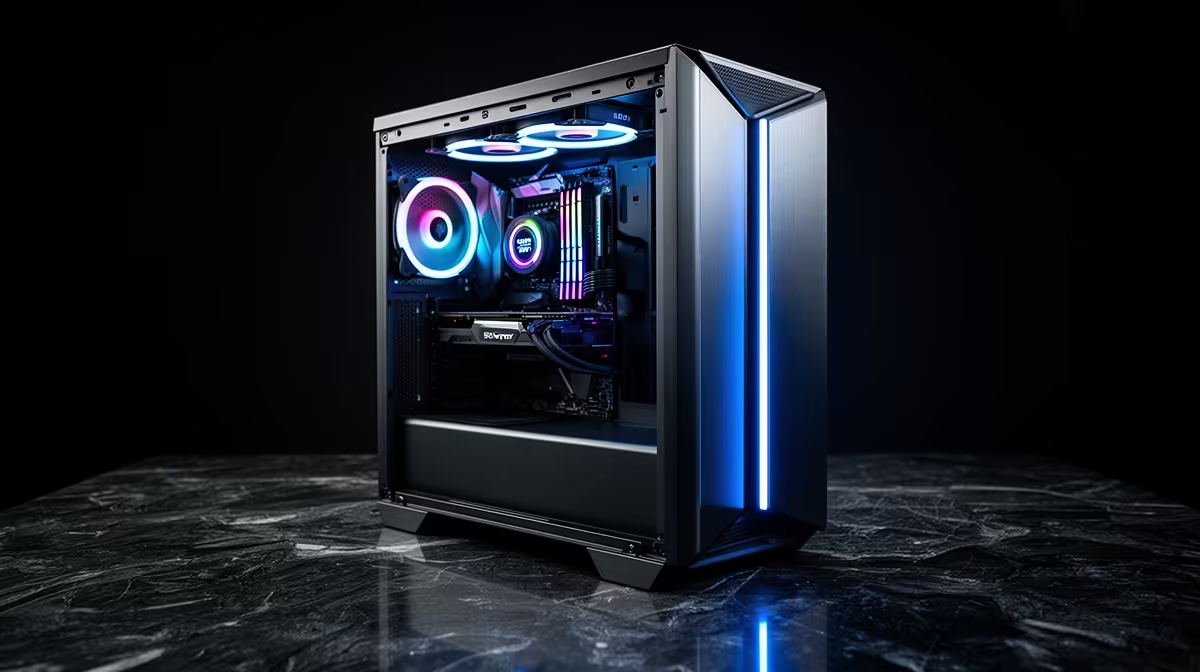
Evetech ships assembled workstation rigs to Newcastle and across northern KwaZulu-Natal by courier. The climate runs warm in summer, so a mesh case with a 240mm or 360mm AIO keeps the 7900X cool during long render queues. Openserve fibre serves parts of Newcastle for uploading finished renders to clients.
FAQ
Why does VRAM matter for rendering?
VRAM caps how complex a scene the GPU can render. 12GB handles moderate scenes; 16GB+ is safer for large, heavily-textured projects.
Is Blender enough, or do I need Maya?
Blender with Cycles is free and capable for most 3D work. Maya and Cinema 4D add studio-pipeline features but run on the same hardware.
How many CPU cores do I need?
A 12-core Ryzen 9 7900X is a strong balance for CPU rendering and modelling. More cores speed CPU renders but raise cost considerably.
3D rendering, prioritise an NVIDIA RTX card with 12GB+ VRAM and 32GB+ RAM - OptiX acceleration and ample memory cut Blender Cycles render times the most.