Quick Answer
The best setup for music production in Krugersdorp prioritises CPU cores, RAM and low-latency audio over a gaming GPU: a Ryzen 7 7700 (8 cores) with 32GB DDR5, a 1TB NVMe SSD and an audio interface handles big DAW projects in Ableton, FL Studio or Cubase. Budget R20,000–R28,000 plus an interface.
What music production needs
DAWs are CPU- and RAM-bound — virtual instruments, effect chains and large sample libraries load the processor and memory, not the graphics card. An 8-core Ryzen 7 7700 runs dozens of tracks with heavy plugins, 32GB DDR5 holds large sample libraries in RAM, and a 1TB Gen4 NVMe streams samples without dropouts. Integrated graphics are entirely sufficient.
Audio interface and latency
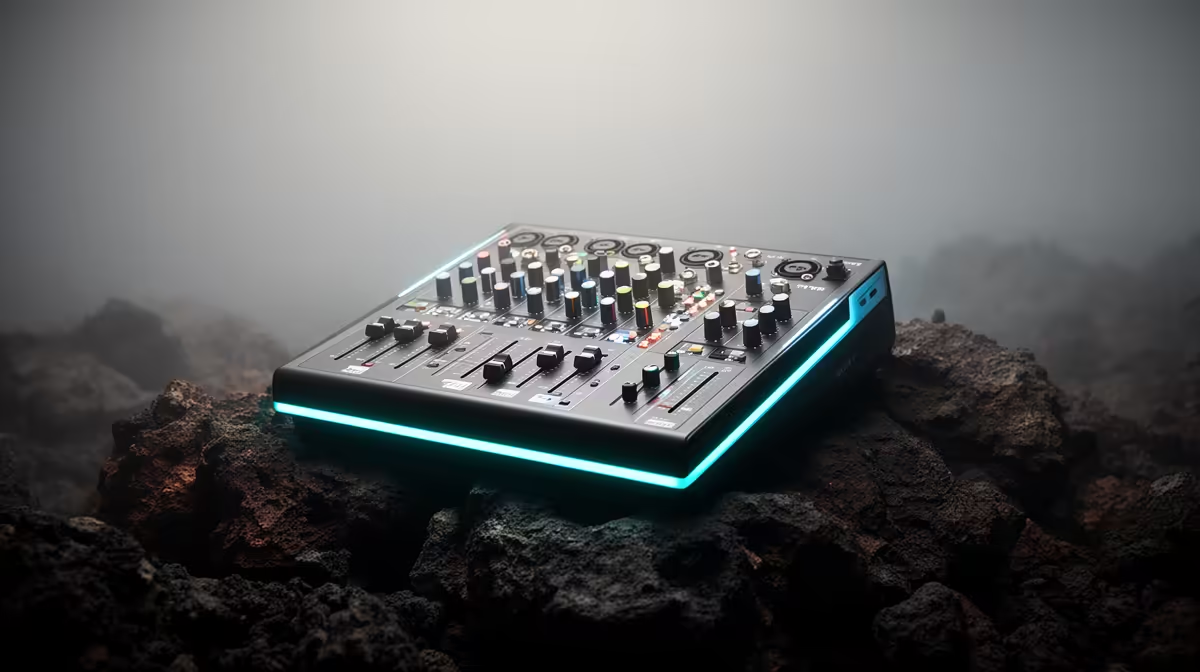
The audio interface matters more than any GPU here — a Focusrite-class USB interface gives clean inputs and low-latency monitoring (under 10ms round-trip) so recording feels instant. Add studio monitors or closed-back headphones. Krugersdorp's fibre handles uploading finished tracks and downloading sample packs easily.
Studio monitoring and acoustics
Studio monitors or accurate headphones reveal what your mix really sounds like, unlike consumer speakers. Treat the room with basic acoustic panels at first reflection points for cleaner monitoring. The audio interface and monitoring chain shape your output far more than any extra CPU speed.
FAQ
Do I need a powerful GPU for music production?
No. DAWs rely on the CPU and RAM; integrated graphics are fine, so put that budget into cores, RAM and an interface.
How much RAM for music production?
32GB DDR5 is the comfortable target — large sample libraries and many plugin instances can exhaust 16GB.
Why is an audio interface important?
It provides clean inputs and low-latency monitoring (under 10ms), which the motherboard's built-in audio can't match for recording.
audio buffer to 128 samples while recording for low latency, then raise it for mixing — it balances responsiveness against CPU load.