Staring at a stuttering timeline or a render bar that barely moves? We've all been there. For South African creators, finding that sweet spot—a powerful video editing PC that doesn't cost a fortune—is the goal. The good news? A budget of R30,000 is more than enough to build a beastly machine. The secret lies in choosing the right graphics card (GPU), the true engine for modern creative workflows. Let's dive in.
Why Your GPU is the Heart of a Modern Editing PC
Long gone are the days when video editing was purely a CPU task. Today, your GPU does the heavy lifting for everything from smooth 4K timeline scrubbing to accelerating visual effects and dramatically cutting down export times. This is called hardware acceleration, and it’s a non-negotiable for any serious editor. ⚡
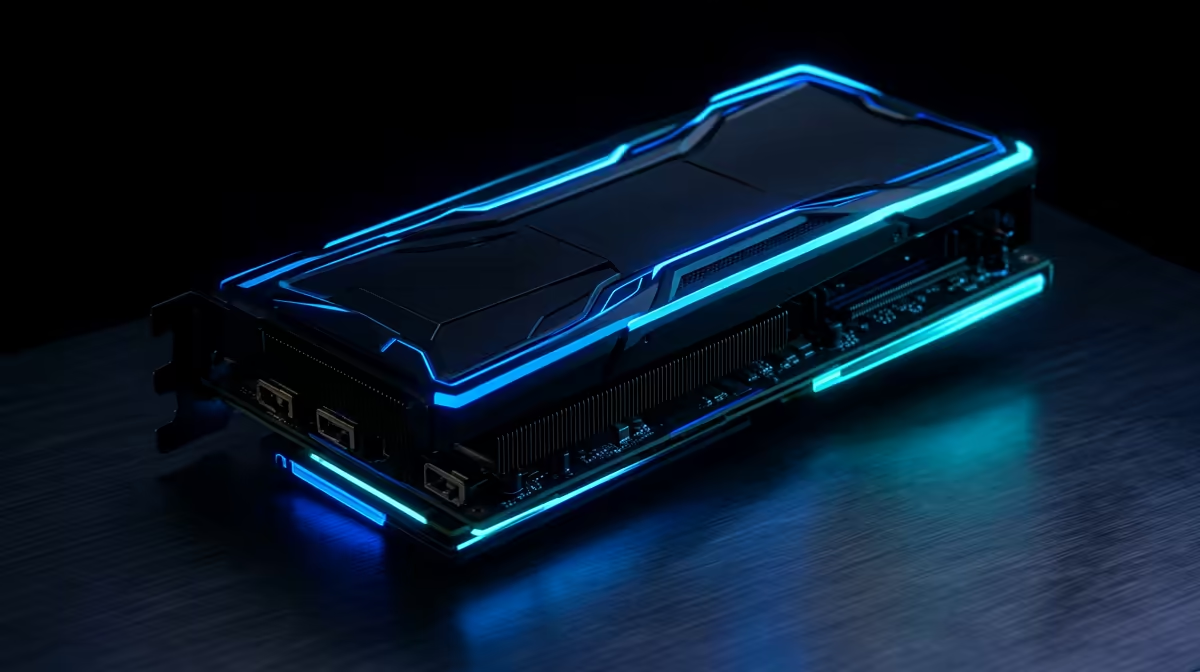
When looking for the best GPUs for video editing PCs under R30k, you're focusing on two things: CUDA Cores (for NVIDIA) and VRAM (Video RAM). More cores mean more parallel processing power, while more VRAM lets you work with higher-resolution footage (like 4K or 6K) without choking your system. Even many powerful budget gaming PCs are now built with these creative demands in mind.
Top GPU Contenders for Your R30k Editing Rig
Building a PC in this price range means making smart choices. You need a GPU that delivers maximum performance for every Rand spent. Here are our top picks that frequently feature in the best video editing PCs in South Africa.
NVIDIA GeForce RTX 4060: The Modern All-Rounder
The RTX 4060 is a fantastic choice for a new build. Its modern architecture is incredibly efficient, offering excellent performance in editing software like DaVinci Resolve and Adobe Premiere Pro. Its biggest weapon is the AV1 encoder, which provides higher-quality video at smaller file sizes... perfect for content creators uploading to YouTube. You'll often find this card in well-optimised PCs available for over R20,000, striking a great balance between price and future-proof features.
NVIDIA GeForce RTX 3060 12GB: The VRAM Value King
Don't sleep on the last generation. The RTX 3060, specifically the 12GB version, remains one of the best GPUs for video editing on a budget. That generous 12GB of VRAM is its superpower, allowing you to handle complex timelines and multiple 4K layers with ease. For editors who prioritise capacity for high-resolution projects over the latest architecture, this GPU offers unbeatable value and is a cornerstone of many excellent PCs under R20,000.
Pro Tip: Unlock Your GPU's Power 🚀
In Adobe Premiere Pro, navigate to File > Project Settings > General. Under the Video Rendering and Playback section, make sure the Renderer is set to Mercury Playback Engine GPU Acceleration (CUDA). This one setting ensures your NVIDIA GPU is actually being used to speed up your workflow!
It's Not Just the GPU: Building a Balanced System
A powerful GPU is crucial, but it can't work alone. It needs a strong supporting cast to avoid bottlenecks. To get the most out of your graphics card, your video editing PC should also have:
- A Capable CPU: A modern processor with at least 6-8 cores is ideal for handling the software itself.
- Sufficient RAM: 16GB is the absolute minimum, but 32GB is the new sweet spot for smooth 4K editing.
- Fast Storage: An NVMe SSD is essential. It ensures your operating system, applications, and project files load in a flash.
Finding this perfect harmony is key, which is why exploring some of the best gaming PC deals can be a great starting point, as they are often built with performance balance in mind.
Pre-Built vs DIY: The Smart Path for Creators
While building your own PC can be rewarding, it also comes with risks... compatibility issues, time spent troubleshooting, and managing multiple warranties. For creators, time is money. Opting for one of our expertly assembled pre-built PC deals means you get a professionally tested, balanced system with a single warranty. You can unbox it and get straight to creating. ✨
Ready to Render Faster?
Choosing the right components can feel overwhelming, but a balanced system is key. Let our experts do the hard work for you. Explore our range of powerful Pre-Built PC Deals and find the perfect machine to bring your creative vision to life without the hassle.