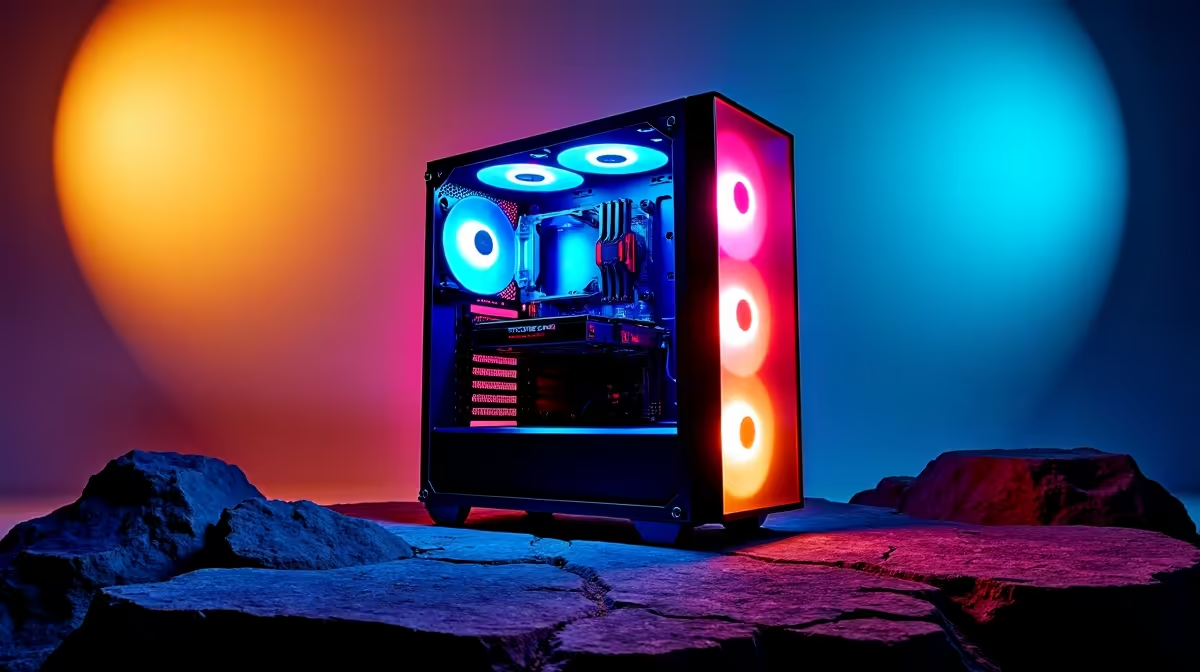
Building your first R10,000 gaming rig in South Africa is a rite of passage. You've agonised over the GPU, picked the perfect CPU, and now… the case. It’s tempting to just grab the cheapest box you can find, but hold up. The chassis is more than just a shell; it's the armour for your components and the foundation for future upgrades. Choosing the best PC case for your R10000 gaming PC build is crucial for performance.
Why Your PC Case Matters (Even on a Budget)
Think of your PC case as your system's lungs and skeleton combined. A poorly designed one can choke your components, leading to thermal throttling—where your CPU and GPU slow down to avoid overheating. Suddenly, your brand-new rig is underperforming in the middle of a tense Apex Legends firefight. That's not lekker.
A good chassis, even a budget-friendly one, provides a clear path for air to flow, keeping your hardware cool and running at peak performance. It also protects everything from dust, spills, and the occasional bump. For many South Africans putting together their first rig from our selection of budget gaming PCs, getting the case right from the start saves a lot of headaches later.
Key Features for a R10k Build's PC Case
When you're hunting for the best PC case for your R10000 gaming PC build, you need to prioritise function over flashy, unnecessary features. Here’s what truly counts. 🔧
Airflow is King 💨
Forget fancy RGB lighting for a second. The number one priority is airflow. Look for a case with:
- A mesh front panel: This allows for maximum air intake, far superior to a solid glass or plastic front.
- Included fans: Many budget cases come with one or two pre-installed fans. This is a great starting point to ensure you have some basic air movement from day one.
- Room for more fans: Check for mounting points at the top and front. As you save up, you can add more fans to create a super-cool environment for your components.
Check Your Clearances! 📏
you buy, double-check the case's specifications for two key numbers: maximum GPU length and CPU cooler height. The last thing you want is for your shiny new graphics card or beefy air cooler not to fit. A few millimetres can make all the difference, so measure twice, buy once!
Smart Cable Management
Messy cables don't just look bad; they can obstruct airflow. A good budget case will offer features that were once only found in premium builds over R20k. Look for:
- Cutouts and tie-down points: These allow you to route cables behind the motherboard tray.
- A power supply shroud: This neat basement area hides your PSU and all its extra cables, creating a clean look and improving airflow in the main chamber.
Getting this right means your R10k machine can look as clean as much pricier rigs under R20k.
Future-Proofing Your Build
Your R10,000 PC today might become a R15,000 beast next year. A smart case choice accommodates that growth. Ensure it has standard ATX motherboard support, enough drive bays for extra storage, and a modern front I/O panel with at least one USB 3.0 port. A quality case can easily last you through two or three full system upgrades. ✨
Finding the Perfect Chassis at Evetech
So, what's the single best PC case for your R10000 gaming PC build? The truth is, it depends on the specific components you've chosen. The key is to balance aesthetics with the crucial features we've covered: airflow, cable management, and room to grow.
While building a PC is an incredibly rewarding experience, we know it can also be a bit daunting. If you'd rather jump straight into the action, our pre-built PC deals offer expertly assembled systems where all the component matching has been done for you. But if you're committed to the build, browsing the best gaming PC deals can help you find high-value components that leave a little extra in the budget for that perfect case.
Ready to Build Your Dream Rig?
Whether you're choosing the final piece of your custom build or looking for a perfectly configured machine, the right choice makes all the difference. Explore our best gaming PC deals and find the hardware to dominate your favourite games.