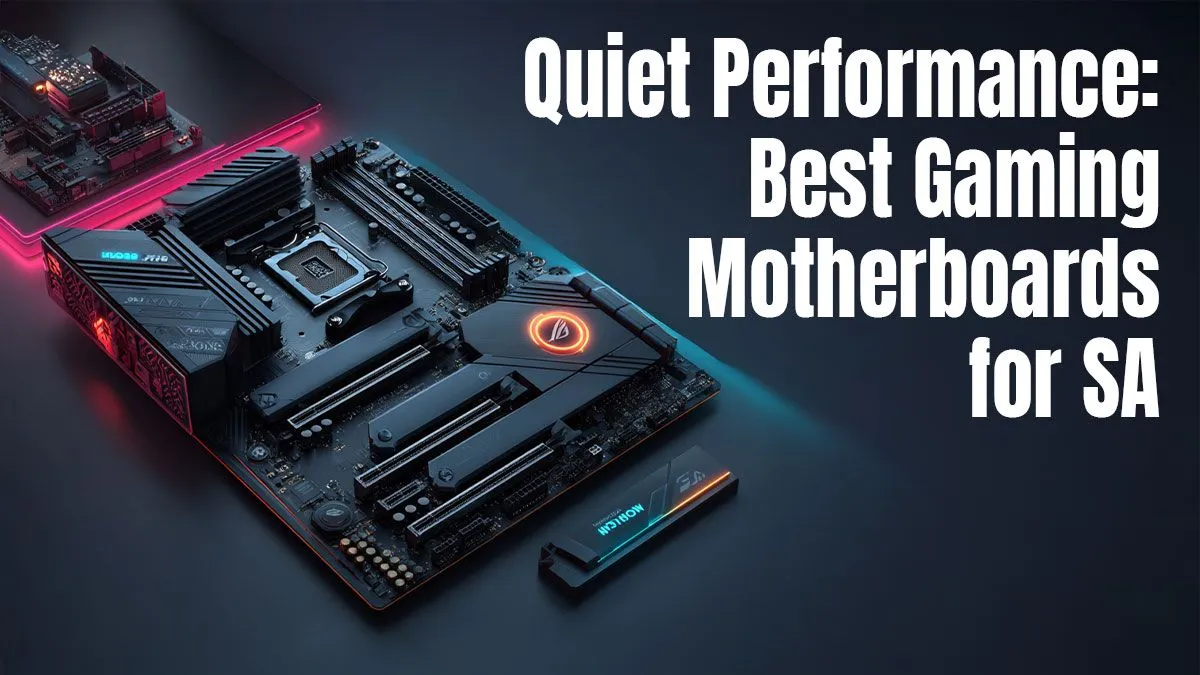
Tired of your gaming rig sounding like a jet taking off during a tense Warzone match? You've spent a fortune on a powerful GPU and CPU, but the constant hum is killing the immersion. The secret to a whisper-quiet setup isn't just about fans… it starts with the foundation. Choosing one of the best quiet gaming motherboards is the first, most crucial step to building a stealthy powerhouse right here in South Africa. 🤫
What Makes a Gaming Motherboard 'Quiet'?
It might seem strange to call a circuit board "quiet." After all, it has no moving parts, right? Well, not always. A motherboard's contribution to noise levels comes down to two key things: heat management and control. A board that runs cool needs less aggressive fan intervention, resulting in a quieter PC overall.
Components like the Voltage Regulator Modules (VRMs), which feed clean power to your CPU, and the chipset generate significant heat. A quality motherboard dissipates this heat passively using large, well-designed heatsinks. Cheaper boards might have smaller heatsinks or even none at all on the VRMs, forcing your case fans to work overtime to prevent overheating. This is why even when looking for great value motherboards, paying a little extra for better thermal design can pay huge dividends in noise reduction.
Key Features for the Best Quiet Gaming Motherboards
When you're on the hunt for a motherboard for your silent PC build, your spec sheet checklist looks a little different. Instead of just chasing the highest numbers, you’re looking for features that promote cool and quiet operation. 🔧
Robust VRM and Heatsinks
Look for motherboards with substantial, chunky metal heatsinks covering the VRMs (usually to the left and top of the CPU socket) and the chipset (often under a branded plate lower down). More surface area means better passive cooling, which means your fans can spin slower and quieter. This is a non-negotiable feature for any quiet gaming motherboard.
Advanced Fan Control
This is arguably the most important feature. The best boards offer multiple 4-pin (PWM) fan headers and sophisticated control software within the BIOS/UEFI. This allows you to create custom fan curves, telling each fan exactly how fast to spin based on specific temperature sensors. You can set them to stay completely off below a certain temperature for a truly silent desktop experience.
Pro Tip: Master Your Fan Curves 🎧
Dive into your motherboard's BIOS UEFI on first boot (usually by pressing 'DEL' or 'F2'). Find the 'Hardware Monitor' or 'Fan Control' section. Instead of 'Auto', select 'PWM' mode and switch to the manual curve editor. You can create a gentle slope, keeping fans at a barely audible 20-30% speed until your CPU hits around 60°C. This simple tweak makes a massive difference!
Passive Chipset Cooling
In recent years, some high-end motherboards came with tiny, whiny fans directly on the chipset. While effective, they were a major source of high-pitched noise. Thankfully, the trend has shifted back to larger, passive heatsinks. For a silent build, always prioritise a motherboard with a fanless chipset design.
Finding Your Silent Champion: AMD vs. Intel
Whether you're on Team Red or Team Blue, the principles of selecting a quiet motherboard remain the same. Both platforms offer excellent options, but your choice will dictate your CPU path.
For those building around a powerful Ryzen CPU, a board with a strong VRM setup is essential to handle the power delivery without breaking a sweat… or making your fans scream. The B650 and X670 chipsets offer fantastic features for modern builds. Take a look at our full range of AMD motherboards to find a solid foundation.
On the other side, if you're building with a 13th or 14th Gen Core i5 or i9, you'll need a motherboard that can keep up. The Z790 and B760 chipsets provide the performance and control you need. The right choice from our selection of Intel motherboards is crucial for a balanced and quiet system.
Ultimately, the best quiet gaming motherboard for your SA build is one that combines excellent passive cooling with granular fan control, giving you the power to dictate your PC's acoustics. ✨
Ready to Build Your Silent Rig?
A quiet PC transforms your gaming experience from noisy chaos to pure immersion. The foundation is everything. Explore our massive range of PC components and find the perfect quiet gaming motherboard to conquer your world in peace.