


Clean Gaming Keyboard: Guide for Dusty & Humid Conditions
Clean gaming keyboard quickly and safely in dusty or humid conditions with step-by-step tips, tool checklist, and maintenance routines to prevent corrosion and switch failure. 🧼💨
Read moreChecklist: • Find best RAM • Recommend AM5 configs • Tune timings • Pick kits. best RAM for Ryzen 9 9950X3D — concise DDR5 choices, speeds, and BIOS settings to boost gaming and productivity 🚀🔧
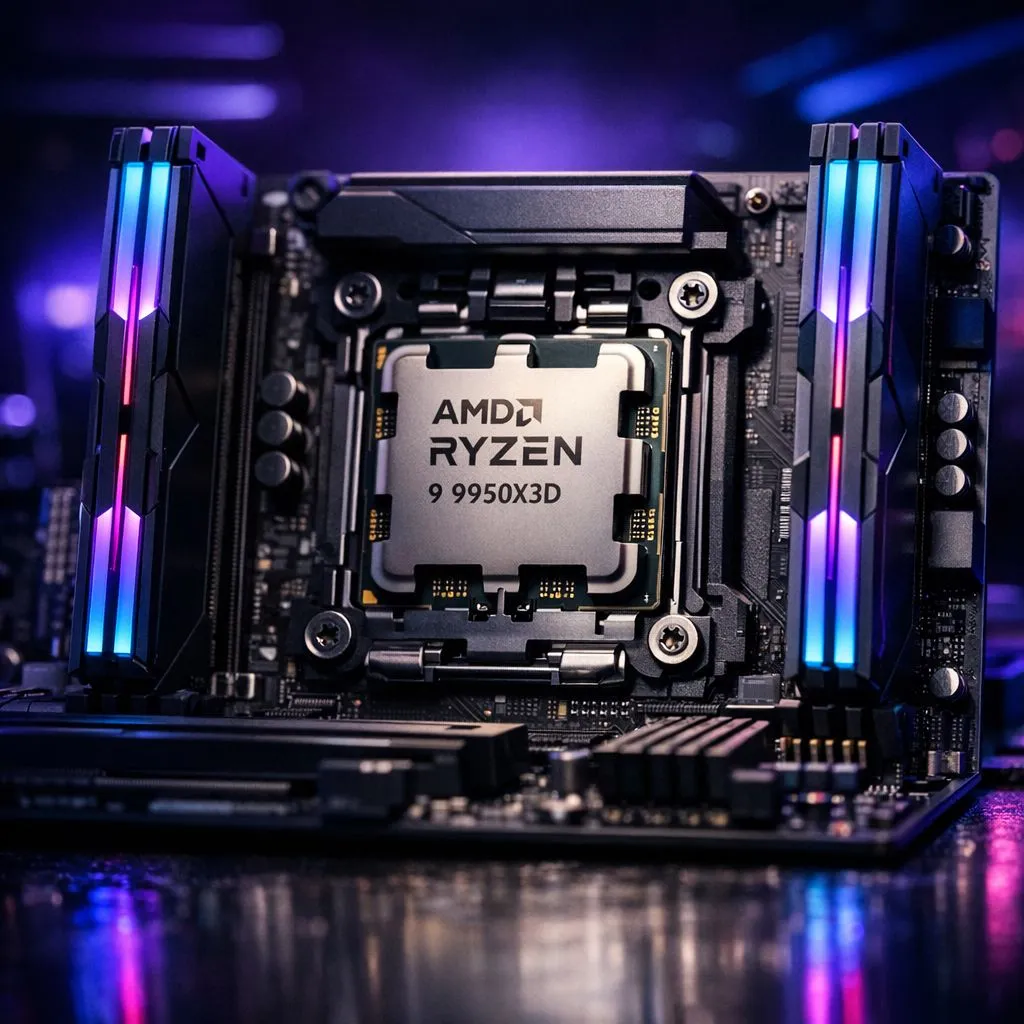
Building a flagship rig in South Africa isn’t just about bragging rights... it’s about ensuring your R15,000+ processor isn't choked by sluggish memory. The Ryzen 9 9950X3D is a beast, but to truly unlock its potential, you need the right AM5 Memory Configs. Getting the best RAM for Ryzen 9 9950X3D means balancing raw frequency with tight timings to feed that massive 3D V-Cache 🚀.
While some local enthusiasts still prefer to buy Intel CPUs for specific quick-sync tasks, the sheer gaming dominance of the X3D series is hard to ignore. To keep that performance high, you need to look past the marketing fluff and focus on the "sweet spot" for the Zen 5 architecture.
For the 9950X3D, the magic number is 6000MT/s. Pushing higher can often lead to stability issues or force the memory controller into a 2:1 ratio, which actually slows down your system. When you buy AMD CPUs from the high-end 9000 series, you want a kit that supports AMD EXPO.
Low latency is the secret sauce here. A DDR5-6000 CL30 kit ensures that the CPU can access data quickly, reducing the time the 3D V-Cache spends waiting. This is even more critical when compared to high-end 14-core Intel CPUs that handle memory slightly differently. For the Ryzen 9, stick to two sticks of RAM rather than four to maintain the highest possible speeds without stability headaches ⚡.
When setting up your new AM5 build, always ensure your BIOS is updated to the latest version before enabling the EXPO profile. Early AM5 firmware often had trouble with high-speed DDR5, but newer AGESA updates have significantly improved boot times and stability for 64GB+ configurations.
If you are stepping up from a standard AMD Ryzen 7 setup, you might be tempted to stick with 16GB. However, for a 9950X3D, 32GB is the modern baseline. Content creators and heavy multitaskers in the South African creative scene should even consider 64GB... especially if you plan on running heavy textures or virtual machines alongside your gaming sessions ✨.
Remember, the goal is to create a balanced system where no single component creates a bottleneck. High-quality DDR5 memory is the bridge between your storage and your powerhouse processor.
Ready to Find Your Perfect Match? Selecting the right memory is the final step in building a world-class gaming PC. For maximum power, choice, and value in South Africa, our curated selection of high-performance RAM is hard to beat. Explore our massive range of memory specials and find the perfect kit to conquer your world.
Aim for DDR5-6000 to DDR5-6400 for the best balance of latency and bandwidth; DDR5 RAM for 9950X3D at these speeds often yields top gaming performance.
16GB dual-channel is minimum; 32GB (2x16GB) is optimal for gaming plus content work. For heavy multitasking or editing, choose 64GB.
Prioritize higher frequency (DDR5-6000+) while keeping reasonable CL timings—lower CL helps, but frequency gains often deliver bigger real-world FPS boosts.
AM5 supports dual-channel; use matched 2x or 4x DDR5 kits for capacity. Dual-channel 2x16GB at high speed is usually best for Ryzen 9 9950X3D.
Enable EXPO on compatible AM5 motherboards (or XMP if supported) to load optimized DDR5 profiles—this simplifies getting rated speeds and timings.
Set EXPO/XMP profile, enable Gear 1 if stable, tune subtimings, and test stability. Optimize RAM timings 9950X3D incrementally for best results.
Choose reputable DDR5-6000 to DDR5-6400 kits in 2x16GB or 4x16GB configs. Look for low CL, solid ICs, and verified AM5 compatibility.
Clean gaming keyboard quickly and safely in dusty or humid conditions with step-by-step tips, tool checklist, and maintenance routines to prevent corrosion and switch failure. 🧼💨
Read more
Best gaming keyboard features to prioritize when building a high-end setup: mechanical switches, low latency, hot-swap, RGB, macros, durability and ergonomics 🎮⌨️
Read more
Custom actuation point keyboard setup guide: learn to set per-key actuation on your analog gaming keyboard for faster, precise inputs and better control 🎮⚙️
Read more
Cable management for home entertainment helps you eliminate cable clutter quickly and safely. Learn routing, concealment, and product picks to tidy your setup fast 📺🔌
Read more
conference room setup Microsoft Teams Zoom: Upgrade AV, camera, mic, and network to ensure seamless meetings, clear audio, and crisp video 🎯🔧
Read more
• Audit setup • Link accounts • Configure ViewBoard • Test workflows Integrate Google Workspace with ViewSonic ViewBoard to enable secure SSO, calendar and Drive sync, and smooth collaborative whiteboarding 🔗📋
Read more
Discover webcams that automatically adjust light and color for crystal-clear video calls 🎥✨. Boost your streaming quality today!
Read more
Discover webcams that blend into your workflow 🎯 Capture moments while you work, stream, or create. Upgrade your setup with smart, multitasking tech!
Read more
Dedicated media keys give streamers one-touch control to mute, switch scenes, clip highlights, and adjust audio — cutting task time and boosting consistency 🎛️⚡
Read more
PBT vs ABS keycaps: Clear, local guide for South African gamers—compare feel, sound, durability and where to buy. Find the best material for your budget and playstyle 🎮🇿🇦
Read more
- Multi-Function Digital Dial: define benefits - Show gamer setups and macros - Offer buying and setup tips Multi-Function Digital Dial puts programmable control at your fingertips for faster actions and smoother streaming. 🎮⚙️
Read more
- Explain benefits; - Show the science; - Compare options; - Recommend picks. Magnetic wrist rest for gaming cuts wrist strain and boosts comfort during long sessions 🕹️✨
Read more