


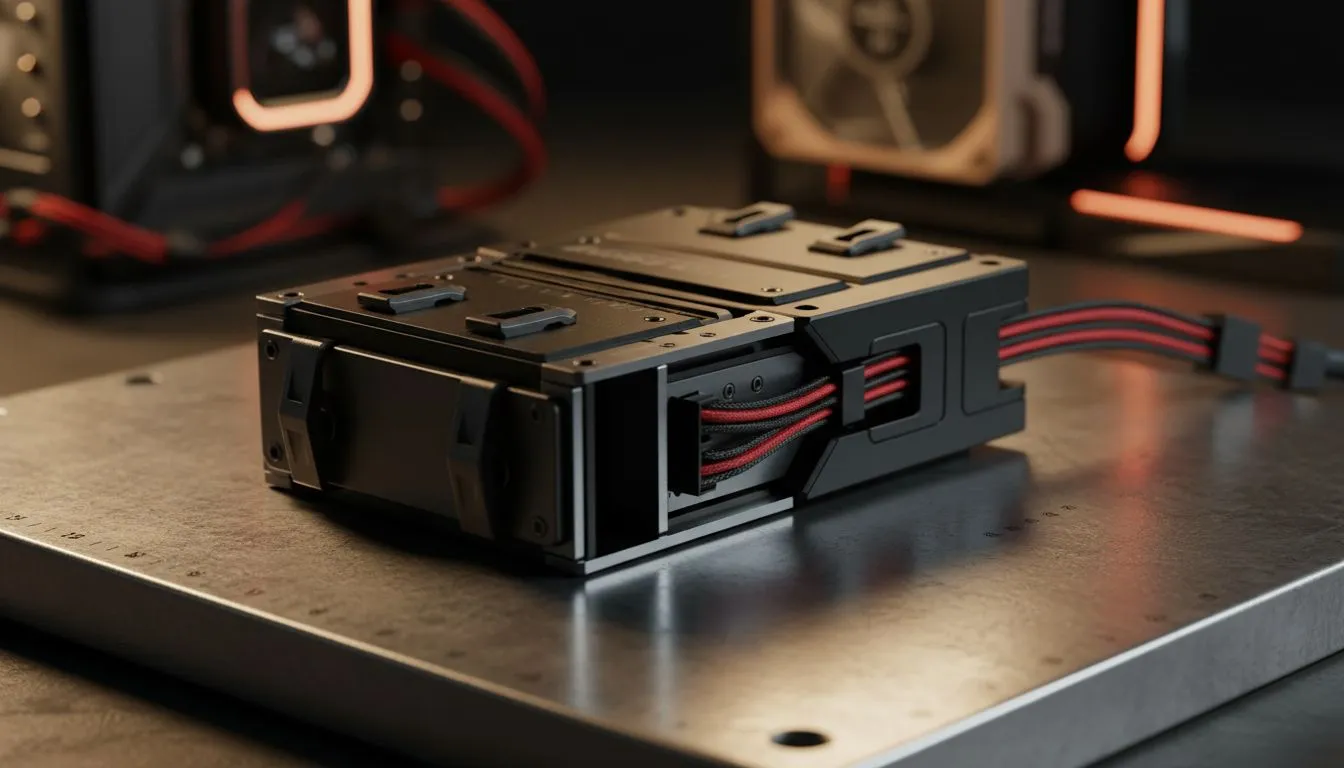
Building a Mini-ITX rig in South Africa? You know the struggle. Every millimetre counts when you are trying to fit a modern GPU and cooling into a tiny chassis. Finding the best storage layout small cases: 2.5 vs 3.5 drives offer can make or break your cable management. It is about balancing massive capacity against the physical reality of a cramped interior. Let us look at how to optimise your build for maximum performance... 🔧
Choosing the Right Drive Size for SFF Builds
The classic 3.5-inch HDD is great for cheap bulk storage. However, in a small chassis, it often acts like a heavy brick that blocks vital airflow. If you look at modern computer cases, you will notice a clear shift toward smaller mounting points. A 2.5-inch SSD is much thinner and lighter. It allows for cleaner cable routing... which is crucial for keeping your components cool during a blistering Gauteng summer.
The Impact on Airflow and Thermals
In a Small Form Factor (SFF) build, air needs a clear path to escape. Large drive cages used for 3.5-inch disks create "dead zones" where heat gets trapped. By switching to 2.5-inch drives, you can often remove these cages entirely. This opens up the front of the case for larger intake fans. ⚡
Storage Pro Tip ⚡
When building in small cases, use flat SATA cables instead of the standard rounded ones. They are far easier to fold and hide behind the motherboard tray. This small change significantly improves airflow and makes achieving the best storage layout for small cases much easier for beginners.
Maximising Space with Premium Layouts
Some brands have mastered the art of the "shrunken" build. For instance, Fractal Design PC cases often use clever brackets that let you tuck 2.5-inch drives directly behind the motherboard tray. This clears the main chamber for your GPU and CPU cooler. If you absolutely insist on a 3.5-inch drive for a massive media library, you might need a "sandwich" style layout. This keeps the heat-generating components separate from the spinning disks to prevent thermal throttling. 🚀
Budget-Friendly SFF Storage Solutions
You do not need to spend a fortune to get a compact setup that works. Many Gamdias gaming cases offer versatile mounting options for both drive sizes. They provide a great entry point for South African gamers looking to downsize their desks without losing storage capacity.
For those on a strict budget, looking at Gamdias gaming cases under R1500 shows that you can still get decent drive flexibility. Most of these models support at least two 2.5-inch SSDs, which is plenty for a boot drive and a large gaming library. ✨
Ready to Find Your Perfect Match? The 2.5 vs 3.5 drive debate is all about your specific needs, but for small cases, compact is always king. Explore our massive range of computer cases and find the perfect chassis to house your next high-performance South African gaming build.










