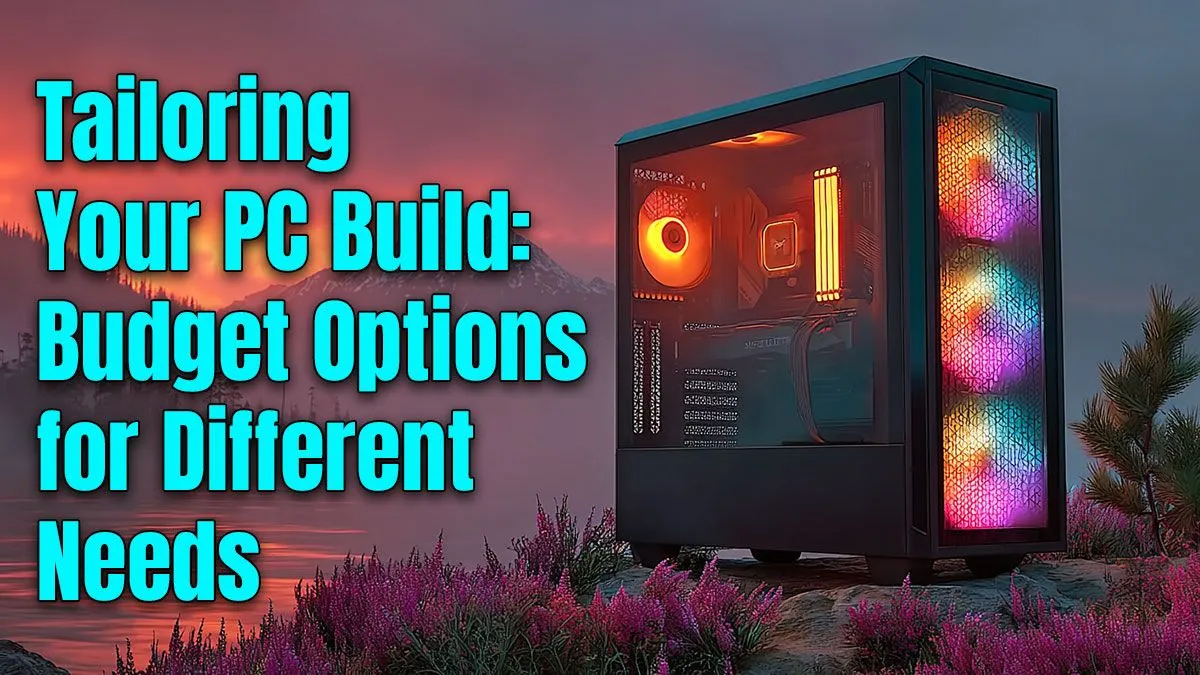
Thinking about building your own PC in South Africa but worried about the cost? We get it. The idea of a powerful, personalised machine is awesome, but the price tag can be intimidating. The good news is that a budget custom PC build is more achievable than ever. With the right plan, you can create a rig that crushes 1080p gaming, breezes through varsity assignments, or powers your home office… without emptying your wallet. Let's get building! 🚀
Why Build a Budget Custom PC?
Building your own PC isn't just about saving a few bucks; it's about smart investing. You control every component, ensuring your money goes exactly where it matters most to you. Need more graphical power for Warzone but less CPU muscle for browsing? You can do that. This approach gives you a machine perfectly tailored to your needs and a clear upgrade path for the future, something pre-built options can't always guarantee.
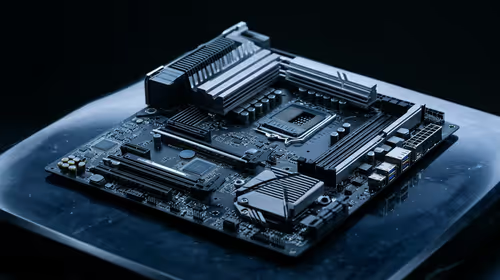
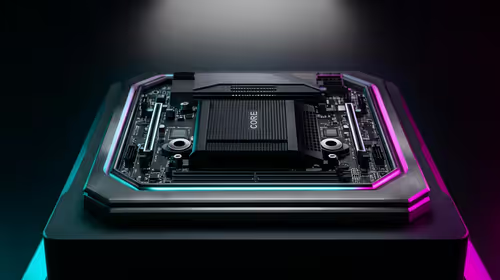
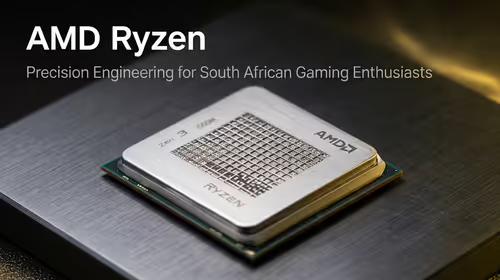
The heart of any budget custom PC build is choosing the right foundation. Your processor (CPU) and motherboard are a team. For most budget builds, a modern 4 or 6-core CPU from Intel or AMD offers fantastic performance for the price. The key is to pair it with a compatible motherboard that has the features you need, like enough USB ports and M.2 slots for fast storage, without paying for extras you won't use.
Nailing the Core Components 🔧
Once your foundation is set, it's time to pick the parts that will bring your PC to life. This is where you can really optimise for performance and value.
The Graphics Card (GPU): Your Gaming Engine
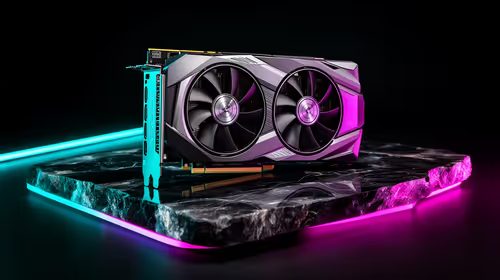
For any gaming PC, the GPU is the most critical component. It handles all the visuals, from sprawling landscapes in Elden Ring to fast-paced action in Apex Legends. For a solid 1080p experience, you don't need the absolute top-tier card. Look for models celebrated for their price-to-performance ratio. Spending a bit more on your graphics card is often the single biggest upgrade you can make for gaming.
Memory (RAM) & Power (PSU)
RAM is your PC's short-term memory. For modern gaming and multitasking, 16GB of DDR4 or DDR5 RAM is the sweet spot. However, if you're doing an ultra-frugal build or reviving an older system, you can still find cost-effective DDR3 gaming RAM modules that get the job done for basic tasks.
Just as important is the power supply unit (PSU). Never, ever cheap out on your PSU. A poor-quality unit can be inefficient and even risk damaging your other components. Investing in a reliable power supply from a trusted brand ensures stable power delivery and peace of mind.
Cooling is Key! ❄️
While many CPUs come with a stock cooler that works fine, spending a little on a better one can make a huge difference. An aftermarket CPU cooler keeps temperatures lower, which can lead to quieter operation and more consistent performance, especially during those intense gaming sessions or heavy workloads. It's a small price for a big improvement.
Assembling Your Rig: The Finishing Touches
With the main parts sorted, it’s time to bring it all together. A good build is more than just a pile of components; it's a cohesive system.
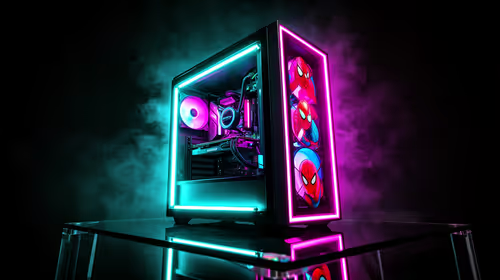
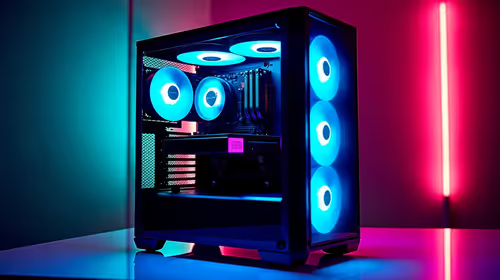
Your PC's home is its case. It's not just about looks; airflow is crucial for keeping your components cool and running optimally. Thankfully, there are many affordable options that offer great ventilation and easy building features. Choose a decent computer case that fits your motherboard size and has enough room for your graphics card. Paired with an aftermarket CPU cooler, your system will run cool and quiet.
Feeling a bit overwhelmed by picking every single part? A great shortcut is to start with a bundle. These often package a compatible CPU, motherboard, and RAM together, taking the guesswork out of the equation. Exploring Intel and AMD based bundle packs can be a fantastic way to kickstart your build with a solid, compatible core. ✨
Ready to Build Your Dream Rig?
This guide is your starting point for an amazing and affordable custom computer. The real magic happens when you start picking the parts. Explore our massive range of PC components and start piecing together the perfect machine for your budget and needs today.