


Clean Gaming Keyboard: Guide for Dusty & Humid Conditions
Clean gaming keyboard quickly and safely in dusty or humid conditions with step-by-step tips, tool checklist, and maintenance routines to prevent corrosion and switch failure. 🧼💨
Read morebudget Dota 2 PC build guide for NSFAS students: step-by-step component picks, price targets, and upgrade paths to run Dota 2 smoothly on a student budget 🎒💻
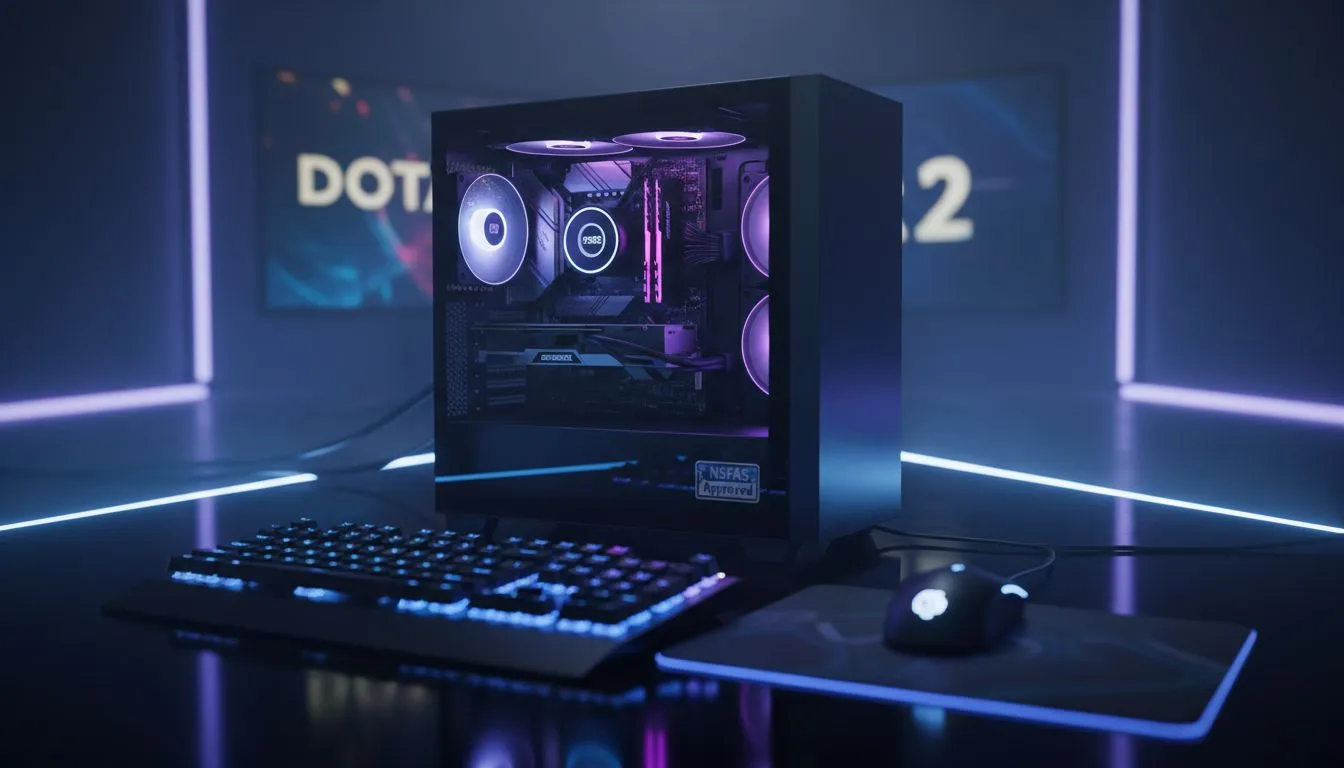
Surviving varsity life on an NSFAS allowance requires some serious financial gymnastics. Between textbooks and transport, there isn't much left for high-end tech. However, Dota 2 is famously forgiving on older hardware. A well-planned budget Dota 2 PC build can give you a smooth 60 FPS experience without costing a fortune. It is about making smart choices with your limited Rands to ensure you stay competitive. ✨
Dota 2 is a CPU-intensive game... it cares more about your processor than a flashy graphics card. When you are browsing budget gaming PCs, look for modern processors with strong integrated graphics. This allows you to skip the expensive dedicated GPU for now. You can always add one later when your budget allows. High-speed RAM is also vital for these builds to help the internal graphics chip perform at its best.
Building from scratch is fun, but it can be risky if a part arrives faulty. For a student, time is money. Looking at pre-built PC deals often provides a better safety net. You get a warranty on the whole system... plus, the experts have already tested the component compatibility. This avoids the headache of troubleshooting hardware issues when you should be studying or gaming. 🔧
Always ensure your RAM is running in dual-channel mode. This means using two sticks of 8GB instead of one 16GB stick. For a budget Dota 2 PC build using an integrated graphics chip, this can boost your frame rates by up to 20% without spending an extra cent.
We know that every Rand counts in the current economy. You should keep an eye on the best gaming PC deals to catch seasonal sales or clearance stock. Most students will find their ideal match when they buy PCs under R20k. These machines handle Dota 2 at 1080p with ease... even during those chaotic late-game team fights where everyone is casting ultimates at once. 🚀
While your current focus is the budget Dota 2 PC build, you might want to play more demanding titles later. If you happen to have extra savings from a side hustle or a bursary top-up, you could buy PCs above R20k. This ensures your machine remains relevant for several years. However, for a pure Dota 2 experience, staying under that R20,000 threshold is the smarter financial move for any NSFAS recipient. Focus on a solid foundation first.
Ready to Dominate the Lanes? Balancing studies and gaming is an art, but having the right hardware makes it much easier. Explore our massive range of budget gaming PCs and find the perfect machine to climb the MMR ranks today.
A balanced budget Dota 2 PC build: entry GPU (GTX 1650/1050 Ti or RX 570), Ryzen 3 or i3 CPU, 8–16GB RAM, 240GB SSD for smooth 60+ FPS.
Aim for R6,000–R12,000 for a mix of entry new and quality used parts; adjust for local prices and look for student deals and bundles.
Yes — a cheap Dota 2 build with a capable GPU, 8GB RAM and tuned settings can reach stable 60+ FPS on medium settings.
Look for GTX 1650, GTX 1050 Ti, or used RX 570 as affordable GPUs that balance price and performance for Dota 2.
Used parts maximize NSFAS budgets. Buy from trusted sellers, test hardware, and prioritize items with some warranty or return option.
Start with a solid PSU and compatible motherboard, then upgrade GPU first, add RAM, or swap in a larger SSD to boost FPS.
Lower in-game settings, update GPU drivers, use an SSD, close background apps, and enable game mode for smoother Dota 2 play.
Clean gaming keyboard quickly and safely in dusty or humid conditions with step-by-step tips, tool checklist, and maintenance routines to prevent corrosion and switch failure. 🧼💨
Read more
Best gaming keyboard features to prioritize when building a high-end setup: mechanical switches, low latency, hot-swap, RGB, macros, durability and ergonomics 🎮⌨️
Read more
Custom actuation point keyboard setup guide: learn to set per-key actuation on your analog gaming keyboard for faster, precise inputs and better control 🎮⚙️
Read more
Cable management for home entertainment helps you eliminate cable clutter quickly and safely. Learn routing, concealment, and product picks to tidy your setup fast 📺🔌
Read more
conference room setup Microsoft Teams Zoom: Upgrade AV, camera, mic, and network to ensure seamless meetings, clear audio, and crisp video 🎯🔧
Read more
• Audit setup • Link accounts • Configure ViewBoard • Test workflows Integrate Google Workspace with ViewSonic ViewBoard to enable secure SSO, calendar and Drive sync, and smooth collaborative whiteboarding 🔗📋
Read more
Discover webcams that automatically adjust light and color for crystal-clear video calls 🎥✨. Boost your streaming quality today!

Discover webcams that blend into your workflow 🎯 Capture moments while you work, stream, or create. Upgrade your setup with smart, multitasking tech!

Dedicated media keys give streamers one-touch control to mute, switch scenes, clip highlights, and adjust audio — cutting task time and boosting consistency 🎛️⚡

PBT vs ABS keycaps: Clear, local guide for South African gamers—compare feel, sound, durability and where to buy. Find the best material for your budget and playstyle 🎮🇿🇦

- Multi-Function Digital Dial: define benefits - Show gamer setups and macros - Offer buying and setup tips Multi-Function Digital Dial puts programmable control at your fingertips for faster actions and smoother streaming. 🎮⚙️

- Explain benefits; - Show the science; - Compare options; - Recommend picks. Magnetic wrist rest for gaming cuts wrist strain and boosts comfort during long sessions 🕹️✨