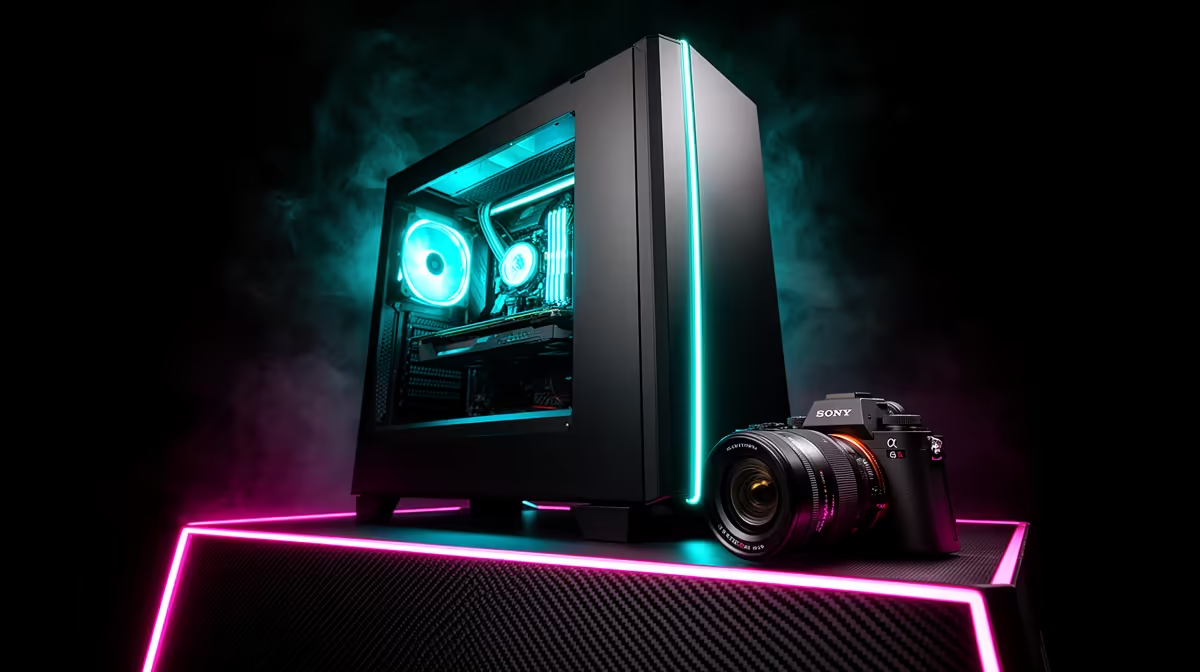
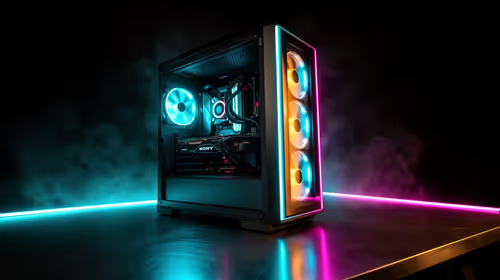
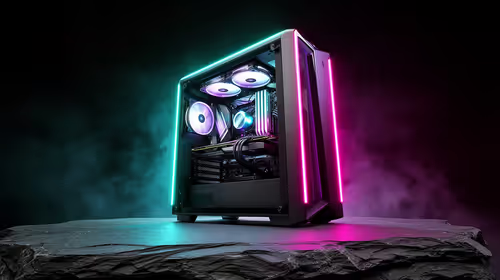
Dreaming of a powerful gaming rig but your wallet’s feeling a bit light? You’re not alone. Meet John, a local gamer from Jozi whose old PC was struggling to run the latest titles. He wanted the thrill of a custom machine without the hefty price tag. This is the story of his budget gaming PC build, a step-by-step journey to show how you can build a formidable setup that crushes 1080p gaming right here in South Africa. 🚀
Planning Your Budget Gaming PC Build
Before buying a single component, the first step in any budget gaming PC build is creating a plan. For John, the magic number was R15,000. This is a solid starting point that allows for a balanced system without major compromises. The goal is to allocate funds smartly… putting more cash towards the components that impact performance the most, like the graphics card (GPU) and processor (CPU).
It’s all about finding that sweet spot. You don’t need the most expensive parts to have a great experience. By carefully selecting components, you can create a machine that feels premium. Many gamers find that the best value is often found in systems specifically designed for this price point, and there are some fantastic PCs under R20k that offer a great performance baseline.
John's Component Selection: A Step-by-Step Breakdown
After hours of research, John finalised his parts list. This is where the dream setup starts taking shape. His choices focused on maximum frames-per-rand for a smooth 1080p experience.
The Core Components
- CPU: AMD Ryzen 5 5500. A six-core powerhouse that offers incredible value and is more than capable of handling modern games and multitasking without bottlenecking the GPU.
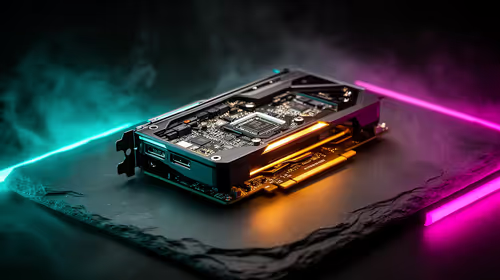
- GPU: NVIDIA GeForce RTX 3050 8GB. This is the heart of the build, delivering solid 1080p performance with access to modern features like DLSS to boost frame rates.
- Motherboard: A reliable B450M board. It’s a no-frills option that provides all the necessary features and connectivity for this build.
- RAM: 16GB (2x8GB) DDR4 3200MHz. This is the sweet spot for gaming today, ensuring smooth performance and preventing system stutters.
- Storage: 1TB NVMe M.2 SSD. A super-fast drive that drastically cuts down on loading times in games and makes the whole system feel snappy. ✨
- PSU & Case: A 550W Bronze-rated power supply and a clean, high-airflow case to keep everything cool and running safely.
While John's build is impressive for its price, stretching the budget slightly can unlock even more power. For those with a bit more to spend, exploring the next tier of components is worthwhile, similar to what you'd find in our expertly configured PCs above R20k.
Builder's Pro Tip 🔧
Always remember to install the motherboard's I O shield into the case before you mount the motherboard itself. It’s the most common mistake first-time builders make, and it’s a real pain to fix once everything is screwed in. Double-check this step to save yourself a headache!
The Assembly: Bringing the Dream Setup to Life
With all the parts laid out, it was time for the most exciting... and nerve-wracking... part of the process. John started by preparing the motherboard on its anti-static box, carefully installing the CPU and clipping in the RAM sticks. Next, he mounted the motherboard inside the case, connected the power supply cables, and slotted in the mighty RTX 3050.
Cable management took some patience, but tucking everything away neatly wasn't just for looks; it ensures good airflow to keep temperatures low during intense gaming sessions. After a final check, he hit the power button. Success! The PC posted, and his dream setup was alive. Of course, the process isn't always this smooth, and troubleshooting can be a challenge. That's why many gamers prefer the peace of mind that comes with our pre-built PC deals, which are assembled and tested by professionals.
The Big Question: DIY Build vs. Pre-Built PC?
John successfully completed his budget gaming PC build, and he was thrilled with the result. The process gave him a deep understanding of his machine. However, it required significant research, time, and the risk of damaging components.
So, should you build your own? If you love tinkering and have the time, absolutely. But for many South African gamers, the convenience, warranty, and expert support of a pre-built system are unbeatable. You can often find some of the best gaming PC deals that deliver incredible performance right out of the box, with zero hassle. Ultimately, the goal is to get gaming, and our wide range of budget gaming PCs offers a fantastic, stress-free path to achieving that dream setup.
Ready to Find Your Perfect Match?
Building your own PC is rewarding, but for guaranteed performance and zero hassle, a professionally assembled rig is tough to beat. Explore our massive range of budget gaming PCs and find the perfect machine to conquer your world.