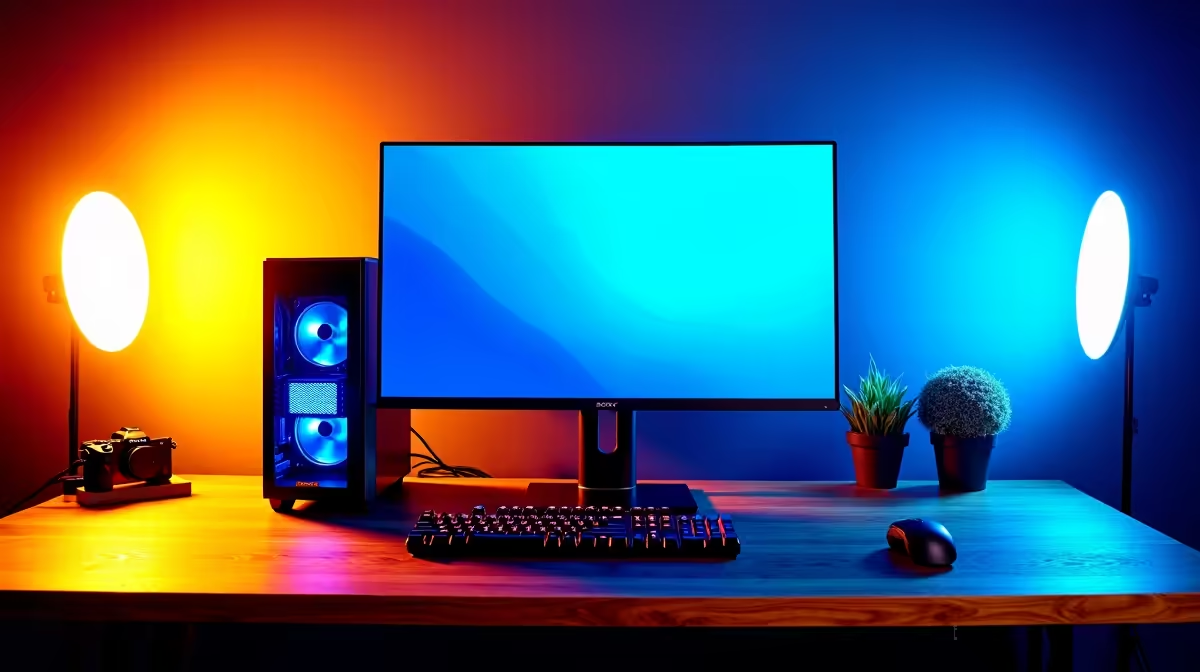
A streaming setup earns its place in a reels-and-shorts workflow when the creator also runs live interviews, demonstrations or behind-the-scenes sessions. Short-form editing needs responsive codec playback, memory, storage and a usable display. Capture devices and scene controllers should solve a recurring live-production task rather than consume the editing budget.
Complete one vertical edit first
The verified ASUS P5405 pairs Core Ultra 5 226V hardware, 16GB memory and 512GB storage at R12,700. Confirm current graphics, display and port details. Import the normal phone or camera codec, add captions and colour adjustments, then export the platform-ready file. Check playback, memory pressure, fan noise and remaining SSD capacity.
Add live capture around a format
Record a private tutorial or interview using the expected camera, microphone, overlays and local capture. Review sync, dropped frames, speech clarity and accidental notifications. Keep client files and private messages outside every scene. Store source clips, project files and exports in separate versioned backups. If live output occurs once or twice a year, rent or borrow capture gear. Buy a dedicated streaming setup when repeated broadcasts justify its cables, software and setup time.
Keep a clean vertical-project template with approved caption styles and export settings for the next episode.
Create a naming rule for source clips before the first live-and-edited project fills several storage locations.
Producing short-form video? > Ask Evetech to balance editing performance, storage and capture needs around the actual publishing format.