A streaming setup is not enough to define a small-business POS. Cameras, microphones and capture tools support live video, while a till needs reliable sales software, peripherals, networking, data protection and support. One computer may perform both roles, but combining them can create downtime and security risk.
Protect checkout before adding broadcasts
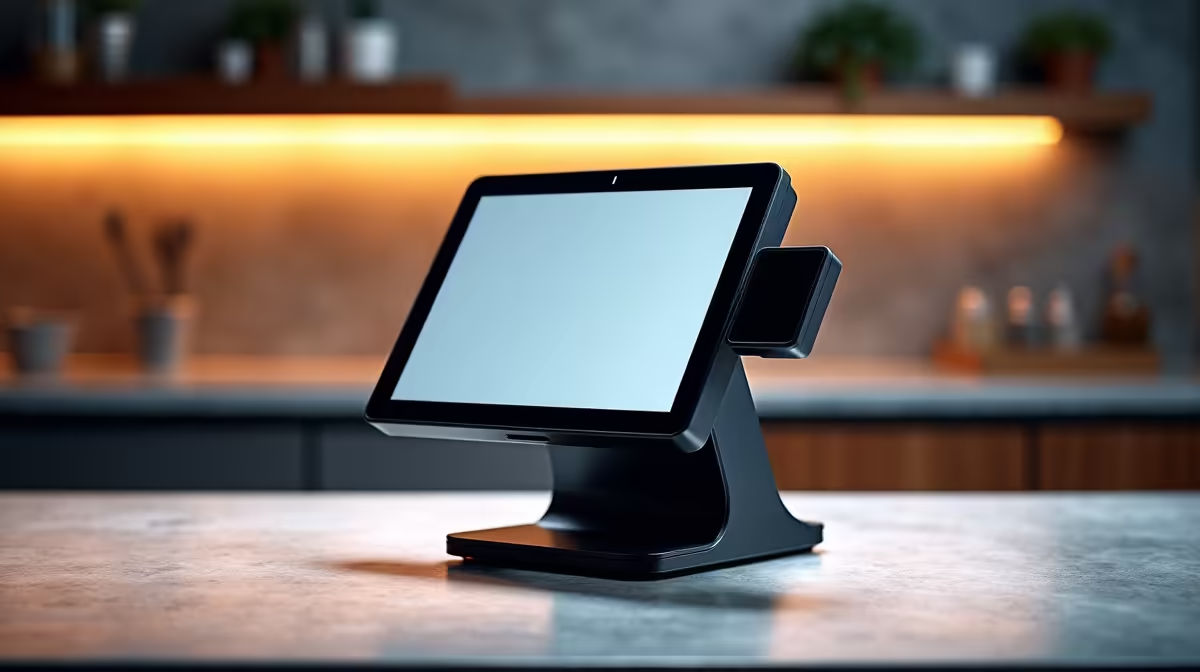
List POS software, barcode scanner, receipt printer, cash drawer, display and network requirements. Confirm operating-system support and how transactions recover after interruption. Then specify the stream platform, camera, encoder and upload needs. Never test experimental broadcasting tools on the only live checkout without a rollback path.
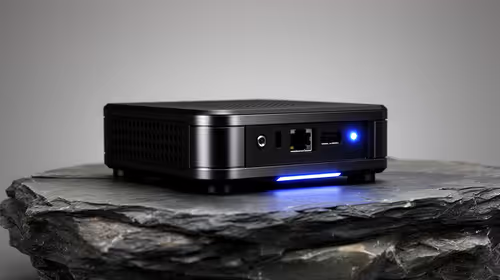
The Minisforum NAB6 Lite mini PC with Core i5-12600H, 8GB memory and a 512GB SSD is factpack-verified at R4,150. The NearStream V08AF 4K webcam appears at R678. Verify POS compatibility, ports, peripheral drivers, camera modes, memory expansion, operating-system support and warranty. These products do not create a complete till.
Protect business accounts, restrict staff permissions and keep transaction plus configuration backups. Buy a shared system only when both tests pass and downtime is acceptable. In most shops, separating a stable POS from live-production equipment makes faults easier to diagnose and keeps sales available while streaming software changes. Run both systems separately during the busiest trading hour before considering any shared machine.
Equipping a small-business counter? > Compare verified mini PCs and webcams with Evetech around POS support and separate production needs.