Building a gaming PC in South Africa feels like a boss battle, doesn't it? You're juggling a tight budget against the dream of smooth frame rates in Helldivers 2. The good news? You don't need to spend a fortune to get a great experience. The secret lies in knowing which budget gaming PC components to prioritise. Get this right, and you'll build a powerful rig that respects your wallet and delivers epic performance. 🚀
The Performance Trio: Where Your Rands Matter Most
When planning your build, three components demand the lion's share of your budget. Skimping here will lead to stuttering, low settings, and instant buyer's remorse. Prioritising these parts is the cornerstone of a successful budget gaming PC.
### 1. Graphics Card (GPU): The Heart of Your Rig
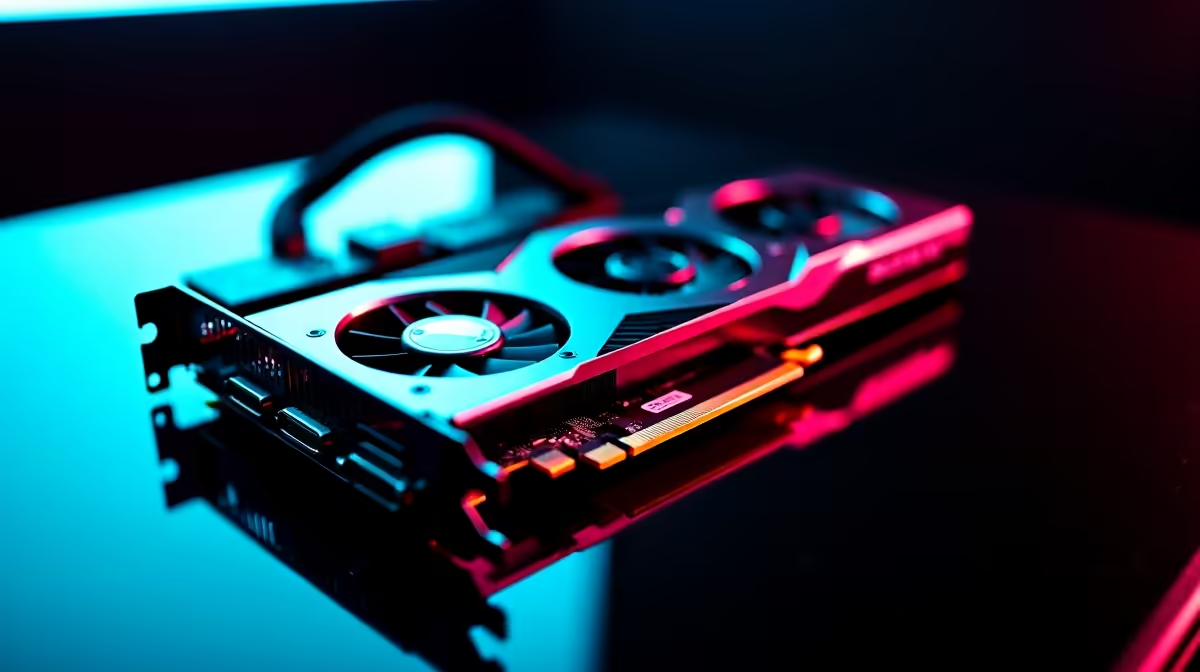
This is non-negotiable. Your GPU renders every single frame you see, making it the single most important component for gaming. For a solid 1080p experience, you should allocate the biggest chunk of your budget here. Look for cards with at least 6GB of VRAM. A good GPU turns a slideshow into a fluid, immersive world. This is where you'll find some of the best gaming PC deals, often bundled into well-balanced systems.
### 2. Central Processing Unit (CPU): The Brain of the Operation
While the GPU handles the visuals, the CPU manages everything else—from game logic and physics to running Discord in the background. You don't need a top-of-the-line beast. A modern 6-core processor from Intel (like a Core i5) or AMD (like a Ryzen 5) is the sweet spot for a budget build. It provides more than enough power for gaming without bottlenecking a solid mid-range GPU.
### 3. RAM: The Short-Term Memory
Think of RAM as your PC's workspace. For modern gaming, 16GB of DDR4 RAM is the gold standard. Anything less, and you'll feel it with stuttering and slow load times, especially in open-world games. It's a relatively affordable upgrade that makes a massive difference. Many fantastic gaming rigs under R20,000 come standard with this crucial 16GB configuration.
Smart Savings: Where You Can Be Thrifty 🔧
Now for the fun part: saving money. Not all budget gaming PC components need to be top-tier. By making smart choices here, you free up more cash for the performance trio above.
Start with the case. A fancy chassis with RGB everything looks cool, but a simple, well-ventilated case does the exact same job for a fraction of the price. The same goes for the CPU cooler; the stock cooler included with most CPUs is perfectly adequate unless you plan on heavy overclocking.
If your budget can stretch a little, exploring options above the R20k mark often provides better value in these secondary components, giving you more premium features for a small increase in price.
Check Your Wattage ⚡
Never, ever cheap out on your Power Supply Unit (PSU). A poor-quality PSU can fail and take other components with it. Look for a unit from a reputable brand with at least an 80+ Bronze efficiency rating. A 550W-650W unit is more than enough for most budget builds and provides a solid, reliable foundation for your entire system.
The Foundation: Storage and Motherboard
Your storage determines how fast your PC boots and games load. The rule is simple: get an NVMe Solid State Drive (SSD) for your operating system and favourite games. Even a smaller 500GB NVMe SSD will make your PC feel incredibly fast. You can always add a larger, cheaper hard disk drive (HDD) later for mass storage.
For the motherboard, you don't need all the bells and whistles. A solid B-series motherboard (like a B550 for AMD or B760 for Intel) provides all the essential features without the high price tag of its enthusiast-grade cousins. Just ensure it has the right socket for your CPU and enough RAM slots for future upgrades. ✨
Making these decisions can be daunting, which is why exploring awesome pre-built PC deals is a great alternative. The component balancing act has already been done for you by experts.
Ready to Build Your Budget Beast?
Deciding on the right budget gaming PC components is the first step to victory. Whether you're building from scratch or want a professionally assembled rig without the hassle, we've got you covered. Explore our range of powerful budget gaming PCs and find the perfect machine to dominate the lobby.