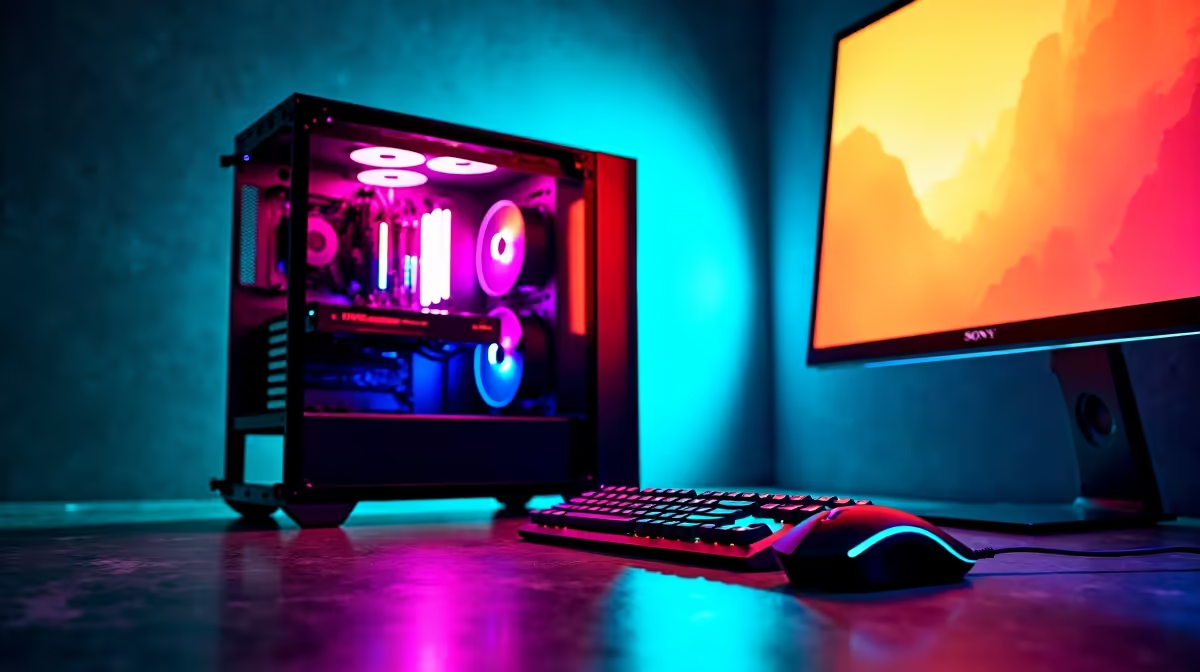
Dreaming of hitting high frame rates in your favourite titles without your wallet crying for mercy? You're in the right place. Crafting the perfect budget gaming PC setup in South Africa is a balancing act. It’s not about buying the cheapest parts… it’s about investing your hard-earned Rands where they deliver the most power. This guide will show you how to build a rig that offers optimal performance without needing to sell a kidney. 🚀
The Core of a Smart Budget Gaming PC Setup
Forget the idea that "budget" means "bad." A well-planned budget gaming PC setup is about strategic spending. The goal is to create a balanced system that smashes 1080p gaming and can even dip its toes into 1440p, giving you a smooth, immersive experience in games like Apex Legends, Warzone, and Baldur's Gate 3.
The secret is prioritising components. By allocating more of your budget to the graphics card and ensuring the other parts are capable supporters, you can build a machine that feels anything but cheap. It's about getting the most bang for your buck, a philosophy we live by when curating our range of budget gaming PCs.
Where to Spend vs. Where to Save 🔧
Building for optimal performance on a budget requires knowing where to open your wallet and where to keep it shut.
Spend Here: The Graphics Card (GPU)
The GPU is the heart of any gaming PC. It does the heavy lifting, rendering the beautiful worlds you explore. For a budget gaming PC, this is your number one priority. Aim for a card that excels at 1080p resolution on high settings. Modern entry-level cards from NVIDIA and AMD offer incredible value, often including features like DLSS or FSR to boost frame rates even further. This single component will have the biggest impact on your in-game experience.
Balance Here: CPU, RAM, and Motherboard
Your Central Processing Unit (CPU) is crucial, but you don't need a top-of-the-line model to avoid bottlenecks in a gaming-focused build. A modern quad-core or six-core processor is the sweet spot. Pair it with 16GB of DDR4 or DDR5 RAM, which is the current standard for smooth gaming. You can find this perfect balance in many excellent PCs under R20k, proving you don't need to spend a fortune.
Power Supply Pro Tip ⚡
Never, ever skimp on your Power Supply Unit (PSU)! A cheap, unreliable PSU can damage your entire system. Look for a unit from a reputable brand with at least an 80+ Bronze efficiency rating. It’s the single best piece of insurance for your new budget gaming PC setup.
Save Here: Case, Storage, and Cooling
You don't need a case with more RGB lights than a nightclub. A simple, well-designed case with good airflow will do the job perfectly. For storage, a fast 1TB NVMe SSD is a fantastic starting point for your operating system and favourite games. You can always add more storage later when your budget allows. By making smart choices here, you free up more cash for the components that directly influence your FPS. Keep an eye on the latest gaming PC deals to see how these components come together affordably.
Pre-Built vs. DIY: The Smart Choice for South Africans
Building a PC yourself can be a rewarding experience. However, sourcing individual parts in South Africa can sometimes be a hassle, with shipping costs and compatibility worries adding to the stress.
This is where pre-built systems shine. You get a professionally assembled and tested machine with a full system warranty. Plus, because retailers like Evetech buy components in bulk, the final price is often more competitive than sourcing everything yourself. For a hassle-free path to your ideal budget gaming PC setup, exploring our pre-built PC deals is a no-brainer. ✨
When Your Budget Has More Wiggle Room
What if you've saved up a bit more? Stepping up your budget opens the door to the next level of performance. An extra few thousand Rand can get you a more powerful GPU for high-refresh-rate 1440p gaming, a faster CPU that's great for streaming your gameplay, or a larger SSD so you never have to uninstall a game again. If that sounds like you, check out our range of powerful gaming PCs above R20,000 to see what's possible.
Ready to Find Your Perfect Match?
A powerful and affordable gaming rig is within your reach. With a smart approach, you can build a budget gaming PC setup that punches well above its weight class. Explore our incredible gaming PC deals and find the perfect machine to conquer your world.