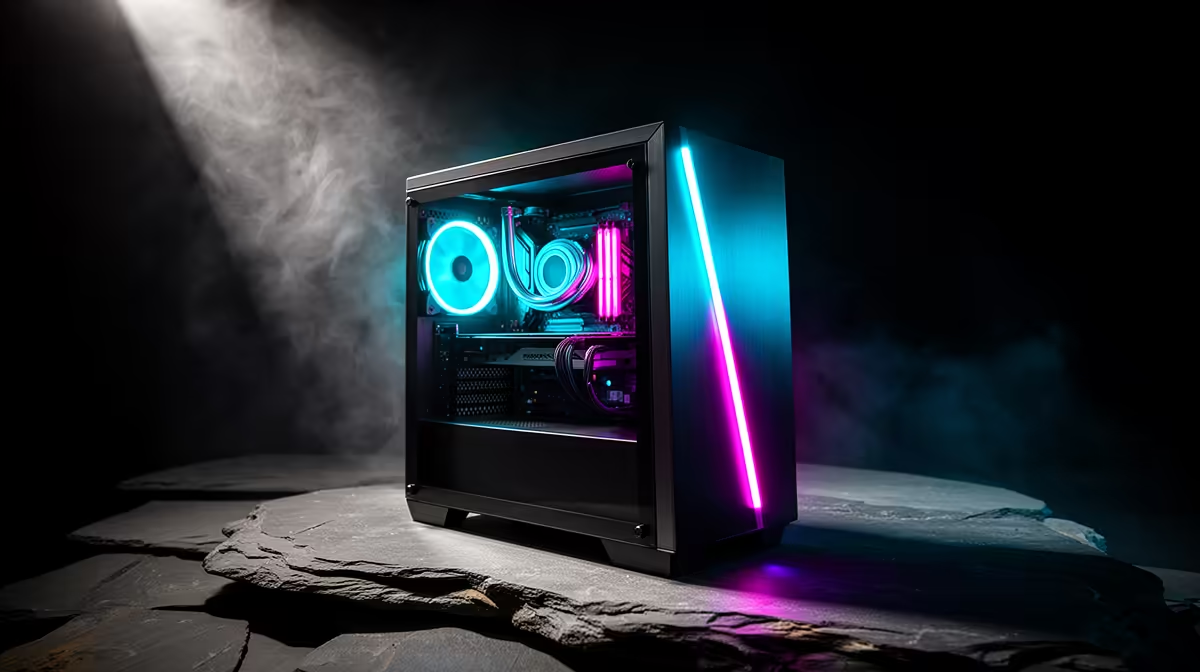
So, you’re dreaming of dropping into Verdansk or exploring the Night City streets, but your wallet is giving you the side-eye? We get it. Building or buying a budget gaming PC in South Africa can feel like a daunting quest. But here’s the good news: you don’t need to spend a fortune to get a fantastic gaming experience. This guide will show you how to build a powerful, rand-conscious rig without cutting the wrong corners. 🚀
Defining Your Budget Gaming PC in South Africa
First things first, what does "budget" actually mean in the local context? Forget the international prices you see on YouTube. For a solid budget gaming PC in South Africa, you're generally looking at a price range between R12,000 and R20,000.
The goal here isn't 4K ray-tracing at max settings. The mission is to achieve smooth, 60+ FPS gameplay at 1080p in most of today's popular titles. This is the sweet spot where you get amazing visual quality and responsive performance, perfect for everything from building blocky worlds on a capable Minecraft gaming PC to climbing the competitive ladder.
The Big Three: Nailing the CPU, GPU, and RAM Combo
Your PC's performance hinges on a few key components. Getting the balance right here is the secret to building a great affordable gaming PC.
The Graphics Card (GPU): Your Gaming Powerhouse
This is where the magic happens and where the biggest chunk of your budget should go. The GPU renders the beautiful worlds you play in. For a modern budget build, look towards options like NVIDIA's GeForce RTX 3050 or RTX 4060, or AMD's Radeon RX 6600. These cards offer incredible 1080p performance, ensuring even demanding titles are playable on a well-configured Cyberpunk 2077 gaming PC.
The Processor (CPU): The Brains of the Operation
While the GPU handles the visuals, the CPU manages everything else... from game logic to background tasks. You don't need a top-of-the-line processor for a great gaming experience. A modern Intel Core i3 or i5, or an AMD Ryzen 3 or 5, provides more than enough power. These CPUs are champs at handling the complex worlds of titles that you'd find on our GTA V gaming PCs without bottlenecking your GPU.
Component Compatibility Check 🔧
When picking parts, always double-check compatibility! Ensure your CPU fits your motherboard's socket (e.g., LGA 1700 for modern Intel, AM5 for modern AMD) and that your case has enough clearance for your GPU. Evetech's online PC builder tool automatically filters for compatible parts, taking the guesswork out of your build.
Memory (RAM): For Smooth Multitasking
In 2024, 16GB of DDR4 or DDR5 RAM is the new standard for a budget gaming PC. While 8GB might run some games, 16GB ensures a much smoother experience, especially when you have Discord or a web browser open in the background. It's an affordable upgrade that makes a huge difference.
Beyond the Core: Storage, Power, and Cooling
A great gaming PC is more than just its CPU and GPU. These supporting components are vital for a balanced and reliable system.
Storage: Speed is Everything
Say goodbye to long loading screens. A Solid State Drive (SSD) is non-negotiable for any modern gaming rig. An NVMe M.2 SSD is the top choice, offering lightning-fast boot times and game loads. A 1TB drive is the ideal starting point, giving you enough space for your operating system and several large games. This is especially crucial for massive titles often played on a Call of Duty: Warzone 2.0 gaming PC. ✨
Power Supply (PSU) & Case
Never skimp on your power supply! A cheap, unreliable PSU can put your entire system at risk. A 550W-650W unit with an 80+ Bronze rating from a reputable brand is a safe and smart investment. For the case, you can save some rands, but prioritise one with good airflow to keep your components cool and performing at their best. A well-cooled system is essential for maintaining high frame rates in fast-paced shooters available for our Fortnite gaming PCs and PUBG gaming PCs.
Pre-Built or DIY? Finding the Best Value for Your Rand
So, should you build it yourself or buy a pre-built machine?
- DIY: Gives you total control over every component. It can sometimes be slightly cheaper if you hunt for specials, but it requires research and time.
- Pre-Built: A professionally assembled PC from Evetech offers peace of mind. You get a full system warranty, expert cable management, and the assurance that all parts are compatible and tested. This is often the best value, especially for those new to PC building. A quality pre-built can handle anything from competitive shooters on an Overwatch 2 gaming PC to incredibly detailed simulations like those run on our Microsoft Flight Simulator gaming PCs.
Ultimately, the choice is yours. Both paths can lead to an incredible and affordable gaming PC that will serve you well for years to come.
Ready to Build Your Dream Rig?
Building a budget gaming PC in South Africa doesn't have to be a headache. Whether you're a DIY pro or want an expertly assembled machine with a full warranty, we've got you covered. Explore our massive range of customisable gaming PCs and find the perfect rig to dominate your favourite games.