


Clean Gaming Keyboard: Guide for Dusty & Humid Conditions
Clean gaming keyboard quickly and safely in dusty or humid conditions with step-by-step tips, tool checklist, and maintenance routines to prevent corrosion and switch failure. 🧼💨
Read more- Budget gaming PC South Africa: prioritise CPU/GPU first - Balance RAM, storage and PSU - Shop local deals and used parts 🇿🇦🎮 Build a cost-smart rig with component priorities and price tips.
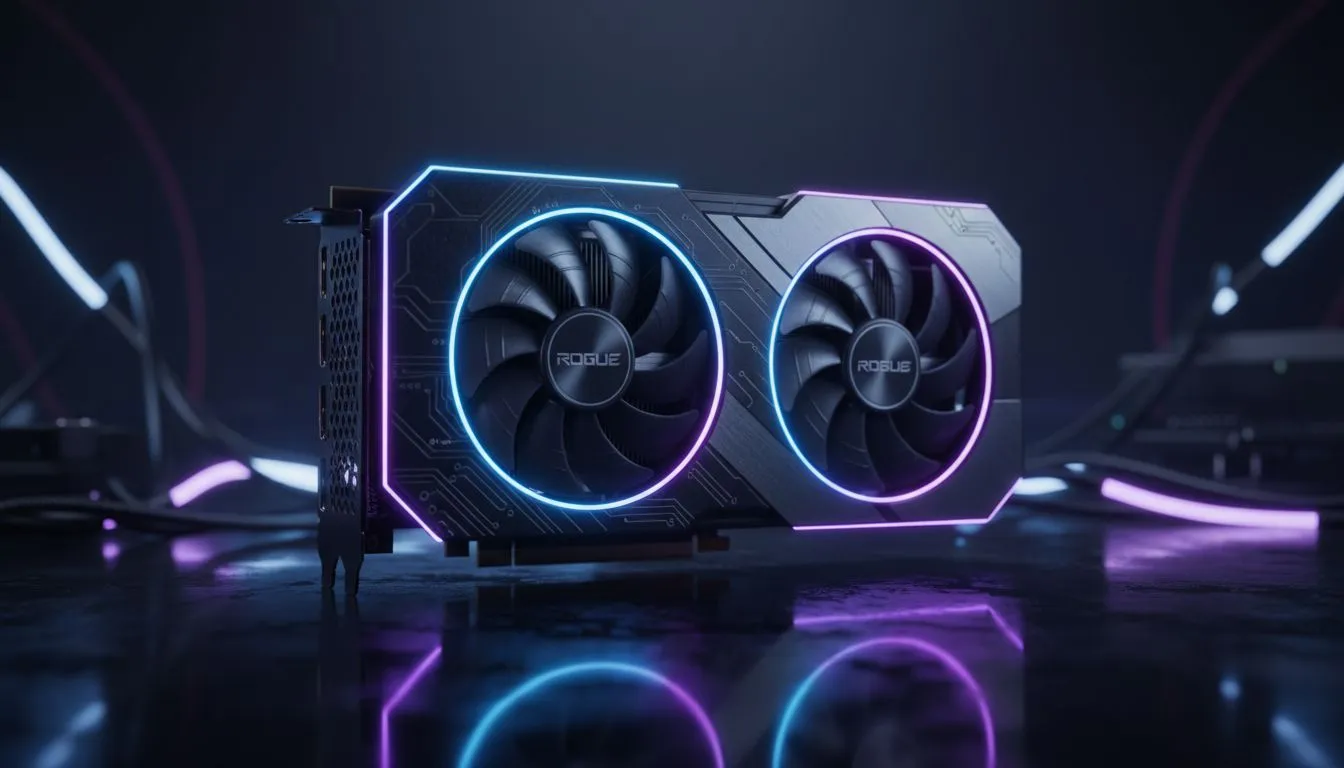
Dreaming of a beastly rig but your wallet is screaming? Building a budget gaming PC in South Africa feels like a boss battle against high prices. But you can win. The secret isn't a magic deal… it's knowing where to spend your hard-earned Rands for maximum FPS. Prioritising your components is key. This guide will show you exactly where to invest your cash—and where you can save—to build a rig that punches way above its price tag. 🚀
When crafting a budget gaming PC in South Africa, there's one non-negotiable rule: allocate the biggest slice of your budget to the graphics card (GPU). It's the single most important component for gaming performance. Think of it as the engine of your rig; a powerful GPU will render beautiful, smooth frames, while a weak one will leave you staring at a slideshow.
Don't be tempted to pair a high-end CPU with a low-end GPU. For a gaming-focused build, a mid-range CPU paired with a stronger GPU will always deliver a better experience. Your goal is to find the best graphics card your budget allows, and then build the rest of the system around it.
With your GPU chosen, the next step is the CPU and motherboard. You don't need the latest and greatest processor for a fantastic budget build. The goal here is balance. You need a CPU that's powerful enough to feed your GPU without "bottlenecking" it—meaning the CPU shouldn't be so slow that it holds back your graphics card's performance.
Look for value-oriented CPUs from AMD's Ryzen 5 or Intel's Core i5 series. These often provide the best price-to-performance ratio for gaming. Pair it with a compatible B-series (for AMD) or H/B-series (for Intel) motherboard. You can save money by skipping features like built-in Wi-Fi (if you use an Ethernet cable) or excessive RGB lighting.
Random Access Memory (RAM) is crucial for smooth multitasking and gaming. For a modern budget gaming PC in South Africa, 16GB is the new standard. While some extremely tight builds might still use older DDR3 modules, it's a platform we'd only recommend if you're upgrading a much older PC.
For new builds, the value king is undoubtedly affordable DDR4 memory. It offers excellent performance for its price and is compatible with a huge range of budget-friendly motherboards and CPUs. While cutting-edge DDR5 memory is the future, the cost of both the RAM and the required motherboards can often push it just outside a strict budget build. If your chosen platform does support it, reliable brands like Kingston and ADATA provide solid entry points into the next generation of performance.
Never, ever cheap out on your Power Supply Unit (PSU). A poor-quality PSU can be inefficient, unreliable, and even damage your other components. You don't need a 1000W monster for a budget build. Use an online PSU calculator to estimate your needs, then buy a unit with a good efficiency rating (like 80+ Bronze) from a reputable brand. It's the best insurance policy for your PC.
Your storage drive affects loading times, not frame rates. But waiting ages for a game to load is no fun. The solution? A Solid State Drive (SSD). Even a modest 500GB NVMe SSD as your boot drive for your operating system and favourite games will make your entire PC feel incredibly fast and responsive. You can always add a larger, cheaper hard drive later for mass storage.
As our tip box mentions, a reliable PSU is critical. An unstable power supply can cause crashes and hardware failure. This isn't a place to cut corners to save a few hundred Rand. Invest in a quality unit that provides enough wattage for your components with a little headroom for future upgrades.
This is where you can safely save the most money. A R3,000 case with tempered glass and RGB fans won't give you more FPS than a R700 case with good airflow. Find a simple, well-ventilated case that fits your components. Likewise, the stock cooler included with most budget-friendly CPUs is perfectly adequate for running at standard speeds. You can skip the fancy aftermarket cooler and put that money towards a better GPU. ✨
Ready to Build Your Champion? Building a budget gaming PC in South Africa is a puzzle, but a rewarding one. By prioritising components smartly, you build a machine that delivers incredible value for every Rand spent. Explore our wide range of PC components and start building the rig you deserve today.
Prioritise GPU for 1080p gaming or CPU for CPU-bound titles, then RAM, storage and a reliable PSU. Local price checks save money.
Aim to spend about 35–45% on GPU and 20–30% on CPU for best FPS per rand. Adjust by game type and local prices.
Yes. Buying a used GPU or CPU can cut costs but check warranty, condition and local part prices before committing.
Choose 16GB DDR4/DDR5 for smooth gaming and a 500GB+ NVMe SSD for OS and main games. This balances speed and cost.
Check local retailers, Evetech, online marketplaces and verified secondhand sellers. Compare prices and shipping to save.
Yes. Invest in a quality PSU (80 Plus Bronze or better) and adequate cooling to protect components and avoid future costs.
For 1080p favour stronger GPU value picks; for 1440p allocate more budget to the GPU and consider a stronger CPU to avoid bottlenecks.
Clean gaming keyboard quickly and safely in dusty or humid conditions with step-by-step tips, tool checklist, and maintenance routines to prevent corrosion and switch failure. 🧼💨
Read more
Best gaming keyboard features to prioritize when building a high-end setup: mechanical switches, low latency, hot-swap, RGB, macros, durability and ergonomics 🎮⌨️
Read more
Custom actuation point keyboard setup guide: learn to set per-key actuation on your analog gaming keyboard for faster, precise inputs and better control 🎮⚙️
Read more
Cable management for home entertainment helps you eliminate cable clutter quickly and safely. Learn routing, concealment, and product picks to tidy your setup fast 📺🔌
Read more
conference room setup Microsoft Teams Zoom: Upgrade AV, camera, mic, and network to ensure seamless meetings, clear audio, and crisp video 🎯🔧
Read more
• Audit setup • Link accounts • Configure ViewBoard • Test workflows Integrate Google Workspace with ViewSonic ViewBoard to enable secure SSO, calendar and Drive sync, and smooth collaborative whiteboarding 🔗📋
Read more
Discover webcams that automatically adjust light and color for crystal-clear video calls 🎥✨. Boost your streaming quality today!

Discover webcams that blend into your workflow 🎯 Capture moments while you work, stream, or create. Upgrade your setup with smart, multitasking tech!

Dedicated media keys give streamers one-touch control to mute, switch scenes, clip highlights, and adjust audio — cutting task time and boosting consistency 🎛️⚡

PBT vs ABS keycaps: Clear, local guide for South African gamers—compare feel, sound, durability and where to buy. Find the best material for your budget and playstyle 🎮🇿🇦

- Multi-Function Digital Dial: define benefits - Show gamer setups and macros - Offer buying and setup tips Multi-Function Digital Dial puts programmable control at your fingertips for faster actions and smoother streaming. 🎮⚙️

- Explain benefits; - Show the science; - Compare options; - Recommend picks. Magnetic wrist rest for gaming cuts wrist strain and boosts comfort during long sessions 🕹️✨